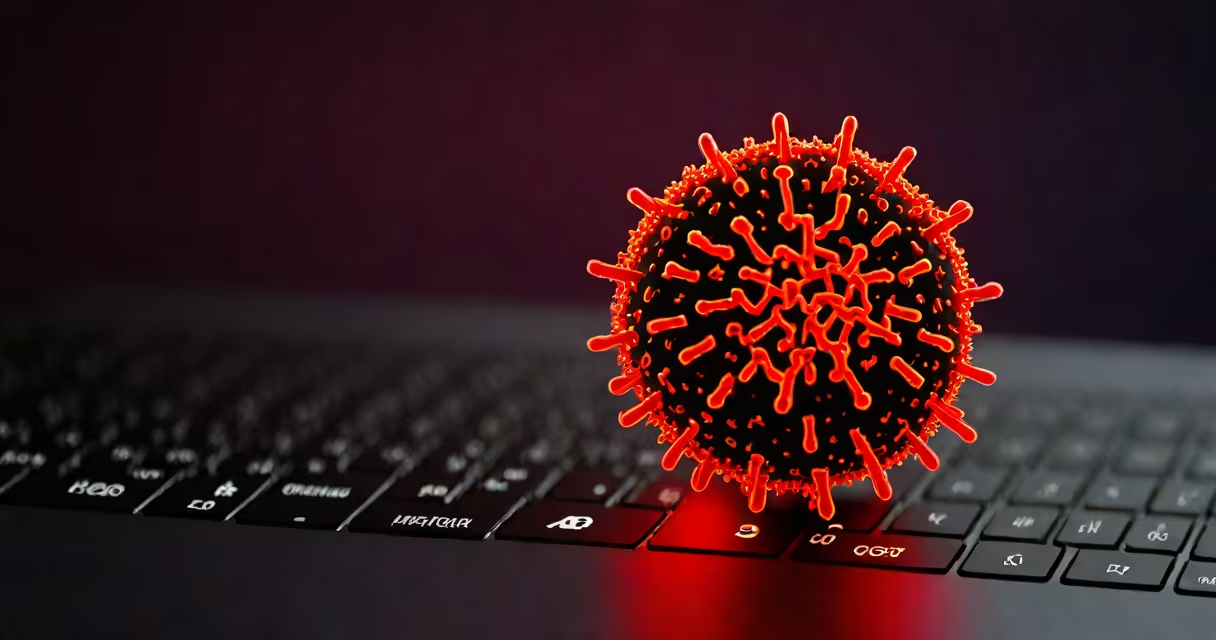
A computer virus is a type of malicious software designed to replicate itself by inserting copies into other programs, data files, or the boot sector of a hard drive without the user's consent. It relies on human action-such as opening an email attachment or downloading a file-to spread and execute.
Unlike biological viruses, which infect living cells, computer viruses exploit software vulnerabilities and operating system behaviors. They often remain dormant until triggered by specific conditions-like a date, time, or user action-before executing their payload, which may include data destruction, performance degradation, or unauthorized access.
The term "virus" was coined in 1983 by Fred Cohen, a researcher who studied self-replicating programs. His work demonstrated that programs could alter other programs in ways that mimicked biological contagion. Today, the definition remains anchored in replication and stealth, though modern variants have evolved beyond basic self-copying behavior.
When a computer virus activates, it typically follows a sequence: infection, propagation, execution, and impact. The infection phase begins when the user runs a program containing the virus-often disguised as legitimate software. Once executed, the virus gains control of the system's processes.
It then seeks out host files-such as .exe or .dll files-and modifies them by injecting its own code. This allows the virus to run every time the host file is opened. Some viruses even hide in system memory or modify boot sectors so they load before the operating system, making detection harder.
For example, the CIH virus (also known as Chernobyl), active in 1998, infected Windows 95/98 systems through executable files. When triggered on specific dates, it erased data and corrupted BIOS firmware, rendering computers unbootable. It spread via shared floppy disks and network drives, demonstrating how physical media and local networks enabled early virus transmission.
Computer viruses vary in method and purpose. The following table outlines major categories based on behavior and infection mechanism:
| Type | How It Spreads | Example | Impact |
|---|---|---|---|
| File infector | Attaches to executable files (.exe) | Chernobyl (CIH) | Overwrites data, corrupts BIOS |
| Boot sector virus | Resides in master boot record (MBR) | Stoned virus (1987) | Prevents system startup |
| Polymorphic virus | Changes code signature with each replication | Virut (2006) | Evades signature-based detection |
| Stealth virus | Hides from antivirus tools using hooks or encryption | Brain virus (1986) | Remains undetected during scans |
Modern threats often blend traits from multiple types. For instance, ransomware like WannaCry used worm-like propagation (spreading automatically across networks) combined with encryption payloads. While technically a worm, it shares behavioral patterns with viruses-self-replication and stealth-blurring traditional lines.
Many people confuse computer viruses with other forms of malware. A virus specifically requires a host file to replicate. Other malware types don't need a host: worms spread independently, trojans disguise themselves as useful software, and spyware monitors activity without altering files.
Another misunderstanding is that viruses always cause immediate damage. In reality, many viruses lie dormant for days or weeks. The Melissa virus, released in 1999, waited until the user opened an infected Word document before sending itself to contacts in the Outlook address book. It caused massive email traffic spikes and overwhelmed servers worldwide.
Not all self-replicating programs are viruses. Some are benign or intentionally created for testing. The "Christmas Tree" virus, a harmless prank from the 1980s, displayed flashing lights on screens during December. It replicated but did no harm-proving that replication alone doesn't define malice.
In May 2000, the ILOVEYOU worm infected over 50 million computers globally. It arrived as an email titled "ILOVEYOU," with an attached.vbs file. When opened, the script copied itself to the Windows directory and sent copies to everyone in the user's Outlook contact list.
It altered file extensions-changing .jpg and .mp3 files to .vbs-rendering them unusable. The estimated cost of cleanup and lost productivity exceeded $10 billion. This incident showed how social engineering (using emotional language) could bypass technical defenses and exploit human trust.
I've personally witnessed the aftermath of such infections while supporting small business clients. One client reported their entire accounting database disappeared after opening a file labeled "Final Payroll." Scanning revealed a polymorphic virus that had evaded detection for 72 hours due to frequent signature changes.
Viruses are primarily created for financial gain, espionage, or disruption. Cybercriminals use them to steal login credentials, encrypt files for ransom, or install backdoors for remote access. Nation-state actors have deployed viruses like Stuxnet to sabotage industrial systems-specifically targeting Iran's nuclear enrichment facilities in 2010.
Stuxnet was unique: it exploited four zero-day vulnerabilities, spread via USB drives, and targeted Siemens PLCs controlling centrifuges. It didn't just copy itself-it altered physical machinery. This marked a shift from digital-only damage to real-world infrastructure compromise.
Despite advances in antivirus software, new viruses emerge daily. According to the 2023 Verizon Data Breach Investigations Report, 22% of breaches involved malware, with viruses still playing a role in initial access vectors. Detection rates remain below 60% for novel strains, emphasizing the need for layered security.
Similarly, not all malware is a virus. Many threats use different mechanisms. For instance, a rootkit hides deep within the OS to maintain persistent access. A keylogger records keystrokes silently. These are distinct from viruses in both function and detection method.
If you suspect your device is infected, check for unusual behavior-slow performance, unexpected pop-ups, or unknown programs running. Tools like Windows Defender or third-party scanners can detect known signatures. But proactive defense includes disabling autorun, avoiding suspicious downloads, and keeping systems updated.
To assess whether your system has a virus, review this checklist. Understanding the definition of computer virus helps you recognize threats early and respond effectively.
Knowing the definition of computer virus enables better protection. It's not just about avoiding infection-it's about understanding how malicious code exploits trust, timing, and system design to succeed.