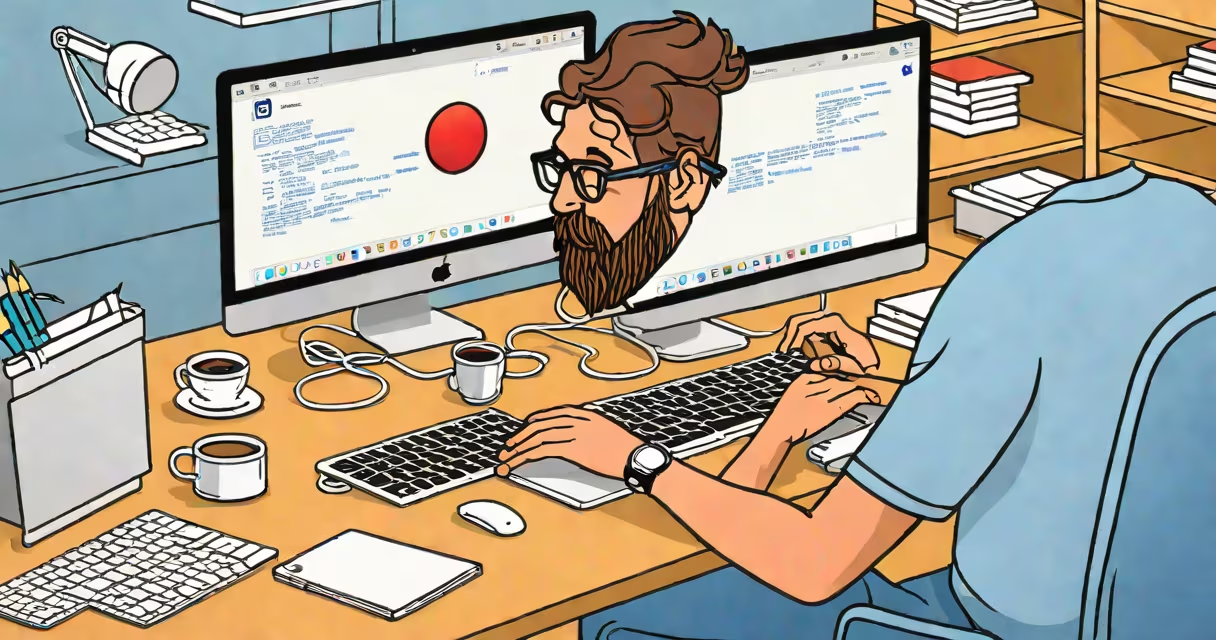
A course in iOS development teaches how to design, code, test, and publish applications for Apple's mobile platforms using Swift, Xcode, and Apple's official frameworks. These courses cover everything from setting up your development environment to submitting apps through the App Store review process.
Apple requires all apps distributed via the App Store to be built with Xcode and compiled using Swift or Objective-C. A structured course in iOS development provides hands-on experience with the tools and workflows used by professional developers at companies like Airbnb, Spotify, and Netflix.
According to Apple's Developer Documentation, over 2.2 million apps were available on the App Store in 2023, with the majority built using Swift and Xcode. This underscores the demand for developers trained in iOS-specific workflows and best practices.
Each course begins with installing Xcode-the official integrated development environment (IDE) for macOS. Xcode includes compilers, debuggers, simulators, and interface builders. You'll create a new project, select a template such as "App" with SwiftUI or UIKit, and begin coding.
Swift, Apple's modern programming language, is central to iOS development. It enforces safety through optional types, pattern matching, and memory management. For example, declaring a variable as `var name: String?` forces you to handle cases where the value might be missing, reducing crashes.
Every course walks through building a functional app step-by-step. You start with a basic interface-a label showing "Hello, World!"-then add buttons, text fields, and navigation. As you progress, you integrate features like location services, camera access, and cloud storage via iCloud.
Course offerings vary by depth and focus. Most fall into three categories: beginner bootcamps, intermediate project-based programs, and advanced certification tracks.
| Type | Duration | Focus | Outcome |
|---|---|---|---|
| Beginner Bootcamp | 4-6 weeks | Swift syntax, Xcode basics, simple UIs | Build a weather app or to-do list |
| Intermediate Project Track | 12-16 weeks | Networking, Core Data, push notifications | Develop a social media feed or fitness tracker |
| Advanced Certification | 6 months+ | ARKit, HealthKit, App Store submission, monetization | Submit a polished app to the App Store |
Many reputable institutions offer these courses. Stanford's CS193P, taught by Paul Hegarty, covers SwiftUI and modern iOS patterns. The course is free on YouTube and has over 1.4 million views. Apple's own "Swift Playgrounds" app introduces beginners to Swift through interactive puzzles and visual feedback.
One non-obvious fact: many courses teach SwiftUI first, even though UIKit remains widely used in legacy apps. SwiftUI is declarative-your code describes what the UI should look like, not how to build it. This reduces boilerplate and improves consistency across devices.
Some learners assume iOS development requires a physical iPhone to test apps. While testing on real hardware is ideal, Xcode includes emulators for every supported device model-from iPhone 11 to iPad Pro. These simulate touch input, GPS, and accelerometer behavior.
Another misconception is that you need a Mac to develop iOS apps. While Apple mandates macOS for Xcode, some remote development environments allow access to macOS instances via cloud providers. However, Apple's licensing agreement restricts running Xcode on non-Apple hardware, even through virtual machines.
Some courses claim to teach "iOS development" but only cover web technologies like React Native or Flutter. These are cross-platform tools that compile to native code but aren't part of Apple's official SDK. True course iOS development uses Apple's frameworks and adheres to App Store guidelines.
Let's walk through a basic implementation from a typical course. You want to display current temperature and conditions for a city.
struct WeatherView that displays a Text("Current Temp: 72°F").URLSession API to fetch data from a public weather service like OpenWeatherMap.Decodable protocol.This single feature demonstrates multiple concepts: asynchronous networking, data modeling, state management, and UI binding-all standard topics in a course in iOS development.
I built my first iOS app during a 12-week online course. I created a habit tracker using Core Data and local notifications. After publishing it to TestFlight, I shared it with friends who reported bugs. Fixing those issues taught me more about debugging and user feedback than any lecture did.
Companies use course iOS development to train internal teams. For example, Walmart's mobile team uses Swift and SwiftUI to maintain their shopping app. They require all new hires to complete a certified training program before writing production code.
Independent developers use these courses to launch apps independently. According to the App Store Connect dashboard, over 1.3 million unique developer accounts have submitted apps since 2010. Many of them began with a formal course.
Universities also integrate iOS development into computer science curricula. MIT's 6.S081 course includes a module on iOS app security, covering sandboxing, entitlements, and code signing-topics often omitted in beginner tutorials.
True course iOS development doesn't cover third-party libraries unless they're officially supported. For example, Alamofire is popular for HTTP requests, but Apple recommends using URLSession for most tasks. Using external tools without understanding the underlying system can lead to performance issues or crashes.
Courses don't teach how to market or monetize apps. That's a separate discipline involving analytics, pricing models, and ASO (App Store Optimization). A course in iOS development focuses on technical execution, not business strategy.
Finally, some courses promise "build an app in one day." These are misleading. Even a simple app takes days to test across devices, fix layout issues, and prepare for submission. Apple's review process averages 24 hours for minor updates but can take up to 7 days for new apps.
A course in iOS development equips you with the skills to create functional, secure, and user-friendly applications for Apple's system. It combines programming fundamentals, platform-specific APIs, and real-world deployment procedures.
Preparing for a career in mobile development, structured training ensures you master the tools and workflows used by professionals. Start with a foundational course, then specialize in areas like AR, health data, or machine learning integration.