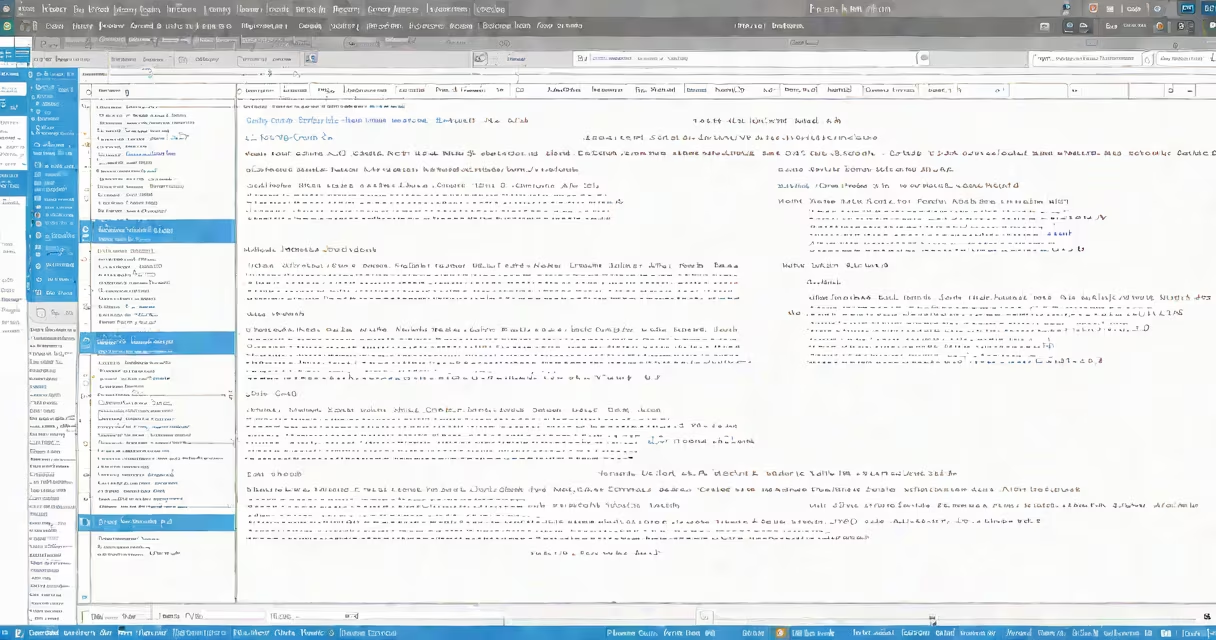
A csharp editor online is a web-based development environment that allows users to write, compile, and run C# code directly in a browser. These tools require no software installation and support immediate execution of code snippets.
C# is a statically-typed, object-oriented language developed by Microsoft for building Windows applications, games, and web services. Traditionally, C# developers used Visual Studio or Visual Studio Code on local machines. But a csharp editor online removes that barrier by enabling access from any device with internet connectivity.
These editors typically include syntax highlighting, auto-completion, error detection, and a live output console. They're ideal for learning, testing small functions, debugging logic, or sharing code samples with others.
When you enter C# code into a csharp editor online, the platform sends your input to a server-side compiler. The compiler translates your code into intermediate language (IL), then executes it in a sandboxed runtime environment. Results appear in a designated output panel within seconds.
For example, typing Console.WriteLine("Hello, World!"); and clicking "Run" produces the output Hello, World! instantly. This process happens entirely in the cloud-your device only handles rendering the interface.
Security is maintained through isolated execution environments. Most platforms prevent file system access, network calls, or long-running processes to avoid abuse. Some even limit execution time to 10 seconds per run.
Not all csharp editors online are the same. They differ in performance, supported .NET versions, and additional tools. Here's a breakdown:
| Feature | Basic Editor | Advanced Editor | Integrated IDE |
|---|---|---|---|
| Language Support | C# 9, .NET 6 | C# 11, .NET 8, F#, VB.NET | C# 12, .NET 9, multiple frameworks |
| Code Execution | Single script run | Multiple files, async support | Full project structure, debugging |
| External Libraries | None | Some (e.g., Newtonsoft.Json) | Full NuGet package manager |
| Sharing & Collaboration | Link sharing only | Real-time collaboration | Version control integration |
Basic editors are suitable for quick tests or teaching. Advanced ones allow complex algorithms, API calls, and integration with external services. Integrated IDEs resemble desktop environments but run in the browser.
One non-obvious fact: many free csharp editor online tools do not support asynchronous programming with async/await unless explicitly enabled. This limitation often surprises beginners who expect full language parity.
Developers use a csharp editor online for rapid prototyping, education, and troubleshooting. Students learn C# fundamentals without setting up a dev environment. Teachers assign coding exercises via shared links. Engineers validate logic before committing to version control.
For example, a developer preparing for a technical interview might use a csharp editor online to solve a LeetCode-style problem involving range manipulation. They write a function to reverse a list, test edge cases like empty arrays, and verify output-all in under five minutes.
Teams also use these tools during pair programming sessions. A team lead can share a link to a csharp editor online, walk through a solution, and make live edits while others observe. This reduces setup friction compared to coordinating local environments.
According to Microsoft's official documentation, .NET 8 supports running C# code in containerized environments using Docker. Many csharp editor online platforms now integrate with Docker to simulate deployment scenarios-a feature rarely available in older tools.
Users often mistake a csharp editor online for a full IDE. While both offer code editing, only full IDEs provide features like refactoring tools, integrated debugging, and project management. A csharp editor online is not designed for large-scale application development.
Another common error: assuming all online compilers support the latest C# language features. For instance, C# 12 introduced pattern matching enhancements and record structs. Not all platforms have updated their underlying .NET runtime to support them.
I once tried to use a popular csharp editor online to test a method that used record types. The compiler returned a syntax error. After checking the platform's documentation, I discovered it was still running on .NET 6. Switching to a newer service resolved the issue.
Also, some platforms restrict input size. One tool rejected a 500-line algorithm due to memory limits. Always check the platform's specs before relying on it for complex tasks.
While similar in concept, a csharp editor online differs from other web-based editors in purpose and capability.
Each tool serves a distinct domain. Using the wrong one leads to wasted time and incorrect results.
Start with a minimal example. Test one feature at a time. Avoid relying on file I/O operations-most platforms don't allow reading or writing to disk.
Always save your work externally. Sessions expire after inactivity. Use copy-paste to preserve code. Consider exporting to a GitHub Gist or a local file for backup.
Use trusted platforms. Reputable sites like dotnetfiddle.net and Replit are regularly audited and maintain security standards. Avoid unknown domains that request excessive permissions.
Finally, treat online editors as a supplement-not a replacement-for local development. They're excellent for learning and validation, but real projects need proper build systems, dependency management, and version control.
With the right tool, a csharp editor online enables immediate feedback and faster iteration. professional, it's a practical way to engage with C# without installing software.