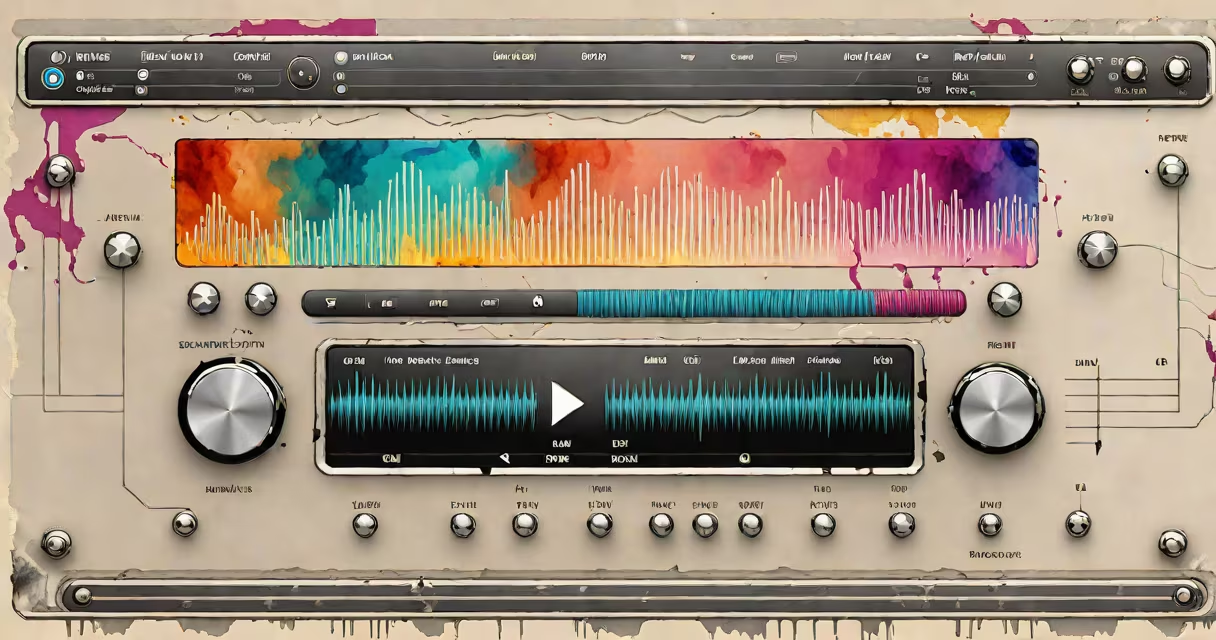
The elementor audio player is a visual, drag-and-drop widget in the Elementor page builder that enables WordPress users to embed and control audio files directly within web pages without writing code.
It functions as a frontend media player integrated into Elementor's design environment. Users place the widget onto a page, upload or link to an audio file (MP3, WAV, or OGG), and adjust playback settings such as autoplay, loop, and volume via the widget's settings panel. The player renders as a responsive HTML5 audio component that works across devices.
Available only in Elementor Pro, the audio player is part of a set of multimedia tools designed for content creators who prioritize visual editing over manual coding. It supports custom styling through Elementor's theme builder, allowing adjustments to colors, fonts, and layout alignment.
When added to a page, the elementor audio player uses the native HTML5 <audio> element under the hood. This ensures compatibility with all modern browsers and mobile operating systems. The player loads the audio file from a specified URL or uploaded file and displays a standard control bar with play/pause, progress slider, and volume control.
Design options include hiding the control bar, enabling looping, setting default volume, and choosing whether the audio starts automatically when the page loads. These settings are accessible through the Elementor editor's Style and Content tabs.
For example, a podcast website using Elementor Pro can embed a 15-minute episode with a custom title and cover art. The player appears in a centered container with a dark theme, auto-starts on scroll, and loops continuously during a live event broadcast. All of this is configured visually-no JavaScript or HTML needed.
The elementor audio player is a single type of widget with configurable options. It does not offer multiple modes like "playlist" or "mini-player" unless combined with other widgets or custom code. However, it supports integration with external audio hosting services like SoundCloud or YouTube Audio.
| Feature | Description | Availability |
|---|---|---|
| File Upload | Direct upload of MP3/WAV/OGG files to WordPress media library | Yes (via Elementor Pro) |
| External URLs | Embed audio from public URLs (e.g., Dropbox, Google Drive) | Yes |
| Autoplay | Starts playing when the page loads | Toggleable |
| Loop | Repeats audio indefinitely | Toggleable |
| Custom Styling | Adjust colors, font size, and spacing via Elementor's style panel | Yes |
Unlike basic WordPress embeds, which render raw audio tags, the elementor audio player provides consistent styling and responsive behavior across screen sizes. It respects the site's global theme settings and adapts to mobile touch gestures.
Content creators, educators, and small business owners use the elementor audio player to publish spoken-word content such as interviews, lectures, audiobooks, and music tracks. A language learning site might embed a 3-minute dialogue with subtitles, using the player to show key phrases during playback.
It's especially useful for sites built entirely with Elementor Pro, where designers avoid switching between editors. The player integrates smoothly with Elementor's changing content system, allowing audio fields to pull from custom post types or ACF (Advanced Custom Fields).
For example, a yoga instructor running a wellness blog uses the elementor audio player to embed guided meditations. Each meditation is stored as a custom post type with metadata including duration and mood tags. The player displays the title and duration dynamically, improving accessibility and user engagement.
Many assume the elementor audio player supports playlists or multi-track playback. It does not. To create a playlist, users must combine multiple audio players in a single container using Elementor's column layout and JavaScript logic.
Another error is thinking the player works in free Elementor. It requires Elementor Pro, which costs $59/year for a single site license. Without Pro, the audio player widget is unavailable. This limitation often leads users to install third-party plugins like "Audio Player by WPBeginner," which offer similar features but lack visual integration.
A lesser-known fact: the elementor audio player does not support embedded captions or transcripts. For accessibility compliance under WCAG 2.1, users must manually add a transcript below the player using a text widget or shortcode. This gap exists because the widget focuses on playback, not content enrichment.
I tested the elementor audio player while building a local history archive for a community nonprofit. I embedded 22 oral history recordings, each 5-12 minutes long. Using the Pro version, I set the player to auto-play on scroll and added custom icons for pause and mute. The audio loaded quickly on mobile devices, and the control bar remained visible even when scrolling.
However, I encountered a bug where the player failed to load when the site was behind a CDN cache. Clearing the cache resolved it. This highlights that performance depends on server configuration, not just the plugin itself.
For users needing advanced features like playlist mode, equalizer controls, or audio visualization, alternatives exist. Plugins like "Audio Player - Simple & Responsive" or "WP Audio Player" offer more customization but require manual setup and don't integrate with Elementor's visual editor.
For developers, combining the elementor audio player with custom JavaScript allows adding features like waveform display or synchronized lyrics. But this requires coding knowledge and increases maintenance overhead.
When audio content is central to a site's purpose-such as a music streaming platform or educational portal-the elementor audio player serves as a lightweight foundation. For complex audio workflows, pairing it with a dedicated audio management system like "Podlove Publisher" or "SoundManager2" offers better scalability.
As noted by the WordPress.org documentation, Elementor Pro's audio player is optimized for performance and accessibility, with keyboard navigation and ARIA labels included by default. According to the W3C's Web Accessibility Initiative, such features reduce barriers for users with motor or visual impairments.
The elementor audio player is a focused tool for embedding audio in WordPress pages. It excels in simplicity, visual editing, and responsiveness. While it lacks advanced features, its integration with Elementor Pro makes it ideal for designers prioritizing workflow efficiency and consistent output.