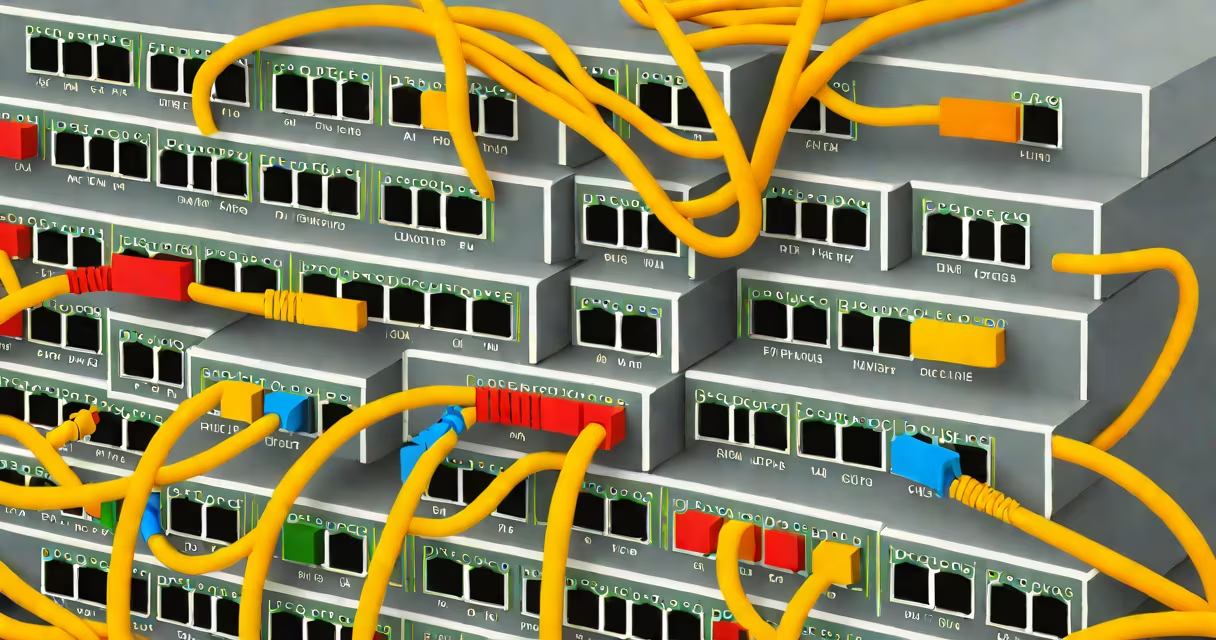
A network switch splitter is a hardware device that divides a single Ethernet port into two or more separate connections, allowing multiple devices to share one network interface. It functions as a basic form of port expansion, typically used in environments where additional ports are needed without adding a new switch.
These splitters operate at the physical layer (Layer 1) of the OSI model, meaning they do not process data frames or manage traffic. They simply split the electrical signal from one port into multiple outputs. This limits their functionality compared to full network switches, which handle data routing and collision avoidance.
For example, a standard 10/100 Mbps network switch splitter can take one incoming Ethernet connection and split it into two independent 10/100 Mbps links. The device connected to each output must negotiate speed and duplex settings separately, which can lead to performance issues if both devices try to transmit simultaneously.
Network switch splitters rely on passive wiring to divide the four twisted pairs in an Ethernet cable. Most standard Cat5e or Cat6 cables contain eight wires arranged in four pairs. A splitter uses a junction box or inline adapter to reroute these pairs so that each output receives a complete set of signals.
When a splitter is inserted between a router and a device, it splits the signal so that two devices can connect through the same cable run. However, because the splitter does not buffer or prioritize traffic, both devices share the same bandwidth and cannot communicate simultaneously without collisions.
For instance, if a computer and a smart TV are connected via a splitter on a 100 Mbps link, both devices are limited to 100 Mbps total throughput. If both stream video at once, performance degrades due to contention. This makes splitters unsuitable for high-demand applications like VoIP, online gaming, or 4K streaming.
There are two primary types of network switch splitters: passive and active.
| Type | Functionality | Use Case | Limitations |
|---|---|---|---|
| Passive | Splits signal without power or processing | Connecting two low-bandwidth devices to one port | Shared bandwidth, no traffic management, prone to collisions |
| Active | Uses power to regenerate signals and isolate ports | Extending reach or supporting mixed-speed devices | More expensive, requires external power, still limited to Layer 1 |
Passive splitters are common in home setups where users want to connect a printer and a laptop to a single port. Active models are used in small offices or industrial settings where signal degradation over long cable runs is a concern.
They are often deployed in temporary installations, such as trade shows or event venues, where quick access to network ports is needed. Some IT teams use them during troubleshooting to test connectivity on multiple devices without moving cables.
Many assume a network switch splitter is equivalent to a multi-port switch. It is not. A switch operates at Layer 2, managing MAC addresses and forwarding packets efficiently. A splitter merely duplicates the physical signal.
Another misconception is that splitters support full-duplex communication. They do not. Both devices on a splitter share the same channel, leading to collisions when both send data at once. This results in dropped packets and slower effective speeds.
For example, connecting a desktop and a security camera via a passive splitter may cause intermittent video loss. The camera's constant data stream interferes with the desktop's occasional uploads, even though both are rated for 100 Mbps.
Using a splitter with gigabit Ethernet (1 Gbps) is unreliable. Gigabit networks require all four pairs in a Cat6 cable to function properly. A splitter that splits only two pairs results in reduced speed or failure to negotiate link speed.
Use a network switch splitter only when simplicity and cost are priorities, and performance demands are low. For example, setting up a guest Wi-Fi network with a single port available, and needing to connect a laptop and a tablet, a passive splitter may suffice.
However, for consistent performance, reliability, and scalability, a dedicated network switch is always better. A 5-port 10/100 Mbps switch costs under $20 and provides independent bandwidth per port, full duplex operation, and auto-negotiation.
I once used a passive splitter to connect a Raspberry Pi and a webcam to a single port during a live demo. The Pi handled basic monitoring, but when the webcam streamed at 720p, the feed dropped. Replacing the splitter with a small managed switch restored stable performance.
Always verify that your splitter supports the required speed and cable category. A Cat5e splitter won't deliver 1 Gbps speeds. Check the label or documentation for supported standards (e.g., 10BASE-T, 100BASE-TX).
If you're expanding a network, consider using a switch with VLAN support or PoE capabilities. These features allow segmentation, power delivery, and traffic control-functions a splitter cannot provide.
Finally, avoid daisy-chaining splitters. Connecting multiple splitters increases signal noise and reduces maximum cable length. The IEEE 802.3 standard limits Ethernet segments to 100 meters. Adding splitters shortens usable distance and risks violating cabling rules.
A network switch splitter is a passive device that divides one Ethernet port into multiple outputs. It offers a low-cost way to connect two devices to a single port but lacks the intelligence and performance of a real switch. It is suitable only for low-traffic, temporary setups. For reliable, scalable networking, invest in a dedicated switch.