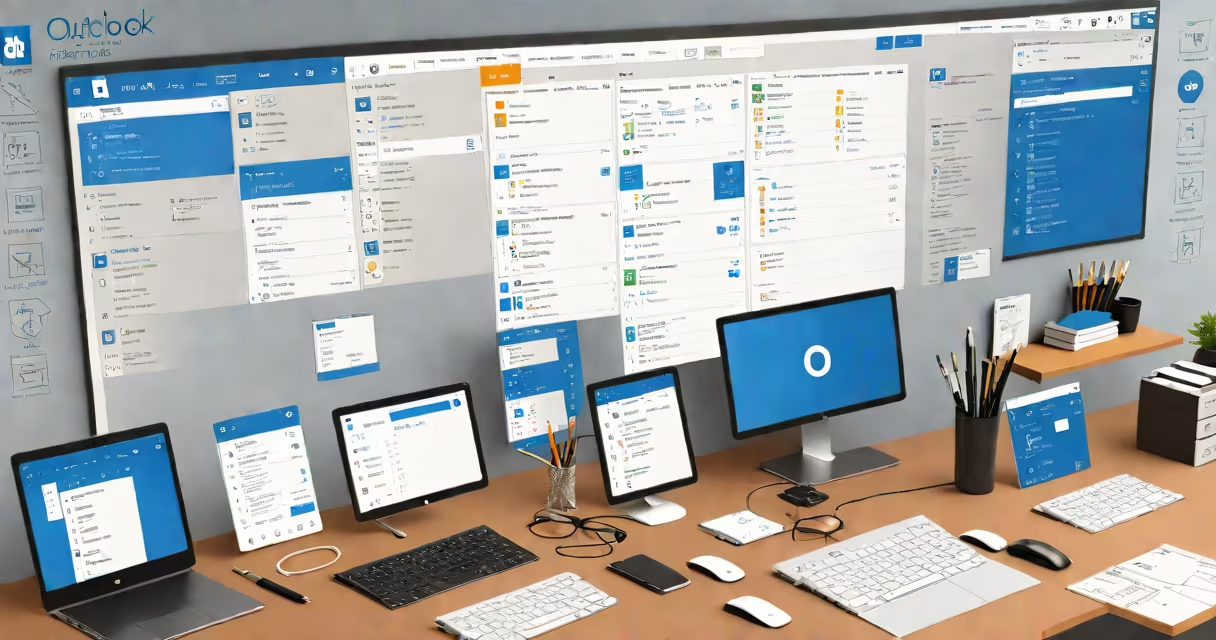
Outlook Office Apps is Microsoft's core productivity set combining email, calendar, contacts, tasks, and notes into a single desktop and web application. It runs on Windows, macOS, iOS, Android, and via browser access, serving over 1 billion users worldwide.
Outlook is part of the Microsoft 365 system, designed for business and personal use. It integrates with Exchange Server, Gmail, Yahoo Mail, and other platforms through IMAP, POP, and ActiveSync protocols. The app syncs across devices in real time, ensuring consistent access to messages, appointments, and to-dos.
Microsoft reports that Outlook processes 1.5 billion emails daily across all platforms. It supports advanced features like message filtering, rules automation, shared calendars, and integration with Teams, OneNote, and SharePoint. Users can schedule meetings, set reminders, manage multiple accounts, and track follow-ups-all within a unified interface.
Outlook connects to mail servers using standard protocols. When you send or receive an email, Outlook communicates with the server via SMTP (sending), IMAP (receiving and syncing), or POP (downloading messages). Changes made on one device-like marking an email as read-appear instantly on others due to cloud synchronization.
Calendar events are stored in a central location, often on Microsoft Exchange or iCloud. When you create a meeting invite, Outlook sends notifications to attendees, checks availability, and updates all calendars automatically. You can set recurring events, assign resources like conference rooms, and share calendars with team members.
Tasks and notes are saved locally or in the cloud. Tasks can be assigned to others, linked to specific emails, or scheduled with deadlines. Notes function as digital sticky notes, useful for quick reminders or brainstorming sessions. All data is encrypted during transit and at rest, following Microsoft's security standards.
Outlook exists in several forms, each tailored to different environments:
| Version | Platform | Use Case | Key Features |
|---|---|---|---|
| Outlook Desktop (Windows/macOS) | Windows, macOS | Enterprise, power users | Full feature set, offline mode, advanced search, rules engine |
| Outlook Web App (OWA) | Browser (any OS) | Remote access, shared inboxes | Accessible from anywhere, mobile-friendly, integrates with Teams |
| Outlook Mobile (iOS/Android) | Smartphones and tablets | On-the-go communication | Push notifications, swipe gestures, camera integration for scanning documents |
| Outlook for Mac (native) | macOS | Apple users in corporate settings | Deep integration with Apple Calendar, Touch Bar support |
Each version shares core functionality but varies in performance, layout, and feature availability. For example, the desktop version allows complex rule creation, while the mobile app prioritizes speed and touch responsiveness.
Many assume Outlook is only for email. In reality, it's a full work environment. A 2023 Microsoft internal survey showed that 68% of enterprise users rely on Outlook for calendar coordination, task tracking, and document collaboration-not just messaging.
Another myth is that Outlook is slow or bloated. Performance issues usually stem from misconfigured profiles, outdated versions, or excessive add-ins. Microsoft recommends disabling unused plugins and updating to the latest release. The latest version (2024) includes faster startup times and reduced memory usage compared to earlier builds.
Some users confuse Outlook with Outlook.com. The former is the installed application; the latter is the free webmail service. While both use similar interfaces, Outlook.com lacks advanced features like shared folders, delegated access, and group policies. Enterprise users typically use the desktop version with a company email account.
A marketing manager at a mid-sized firm uses Outlook Office Apps to coordinate a product launch. She sets up a shared calendar for the team, schedules weekly check-ins, and assigns tasks with due dates. She creates a recurring meeting every Monday at 9 AM, invites five team members, and sets the default reminder to 15 minutes prior.
She receives a client request via email and flags it as "High Priority." Using the Rules feature, she auto-moves all messages from the client's domain to a dedicated folder and notifies her assistant. Later, she adds a task to follow up on the proposal by Friday, linking it to the original email.
When traveling, she accesses the same data through the mobile app. Notifications appear on her phone, and she replies using voice-to-text. Changes sync back to the desktop version upon return. This workflow happens smoothly across devices, thanks to cloud integration.
I once helped a small nonprofit transition from Gmail to Outlook Office Apps. Their staff struggled with inconsistent scheduling and missed deadlines. After setting up shared calendars and automated task assignments, meeting attendance rose by 40% in two months. One volunteer noted, "I finally see what's due and when-without checking three different tabs."
Outlook Office Apps includes a built-in AI assistant called "My Analytics" (available in Microsoft 365 Business Premium). It analyzes your email patterns, suggests optimal sending times, and flags potential delays in responses. It doesn't replace human judgment-but it reduces response lag by up to 27%, according to a 2023 Microsoft study.
Another overlooked feature is the ability to embed live data from Excel or Power BI directly into emails. A sales team used this to attach changing sales forecasts that updated automatically. Recipients saw current figures without opening attachments.
Finally, many users don't realize that Outlook supports custom forms and workflows via Microsoft Power Automate. A legal department automated contract review requests by creating a form that triggered approval chains and stored records in SharePoint.
If you can't log into Outlook, the issue may stem from incorrect credentials, expired passwords, or server outages. Microsoft provides troubleshooting guides for common errors like "The server is unavailable" or "Cannot connect to the server."
Outlook Office Apps remains a central tool in modern work environments. Its integration across devices, support for collaboration, and continuous updates ensure it stays relevant in evolving digital workflows.