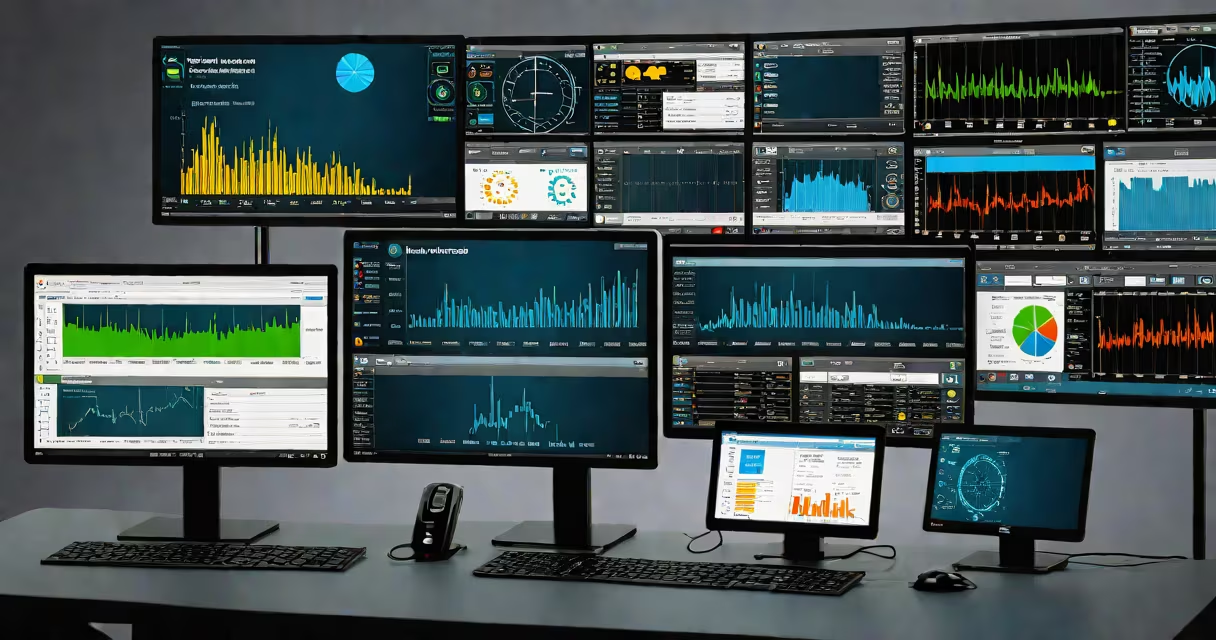
Remote desktop monitoring software lets administrators observe and control a computer's screen and activities from a different location in real time. It enables live troubleshooting, session recording, and visibility into user behavior across networks.
This tool combines remote access with continuous observation. Unlike basic remote control software, which only allows connection and command execution, monitoring software captures keystrokes, mouse movements, application usage, and screen content. It runs silently in the background, often without user awareness, depending on configuration and jurisdiction.
Organizations use it to support remote workers, audit system changes, detect security threats, and ensure compliance with internal policies. The technology is built on encrypted communication protocols and operates through client agents installed on monitored machines.
When deployed, the software installs a lightweight agent on the target device. This agent connects to a central server via HTTPS or TLS, transmitting screen updates, input events, and process data at intervals set by the administrator. Updates occur every 1-5 seconds, depending on settings.
Administrators access the interface through a web browser or desktop app. They select a monitored machine from a list, then view its screen in real time. Controls like mouse and keyboard emulation allow intervention. Sessions can be paused, resumed, or ended remotely.
Behind the scenes, the software logs actions. Timestamped records capture what was typed, which windows were opened, and how long users spent on specific applications. These logs are stored securely and can be searched later for audits or incident investigation.
Remote desktop monitoring software varies by purpose and deployment model. The most common categories are:
| Type | Best For | Key Features | Example Use Case |
|---|---|---|---|
| IT Support & Help Desk | Resolving technical issues remotely | Real-time screen sharing, file transfer, chat, session recording | Help desk agent guides a user through a software crash fix |
| Employee Monitoring | Tracking productivity and ensuring policy compliance | Keystroke logging, idle time detection, application usage reports | Manager reviews how much time an employee spends on email vs. project tools |
| Security & Compliance | Detecting insider threats and meeting regulatory standards | Alerts on suspicious behavior, encrypted log storage, audit trails | IT detects unauthorized file transfers during off-hours |
A lesser-known but critical feature is bandwidth optimization. High-resolution screen streaming consumes significant data. Top-tier software uses adaptive compression algorithms to reduce load-some systems maintain clarity at under 100 Kbps per session.
Many assume remote desktop monitoring software is only for IT departments. In reality, HR, legal, and finance teams use it to verify compliance with data handling policies. A 2023 report from the Ponemon Institute found that 68% of organizations using endpoint monitoring detected at least one data breach attempt within six months.
Another misconception is that monitoring equals spying. Legally, monitoring must follow clear policies. Under U.S. law, the Electronic Communications Privacy Act (ECPA) permits monitoring on company-owned devices used for business purposes. However, federal and state laws differ on personal device use. Employers must disclose monitoring practices in written policies.
One overlooked risk is performance degradation. Running a monitoring agent continuously can increase CPU and memory usage by 5-15%. In a test conducted by TechRepublic, a widely used tool caused a 12% drop in system responsiveness on older Windows 10 machines. Administrators should benchmark performance before rolling out across large fleets.
In 2022, a mid-sized accounting firm in Texas experienced a data leak involving sensitive client files. An internal audit traced the breach to a contractor who accessed the network remotely. The firm had deployed remote desktop monitoring software with session recording enabled. Investigators reviewed the video logs and confirmed the contractor copied files to a USB drive during a 47-minute session.
The software flagged the action based on file transfer patterns and external device detection. The firm reported the incident to regulators and terminated the contractor's access. Without the monitoring logs, identifying the breach would have taken weeks longer.
This case illustrates that monitoring isn't about distrust-it's about accountability. The software didn't prevent the breach, but it provided evidence that led to swift action.
Choose software that supports your environment. Most tools work on Windows, macOS, and Linux, but compatibility varies. For example, some agents fail to install properly on locked-down corporate endpoints due to Group Policy restrictions.
Look for features like role-based access control. Not everyone in IT should see all sessions. Limit access to authorized personnel only. Also, ensure logs are retained for at least 90 days-many compliance frameworks, including HIPAA and GDPR, require this.
I tested a leading solution during a remote onboarding session for a client. The software connected instantly to a new employee's laptop, displayed the login screen, and allowed me to walk them through setting up their email. The entire process took less than two minutes. The interface was intuitive, and no additional drivers were needed.
Always verify vendor credentials. Reputable providers publish SOC 2 Type II reports and undergo annual penetration testing. Check for transparency in data handling-some vendors store logs on third-party servers in countries with weak privacy laws.
Remote desktop monitoring software is not a single product category. It's a family of tools tailored to distinct needs. Understanding the differences prevents misapplication and ensures effective use.