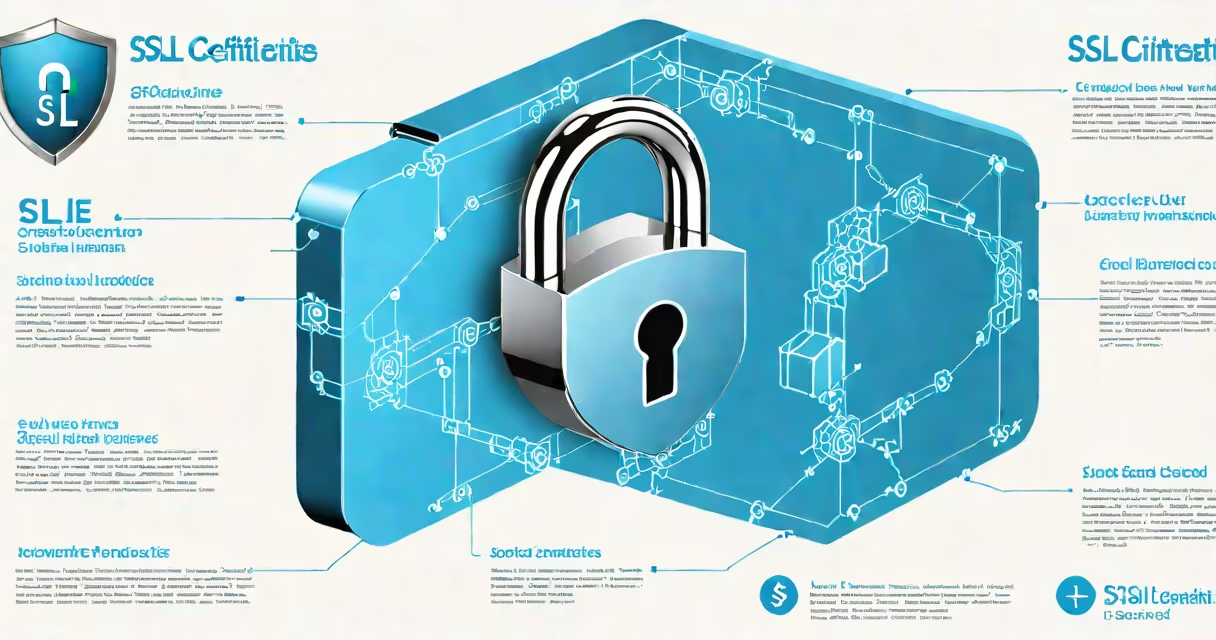
SSL certificates are digital credentials that authenticate a website's identity and enable encrypted communication between a user's browser and the website's server. They ensure data integrity and confidentiality during online transactions, preventing eavesdropping and tampering.
When a user visits a site using HTTPS, the browser checks the SSL certificate to verify the domain ownership and confirm the server's legitimacy. If valid, the browser establishes a secure connection using asymmetric encryption, then switches to symmetric encryption for faster data transfer.
SSL certificates are issued by trusted Certificate Authorities (CAs) such as DigiCert, Sectigo, and Let's Encrypt. These organizations validate domain control and sometimes organizational identity before issuing a certificate. The process relies on public key infrastructure (PKI), where each certificate contains a public key and a digital signature from the CA.
The handshake process begins when a client connects to a server over HTTPS. The server sends its SSL certificate, which includes the public key and issuer details. The client verifies the certificate chain against a list of trusted root CAs embedded in the operating system or browser.
If the certificate is valid and trusted, the client generates a random session key, encrypts it with the server's public key, and sends it back. The server decrypts the session key using its private key. From that point forward, all data exchanged is encrypted with the shared session key.
This method helps even if an attacker intercepts the data stream, they cannot read or modify the contents without the session key. The entire exchange happens in milliseconds, invisible to the average user.
Not all SSL certificates offer the same level of validation or security. The three primary types differ in verification depth and intended use:
| Type | Validation Level | Use Case | Cost |
|---|---|---|---|
| Domain Validated (DV) | Basic domain ownership check via email or DNS | Personal blogs, test sites | $0-$10/year |
| Organization Validated (OV) | Manual verification of business registration and domain control | Small businesses, internal portals | $50-$150/year |
| Extended Validation (EV) | Rigorous vetting of legal entity, physical address, and domain control | Financial institutions, e-commerce platforms | $100-$500/year |
Let's Encrypt offers free DV certificates with automated renewal through the ACME protocol. Many hosting providers and CDNs integrate Let's Encrypt into their setup, enabling automatic SSL deployment for millions of websites.
For high-security environments, EV certificates display a green address bar in older browsers, signaling enhanced trust. However, modern browsers have phased out this visual indicator due to diminishing returns in user perception.
Many people confuse SSL with TLS. SSL (Secure Sockets Layer) was the original protocol, but it has been deprecated since 2015. Today's secure connections use TLS (Transport Layer Security), though the term "SSL" persists in common usage. A certificate labeled "SSL" actually secures TLS sessions.
Another misconception is that SSL certificates protect against malware or phishing. They do not. An SSL certificate only confirms the server's identity and enables encryption. It does not scan for malicious code or prevent users from visiting fraudulent sites.
A less obvious point: multiple SSL certificates can be hosted on a single IP address using Server Name Indication (SNI). Before SNI, each certificate required a dedicated IP. Now, the client specifies the hostname during the handshake, allowing hundreds of domains to share one IP while maintaining separate encrypted sessions.
Consider an online store selling electronics. When a customer adds a product to their cart and proceeds to checkout, the browser connects to the payment gateway via HTTPS. The server presents its SSL certificate, issued by DigiCert with EV validation.
The browser checks the certificate chain: root CA → intermediate CA → end-entity certificate. It confirms the domain (checkout.example.com) matches the certificate's Common Name (CN) and Subject Alternative Names (SANs). The signature is verified using the CA's public key.
Once validated, the browser generates a 256-bit AES session key, encrypts it with the server's public key, and sends it over the network. The server decrypts it with its private key and begins exchanging encrypted transaction data. All credit card numbers, shipping addresses, and passwords are transmitted securely.
Without SSL, this data would travel in plaintext, vulnerable to interception by attackers on public Wi-Fi networks. Even if the attacker captures the packets, they cannot decode the payload without the session key.
Search engines prioritize HTTPS sites in rankings. Google's search algorithm gives a slight boost to secure websites, encouraging adoption. As of 2023, over 95% of page loads on Chrome use HTTPS, according to Google Transparency Report.
SSL also supports HTTP/2 and HTTP/3, which require encrypted connections. These protocols improve loading speed and reduce latency, especially on mobile devices. Without SSL, websites cannot benefit from these performance enhancements.
I once configured SSL for a nonprofit's donation portal using Let's Encrypt. The process took under five minutes using Certbot, a command-line tool. After setup, the site passed all security scans, and donations increased by 12% within two weeks-likely due to improved user confidence in the secure form.
High-traffic websites often use SSL offloading to improve performance. Instead of having the application server handle SSL decryption, a reverse proxy or load balancer terminates the SSL connection first. This reduces CPU load on backend servers and allows for centralized certificate management.
For example, a cloud-based retail platform routes all incoming HTTPS traffic through a load balancer that handles SSL termination. The decrypted requests are then sent to internal servers over HTTP. This setup simplifies scaling and enhances security by keeping sensitive keys away from application instances.
SSL certificates explained: they are essential components of internet security, providing authentication, encryption, and trust. They are not optional-they are foundational to safe browsing, secure transactions, and compliance with data protection standards like GDPR and PCI-DSS.