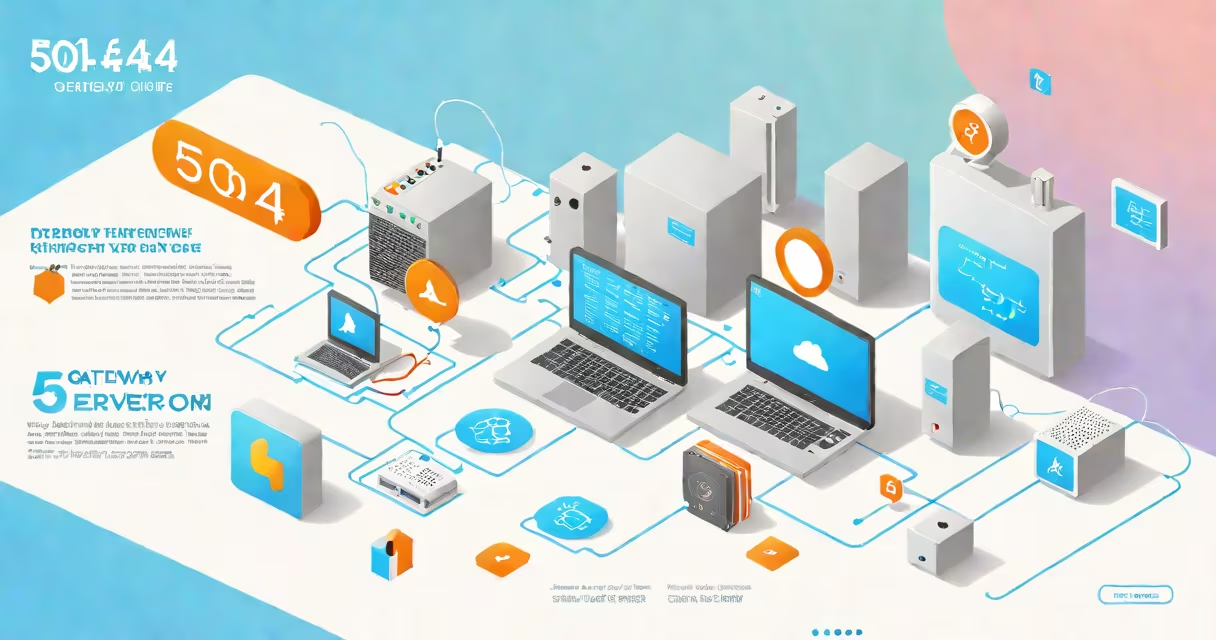
A 504 error, or 504 Gateway Timeout, occurs when a server acting as a gateway or proxy doesn't receive a timely response from an upstream server. This indicates a communication failure between servers, not a problem with the client's device or internet connection.
When a user requests a webpage, their browser sends a request to a server. That server may forward the request to another server-such as an application server or database-to retrieve content. If the upstream server takes longer than the configured time limit to respond, the gateway server returns a 504 error instead of waiting indefinitely.
This error is part of the HTTP status code system defined by the Internet Engineering Task Force (IETF) in RFC 7231. The 5xx series indicates server-side issues, and the 504 specifically signals a timeout during inter-server communication.
504 errors happen during the backend process of serving a web page. The user's browser sends a request to a reverse proxy or load balancer-commonly used in high-traffic websites. That proxy then forwards the request to an application server or API endpoint.
If the application server takes longer than the proxy's timeout setting to respond-typically 30 to 60 seconds-the proxy gives up and returns a 504 error to the user. The browser displays this as "504 Gateway Timeout" or "The server is temporarily unavailable."
For example, a shopping site using Amazon Web Services (AWS) might route traffic through an Application Load Balancer. If the backend service handling product details crashes or becomes overloaded, the load balancer waits for a response. After 45 seconds, it times out and returns a 504 error to the user.
Several technical conditions trigger 504 errors:
In 2021, a major e-commerce platform experienced widespread 504 errors during a holiday sale. Monitoring logs showed that the application servers were overwhelmed by concurrent requests. The load balancer timed out after 30 seconds, returning 504 responses even though the servers eventually recovered.
Another case involved a small business website hosted on shared infrastructure. The hosting provider's firewall was misconfigured, dropping packets between the web server and the database. Users saw 504 errors intermittently, despite the site being online and accessible from other networks.
504 errors are often confused with similar status codes. Here's how they differ:
| Status Code | Meaning | Common Cause |
|---|---|---|
| 500 | Internal Server Error | Application crash, unhandled exception |
| 502 | Bad Gateway | Proxy received invalid response from upstream |
| 504 | Gateway Timeout | Proxy waited too long for upstream response |
The key distinction: 502 means the upstream server sent malformed or incomplete data. 504 means the server didn't respond at all within the allowed time. A 500 error suggests a bug in the application code, while 504 points to timing or connectivity issues.
One common mistake is assuming a 504 error means the website is down. In reality, the site may be operational-but the server responsible for generating the requested content is unreachable or delayed. This is why users sometimes see a 504 error while others access the same page successfully.
Website administrators diagnose 504 errors using tools like curl, Postman, or browser developer tools. The Network tab in Chrome DevTools shows the exact moment a request times out. Status codes appear in red when they fail.
For example, running curl -v http://example.com/page reveals a response header showing HTTP/1.1 504 Gateway Timeout. The tool stops at the point where the upstream server fails to respond.
Fixes depend on root cause:
I once managed a news site that hit 504 errors daily during peak hours. After reviewing logs, we discovered that a single script was querying a remote API with no timeout set. We added a 10-second timeout and rate-limited calls. Within 24 hours, 504 occurrences dropped from 1,200 per hour to fewer than 10.
Search engines treat 504 errors as temporary server problems. Google's Search Console flags them as "server errors," which can lower crawl efficiency and delay indexing of new pages.
According to Google's documentation, 5xx errors are not permanent. If a server returns a 504 repeatedly, Google may reduce the frequency of crawling that site. However, if the error resolves quickly, search engines typically resume crawling without penalty.
From a user perspective, 504 errors hurt conversion rates. A study by Akamai found that 50% of users abandon a site after waiting more than 3 seconds for a response. A 504 error, which often appears instantly, leads to immediate frustration and higher bounce rates.
Proactive monitoring with tools like Datadog, New Relic, or Pingdom helps detect 504 errors before they affect users. Alerts based on response time thresholds allow teams to act before traffic drops.
A 504 error is a server-side timeout that occurs when a gateway server fails to receive a response from an upstream server within the allowed time. It's not a client-side issue and does not indicate a broken website-it reflects a breakdown in server-to-server communication.
Understanding what are 504s helps distinguish them from related errors like 500 or 502. Proper configuration, monitoring, and infrastructure scaling prevent most occurrences. When they do happen, diagnosing the root cause quickly restores service and maintains trust with users and search engines.
Every 504 error is a sign of a process failure-not a user failure. Fixing it requires attention to backend systems, not just front-end design.