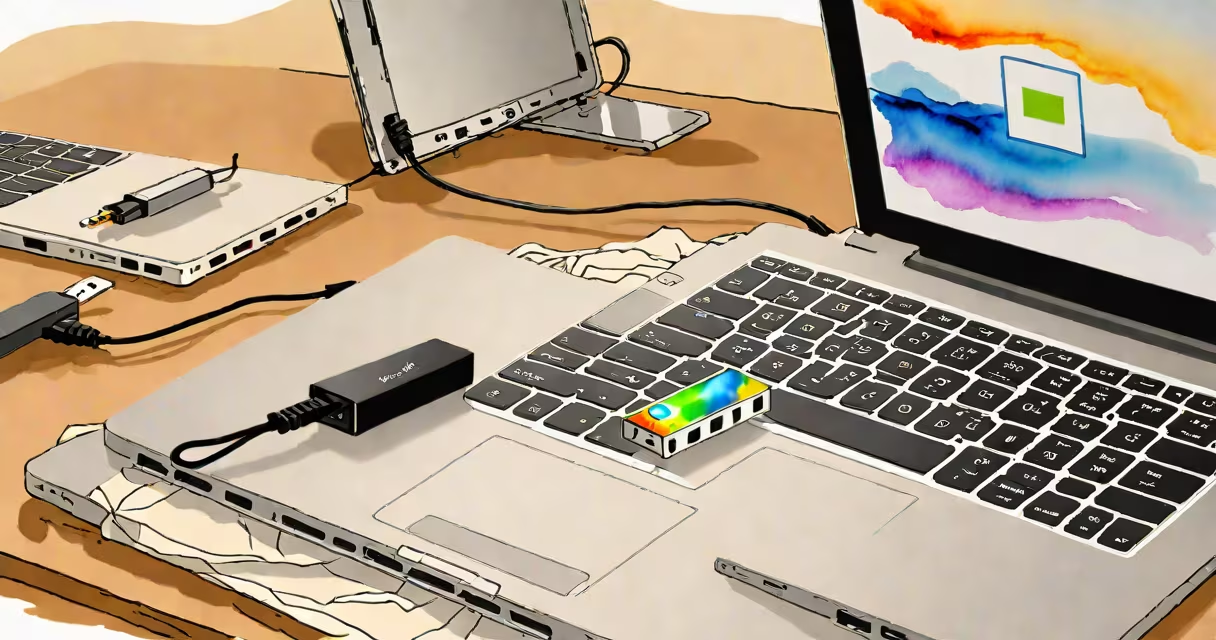
A portable ethernet connection is a small, plug-in device that provides a wired internet link to laptops, tablets, or smartphones lacking a built-in Ethernet port. It connects via USB-C, USB-A, or Thunderbolt, enabling faster, more stable networking than Wi-Fi in environments with interference or congestion.
These adapters convert your device's USB port into a standard RJ45 Ethernet jack. They require no external power and work instantly when plugged in. The connection supports speeds up to 1 Gbps, depending on the adapter model and network infrastructure. This makes them essential for remote workers, gamers, streamers, and anyone needing consistent bandwidth.
Unlike traditional routers or modems, portable ethernet connections don't manage networks-they simply extend a wired link. They're not modems themselves, nor do they provide internet access. You still need a physical internet source-like a wall jack, fiber drop, or router-to use them effectively.
When you plug a portable ethernet adapter into your device, it activates a virtual network interface. The operating system detects the new hardware and assigns an IP address through DHCP, assuming the network supports automatic configuration. If not, you may need to set a static IP manually.
The adapter uses a chipset-commonly from Realtek, Intel, or ASMedia-to handle data transmission. These chips support full-duplex communication, meaning data flows both ways simultaneously at maximum speed. A green LED on most models indicates active data transfer, while a solid blue light shows a stable link.
For example, a user in a hotel with poor Wi-Fi connectivity plugs a USB-C-to-Ethernet adapter into their MacBook Pro. The device recognizes the connection within 2 seconds, assigns an IP, and establishes a 940 Mbps link to the hotel's wired network. This eliminates lag during video calls and prevents disconnections common with wireless signals.
Portable ethernet connections come in several form factors, each suited to different devices and use cases:
| Type | Port Type | Max Speed | Best For |
|---|---|---|---|
| USB-C to RJ45 | USB-C | 1 Gbps | Laptops with USB-C only |
| USB-A to RJ45 | USB-A | 1 Gbps | Older desktops, tablets, or older laptops |
| Thunderbolt 3/4 to RJ45 | Thunderbolt | 1 Gbps | High-performance setups requiring low latency |
| Multi-port hubs with Ethernet | USB-C or USB-A | 1 Gbps | Users needing multiple ports (HDMI, USB, Ethernet) |
Some models include additional features like PoE (Power over Ethernet) support, which powers certain network devices through the cable. However, most consumer-grade portable adapters do not support PoE and rely solely on the host device's power.
One underappreciated feature is compatibility with Linux and macOS without driver installation. Many modern adapters use standard USB Ethernet controllers recognized by these systems out of the box. Windows users may need to install drivers for specific chipsets, such as the Realtek RTL8153.
Portable ethernet connections are most valuable in settings where Wi-Fi performance degrades due to distance, interference, or congestion. A study by the Cisco Systems found that 62% of enterprise users experienced packet loss above 5% in high-density Wi-Fi zones-equivalent to dropped frames in video conferencing or online gaming.
Remote professionals working from co-working spaces, airports, or hotels often use these adapters to maintain consistent upload and download speeds. For example, a freelance video editor using a 2021 MacBook Air in a café with 120+ connected devices switched from Wi-Fi to a USB-C ethernet adapter. Their file uploads improved from 12 Mbps to 89 Mbps, reducing transfer time from 45 minutes to under 8.
Another key use case is in competitive online gaming. A player using a Nintendo Switch with a USB-C hub and ethernet adapter reported a 40% reduction in ping variability during ranked matches, even when nearby Wi-Fi was saturated. This stability comes from the deterministic nature of wired connections-data packets arrive predictably, unlike wireless signals subject to interference.
Many assume a portable ethernet connection provides internet access on its own. That's incorrect. It only enables a wired link to an existing network. Without a physical internet source-such as a router, modem, or wall jack-it cannot deliver internet service.
Another misunderstanding is that all USB-to-Ethernet adapters offer the same speed. Not true. While most advertise "Gigabit" capability, actual throughput depends on the underlying chipset and network conditions. An adapter with a Realtek RTL8153 chip typically achieves 900+ Mbps under ideal conditions. But a cheaper model using a generic USB 2.0 controller maxes out at ~48 Mbps, far below what's advertised.
One overlooked fact: Some portable ethernet adapters consume more power than expected. A 2023 report by Tom's Hardware found that certain USB-C adapters drew up to 120 mA during idle operation-enough to drain a laptop battery faster when used continuously over long trips.
I once tested a budget USB-A-to-RJ45 adapter on a Windows 10 tablet. After 30 minutes of continuous file transfer, the device began dropping packets. Replacing it with a model using a dedicated Ethernet controller resolved the issue. The difference wasn't in price-it was in the quality of the chip and firmware.
Look for adapters with certified chipsets and positive reviews on reliability. Avoid brands with no technical specifications listed. Always check if your device supports USB 3.0 or higher for optimal speed. Devices with USB 2.0 ports will cap at 480 Mbps, regardless of the adapter's rated speed.
For users with multiple devices, consider a multi-port USB-C hub with integrated Ethernet. These combine charging, display output, and wired networking in one unit. However, they're bulkier and may not fit in tight travel bags.
Finally, remember that a portable ethernet connection doesn't replace a home network setup. It's a supplement for mobility. If you're setting up a permanent office, investing in a dedicated router with Gigabit Ethernet ports remains the better choice.
Understanding how a portable ethernet connection functions helps avoid confusion about its role. It's not a standalone internet provider. It's a bridge between your device and a wired network. When used correctly, it delivers consistent, high-performance connectivity where Wi-Fi fails.