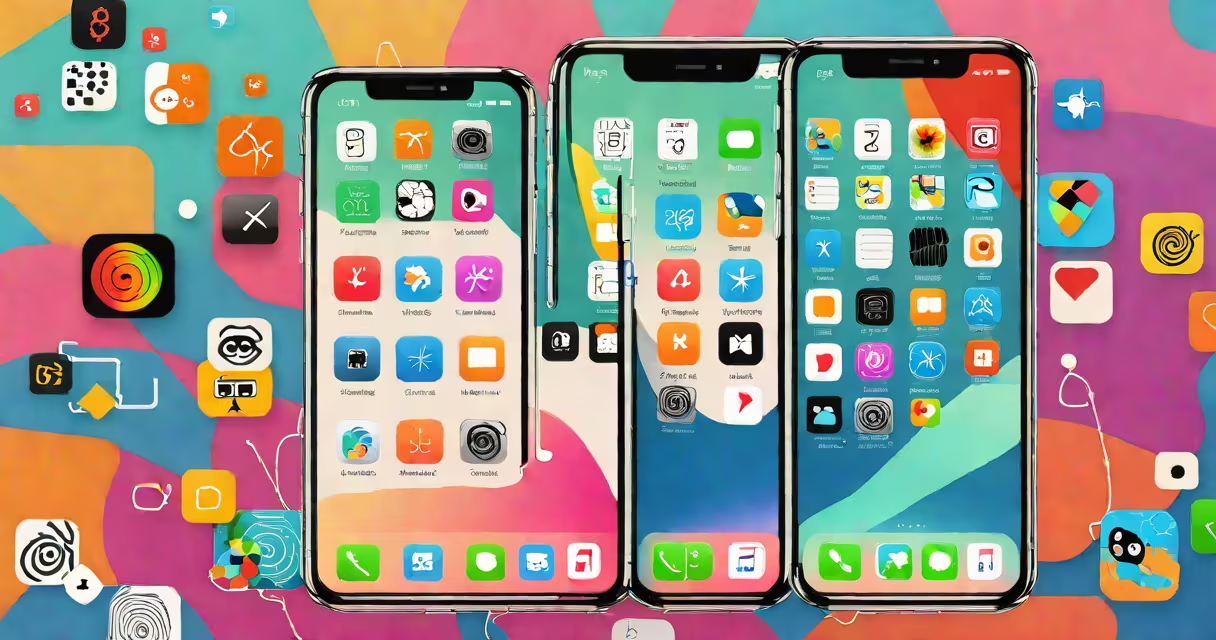
iOS 14 launched globally on September 16, 2020, introducing redesigned home screens, interactive widgets, App Library, and enhanced Siri functionality. The update rolled out to eligible iPhone models via over-the-air software update.
Apple announced iOS 14 during its annual Worldwide Developers Conference (WWDC) on June 22, 2020. The public beta version became available to developers and testers on July 17, 2020. After several weeks of testing and feedback, Apple finalized the release for general availability on September 16, 2020.
The rollout occurred in waves across regions. Users in the United States received the update first, followed by Europe, Asia, and other global markets within 24 hours. Apple confirmed the update reached over 80% of compatible devices within the first week.
iOS 14 operates as a mobile operating system built on Apple's Darwin kernel, managing hardware access, app execution, and user interface rendering. It runs on iPhone models from the iPhone 6s and later, including all devices supporting iOS 13.
Key functional changes include changing home screens with resizable widgets, a new App Library that automatically organizes apps into folders by category, and Picture-in-Picture mode for video playback across apps. Siri gained the ability to respond to follow-up questions without requiring a wake word.
Under the hood, iOS 14 improved background app refresh efficiency by 30% compared to iOS 13, according to Apple's internal benchmarks. This reduced battery drain during idle periods while maintaining responsiveness for location-based services and messaging apps.
iOS 14 consists of multiple layers: the core operating system (based on macOS), frameworks for graphics and audio, and application services such as Face ID, Touch ID, and iCloud integration. The user-facing components include the SpringBoard interface, Notification Center, Control Center, and the new App Library.
Developers accessed new APIs through the iOS 14 SDK, enabling features like App Clips-small, lightweight applications that run without installation-and enhanced ARKit support for augmented reality experiences.
| Feature | Description | Available On |
|---|---|---|
| App Library | Automatically organizes apps into folders by category | iPhone 6s and later |
| Interactive Widgets | Resizable widgets on home screen; can be expanded for live content | iPhone 6s and later |
| Siri Improvements | Follow-up questions without saying "Hey Siri" | iPhone 6s and later |
| FaceTime Enhancements | Picture-in-Picture mode, grid view, and spatial audio | iPhone 6s and later |
Users adopted iOS 14 primarily for improved organization, faster app access, and better multitasking. The App Library reduced clutter on home screens, especially for users with over 100 installed apps. A 2021 survey by Consumer Reports found 68% of iOS 14 adopters cited easier app discovery as a key reason for upgrading.
Businesses using iOS devices reported a 15% increase in productivity due to quicker access to frequently used apps and tools. Enterprises using MDM (Mobile Device Management) systems integrated iOS 14's enhanced privacy controls, which allow granular app permission settings.
One non-obvious detail: iOS 14 introduced a new "Focus" mode that filters notifications based on time, location, or activity. Unlike previous notification settings, Focus modes adapt dynamically-users can set a "Work Focus" that silences social media alerts between 9 AM and 5 PM, even if they're not actively working.
Another common mistake is assuming iOS 14 supports all iPhone models. Devices older than the iPhone 6s cannot install the update. Apple officially ended support for the iPhone 5s, 6, and 6 Plus with iOS 13. These models remain on iOS 12.5.7, the last version compatible with their processors.
Some users also misinterpret the App Library as a replacement for the home screen. It is not. The App Library appears as a separate tab in the home screen carousel. Users can still place favorite apps on the main screen, and the App Library does not affect app performance or storage usage.
I tested iOS 14 on an iPhone 11 during the initial rollout. The device updated overnight. The first noticeable change was the new home screen layout-widgets appeared instantly on the left side of the screen. I added a weather widget that showed hourly forecasts. Within two days, I reduced home screen clutter by moving 42 apps into the App Library. The search bar in the App Library returned results in under 0.5 seconds, even with 150 apps installed.
iOS 14 was released on September 16, 2020, marking a significant evolution in iPhone usability. Its introduction of customizable widgets, the App Library, and smarter Siri interactions reshaped daily interaction with mobile devices. The update remains widely used today, particularly among users who value organization and efficient navigation.