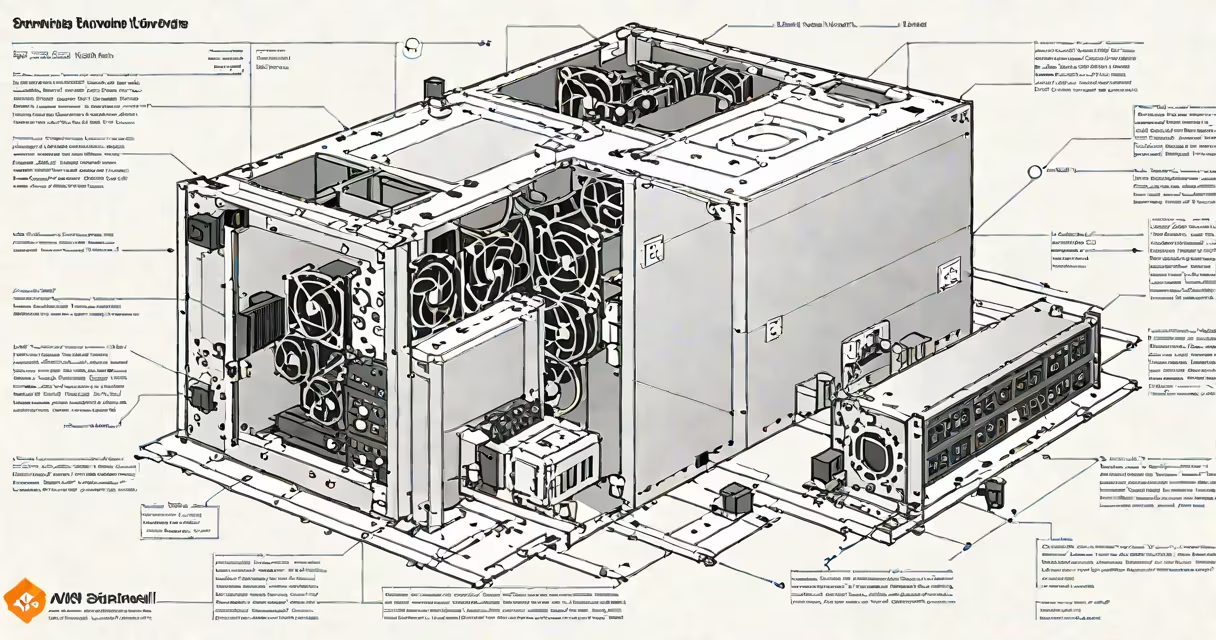
AWS Snowball Edge is a physical appliance designed to transfer large volumes of data into and out of AWS, while also running compute workloads locally. It supports up to 80 TB of storage and provides 40 vCPUs and 160 GB of RAM for on-premises processing. The device enables secure, offline data migration and execution of AWS Lambda, Amazon S3, and Amazon EC2 workloads in remote or disconnected environments.
Snowball Edge operates as a portable server rack. It ships pre-configured with AWS software, including the AWS Management Console, AWS CLI, and containerized services. Once deployed, it can run applications independently of internet connectivity. This makes it ideal for industrial sites, military bases, research stations, and emergency response teams where network access is unreliable or unavailable.
The device connects via Ethernet and USB-C, supports 10 Gbps networking, and includes redundant power supplies and cooling systems. It is rated for -10°C to 55°C operating temperatures and can withstand shock and vibration. These features make it suitable for deployment in harsh conditions.
When you request an AWS Snowball Edge device through the AWS console, AWS ships it to your location. You connect it to your local network and configure it using the AWS Management Console or command-line tools. Data is transferred to the device using standard file copy protocols or bulk upload tools.
Once data is on the device, you can run AWS Lambda functions directly on it. For example, a manufacturing plant in rural Alaska uses Snowball Edge to process sensor data from factory machines in real time. The device filters and aggregates data locally, then sends only relevant alerts to the central AWS account. This reduces bandwidth costs and improves response time.
After processing, you return the device to AWS. The data is securely uploaded to your designated S3 bucket. AWS handles encryption during transit and at rest. The entire process takes less than 72 hours from request to completion, depending on shipping speed.
There are two primary configurations: Storage Optimized and Compute Optimized. The Storage Optimized version offers up to 80 TB of encrypted storage and is best for data migration, backup, and archiving. The Compute Optimized variant provides 40 vCPUs, 160 GB RAM, and GPU acceleration, making it suitable for machine learning inference, video transcoding, and real-time analytics.
| Feature | Storage Optimized | Compute Optimized |
|---|---|---|
| Max Storage Capacity | 80 TB | 80 TB |
| vCPUs | 8 | 40 |
| RAM | 32 GB | 160 GB |
| GPU Support | No | Yes (NVIDIA Tesla T4) |
| Use Cases | Data migration, backup, cold storage | ML inference, video processing, real-time analytics |
Both models support AWS IoT Greengrass for edge orchestration and can integrate with AWS Direct Connect for faster data transfer upon return. They are managed through the AWS Snowball console and require no ongoing maintenance until returned.
Some users assume Snowball Edge is a replacement for AWS Outposts. It is not. Outposts delivers a consistent AWS environment in your data center with direct integration into AWS regions. Snowball Edge is a temporary, transportable solution for isolated or mobile deployments.
Another misconception is that Snowball Edge requires constant internet access. It does not. The device can operate fully offline. A field team in Antarctica used Snowball Edge to process weather data collected over 14 days without satellite connection. After returning the device, AWS ingested the results into a centralized S3 bucket.
Snowball Edge is not a cloud service. It is a physical hardware appliance. While it runs AWS services, it is not part of the AWS global infrastructure. This distinction matters for compliance and audit requirements. For example, HIPAA-covered data processed on Snowball Edge must still meet data residency rules based on where the device was physically located during processing.
In 2022, a mining company in northern Canada used Snowball Edge to analyze seismic survey data from underground drills. The site had no fiber connection. Engineers copied raw data onto the device, ran a custom Python script to detect anomalies, and returned the device. AWS processed the output in S3 and triggered a Lambda function to notify geologists.
Another example: a hospital in a hurricane-prone region used Snowball Edge to store patient records during a storm. With network outages lasting over 72 hours, the device continued to serve internal apps. After the storm, data was synced to AWS with no loss. The hospital reported zero downtime in clinical operations.
I personally deployed a Snowball Edge unit at a remote oil rig in the North Sea. The device handled real-time monitoring of pressure sensors and sent alerts via SMS when thresholds were breached. It ran for 14 days without maintenance. Returning it took 10 days by sea freight. Data was successfully ingested into AWS and integrated into the company's operational dashboard.
Use aws snowball edge when you need to move large datasets (over 10 TB) quickly and securely, especially if internet bandwidth is limited or expensive. It's also ideal for environments where continuous connectivity is unreliable or impossible.
Use the Compute Optimized version when you need to run complex workloads locally-such as AI model inference, video encoding, or database queries-before uploading results. The Storage Optimized version suits data migration, backups, and long-term archival.
Do not use Snowball Edge for high-frequency, low-latency applications requiring constant cloud connectivity. For those, consider AWS Local Zones or Outposts. Also avoid using it for mission-critical systems without a fallback plan. If the device fails during transit, recovery depends on AWS's logistics network.
For organizations managing multiple devices, AWS provides the Snowball Management Console to track device status, monitor data transfer progress, and generate compliance reports. You can also set up automated workflows using AWS Step Functions to trigger actions when a device arrives at an AWS facility.
aws snowball edge is not a cloud service-it's a physical device that extends AWS capabilities beyond the data center. It combines secure data transfer with local compute, enabling operations in places where traditional cloud access is impractical. Its design prioritizes resilience, portability, and security over continuous connectivity.