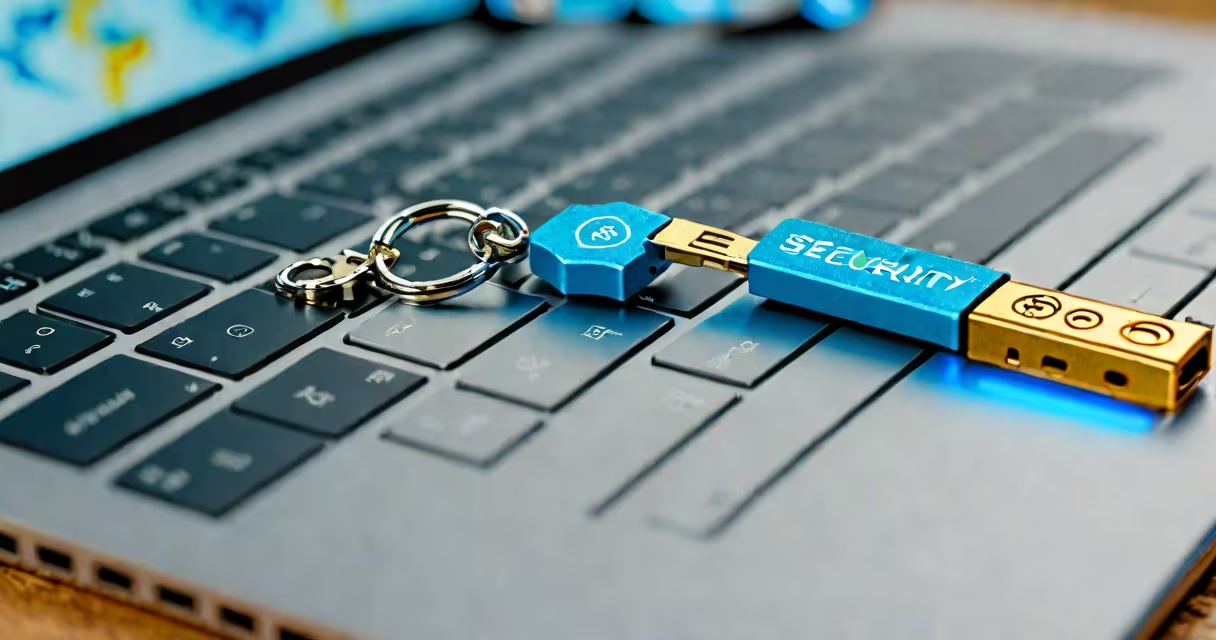
A FIDO-compliant security key is a hardware token that uses standardized protocols-FIDO2 and U2F-to authenticate users without relying on passwords. It enables secure, phishing-resistant logins by proving possession of a private key tied to a specific account.
These keys work by generating cryptographic signatures during login. When you register a key with a service like Google, Microsoft, or GitHub, the system stores a public key linked to your account. The corresponding private key stays securely embedded in the device. During sign-in, the server sends a challenge. The key signs it using the private key and returns the signature. The server verifies it against the stored public key. This process confirms identity without transmitting secrets.
FIDO-compliant security keys support multiple authentication methods. Some use biometrics (like fingerprint sensors), others rely on PIN codes, and many operate via touch or button press. They're designed to resist common attacks such as credential stuffing, session hijacking, and man-in-the-middle exploits.
FIDO-compliant security keys follow the WebAuthn standard (part of FIDO2), which is built into modern browsers and operating systems. When you visit a site that supports WebAuthn, the browser prompts you to register a new authenticator. You insert the key, press the button, and the system creates a unique cryptographic pair-one public, one private.
The private key never leaves the device. It's stored in a secure enclave-a tamper-resistant chip inside the key. Even if someone steals the key, they can't extract the private key. The device only signs challenges when physically accessed, typically by pressing a button or scanning a fingerprint.
At login, the server sends a challenge. The key signs it using the private key and returns the signature. The server checks the signature against the public key it previously stored. If valid, access is granted. No password is transmitted. No shared secret is exposed.
FIDO-compliant keys adhere to two main standards: U2F (Universal 2nd Factor) and FIDO2. U2F was introduced in 2014 and supports basic two-factor authentication. FIDO2, released in 2018, extends this with WebAuthn, allowing passwordless sign-ins across websites and apps.
| Standard | Supports Passwordless Login? | Use Cases | Security Level |
|---|---|---|---|
| U2F | No | Two-factor authentication with existing passwords | High (resists phishing) |
| FIDO2/WebAuthn | Yes | Passwordless sign-in, app authentication, enterprise access | Very high (phishing-resistant) |
Most current keys are FIDO2-compliant. Devices like YubiKey 5, Google Titan Security Key, and Thetis Key support both U2F and FIDO2. Some models include NFC for mobile use, while others offer Bluetooth connectivity.
Not all keys are equal. Look for devices certified under the FIDO Alliance's compliance program. Certification ensures interoperability and adherence to security best practices. For example, YubiKey 5 is FIDO2-compliant and passes the FIDO2 Conformance Test Set.
Traditional passwords fail under real-world conditions. A 2023 report from the National Institute of Standards and Technology (NIST) found that 81% of data breaches involve weak or stolen credentials. FIDO-compliant keys eliminate this risk by removing passwords entirely from the authentication chain.
They're especially effective against phishing. Unlike SMS-based 2FA or time-based one-time passwords (TOTP), which can be intercepted or tricked through fake login pages, FIDO keys validate the domain name during registration. If you try to log in to a fake site, the key refuses to sign because the domain doesn't match.
For organizations, FIDO keys reduce helpdesk costs. A study by Microsoft showed that companies using FIDO2 reduced password reset requests by 99%. Employees spend less time recovering access, and IT teams focus on higher-value tasks.
Many people assume FIDO-compliant keys are complex or require technical setup. In reality, they plug into a USB port or connect via NFC. Registration takes under a minute. Most major services-including Gmail, Facebook, Apple ID, and AWS-support them natively.
Another myth is that you need a separate key for each site. That's false. A single FIDO2 key can register with dozens of accounts. The private key remains bound to the device, not the service. You don't lose access if a website goes offline or changes policies.
Some believe biometric keys are less secure. On the contrary, biometric sensors in FIDO keys are isolated from the host system. Fingerprint data is processed locally and never sent to the cloud. The sensor only triggers the signing operation-it doesn't store or transmit biometric templates.
I registered my YubiKey 5 with my personal email, banking portal, and work Slack account. After setting up, I used it to log in to my bank's website. The browser prompted me to insert the key. I pressed the button. The key signed the challenge. The bank verified the signature and granted access. No password entered. No SMS received. No delay.
Later, I tried accessing the same site from a different computer. The key still worked. I didn't have to re-register. The private key stayed secure within the device. Even if the computer were compromised, the attacker couldn't extract the key's private data.
This experience confirmed what NIST and the FIDO Alliance emphasize: FIDO-compliant security keys deliver stronger protection than traditional 2FA methods. They're not just tools-they're foundational elements of modern identity security.
When choosing a FIDO-compliant security key, prioritize devices with FIDO2 certification and support for multiple authentication methods. Avoid cheap knockoffs that lack proper encryption or fail conformance testing.
For most users, a single key covers daily needs. For high-risk environments-such as finance, healthcare, or government-organizations should issue keys to employees and enforce mandatory registration. This reduces exposure to account takeover attacks.
As web standards evolve, FIDO-compliant security keys are becoming the default for secure access. They're not optional. They're essential. Using one means you're protected by cryptography, not convenience.