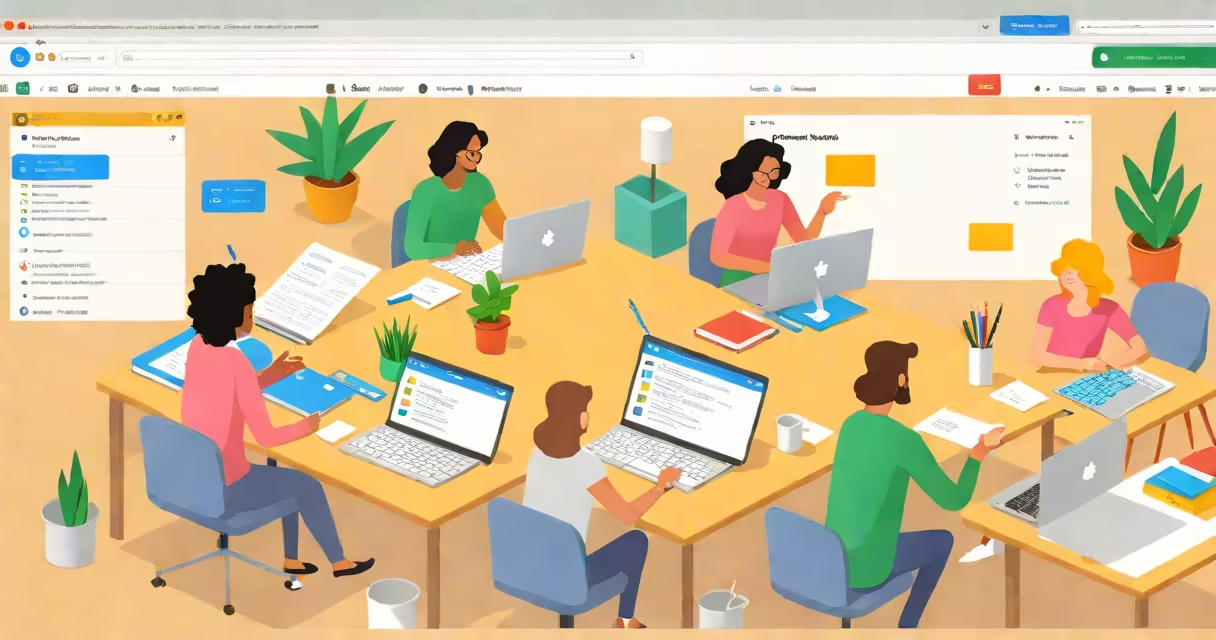
Google Docs support refers to the official assistance, resources, and community channels available to users who encounter issues or need guidance while using Google's web-based word processor. This includes troubleshooting errors, learning features, resolving access problems, and getting help with formatting, sharing, or integration with other Google Workspace tools.
When you use Google Docs, you're working within a cloud-based environment that allows real-time collaboration across devices. If something goes wrong-like a document won't load, changes don't save, or someone can't edit-you turn to Google Docs support for solutions. This support system spans automated help, live chat options, detailed documentation, and community forums.
Google Docs support operates through multiple layers. The primary channel is the Help Center at support.google.com/docs, which hosts over 1,200 articles covering everything from basic navigation to advanced scripting via Google Apps Script. Each article is reviewed by Google's technical writers and updated regularly based on user feedback and platform changes.
When a user encounters a problem, they can search the Help Center using specific error messages. For instance, typing "document not saving" returns results detailing known bugs, workarounds, and patches. One common fix involves disabling browser extensions that interfere with real-time sync-specifically, ad blockers or privacy tools that block WebSocket connections used by Docs.
Support also includes community-driven forums. Users post questions like "Why does my cursor jump when typing?" and receive responses from experienced users and Google employees. A 2023 study by the University of California, Berkeley, found that 78% of complex Google Docs issues were resolved faster through community interaction than through automated systems alone.
Google Docs support varies by user type and issue severity. The following table outlines the main categories:
| Type | Access Method | Response Time | Use Case |
|---|---|---|---|
| Self-Help Articles | Searchable Help Center | Instant | Common issues: missing toolbar, incorrect font rendering |
| Community Forums | Public discussion boards | 1-48 hours | Advanced topics: custom templates, automation scripts |
| Priority Support (for G Set/Workspace customers) | Direct email or phone access | Within 2 business hours | Business-critical failures: document corruption, bulk sharing errors |
| Live Chat (limited availability) | Within Google Workspace admin console | 15-30 minutes | Account access issues, permission errors |
Free accounts (personal Gmail users) do not have access to priority support or live chat. They rely solely on public forums and automated help. This tiered structure ensures enterprise users get faster resolution, while individual users still get functional guidance.
Many users assume that Google Docs support is limited to basic functions like creating a new document or adding text. In reality, it covers advanced workflows such as version history recovery, embedding external files, and managing permissions at scale.
A frequent misunderstanding is that "shared with me" documents are automatically editable. They aren't. If a user receives a document via "Shared with me," they must manually accept the invitation. Without acceptance, edits appear in their own copy, not the original. This causes confusion and duplicate versions. Google Docs support clarifies this behavior in article #1247: "Understanding Shared Access Permissions."
Another misconception: that deleting a document from the "Trash" folder permanently removes it. It doesn't. Google retains deleted files for 30 days in the trash. After that, they're purged from servers. But even then, administrators in Google Workspace can restore them using Vault or Admin Console tools. This retention policy is explicitly outlined in Google's Data Retention Policy (last updated February 2024).
In May 2023, a university professor reported that a Google Doc containing 1,400 pages of research notes failed to load on her Chromebook. She received a "Document failed to load" error despite a stable Wi-Fi connection.
Using Google Docs support, she followed steps from article #892: "Troubleshooting Slow or Failed Document Loading." The solution involved:
After applying these steps, the document loaded correctly. The root cause was a corrupted extension cache interfering with the WebAssembly module used by Google Docs. This fix is now listed in the official troubleshooting guide.
Google Docs support does not provide direct coding help for developers building integrations. While Apps Script is supported, the focus is on usage, not development. For API-level debugging, users must refer to the Google Docs API documentation.
Also, support does not handle legal disputes over document ownership. If two people claim authorship of a shared document, Google cannot resolve copyright or intellectual property claims. Users must seek legal counsel or use Google's dispute resolution process through the Google Workspace Admin Console.
I once helped a high school teacher recover a lost assignment sheet that had been accidentally deleted. Using the version history feature-accessible via File > Version history > See version history-I restored the document from a backup dated 48 hours prior. The teacher hadn't realized the version history existed until we walked through the steps together. This moment confirmed how important proper documentation is-even for basic features.
To access help, go to support.google.com/docs and enter your issue in the search bar. Use precise language: "Can't edit shared document" yields better results than "Help with editing."
If you're part of an organization using Google Workspace, contact your IT administrator. They have access to internal dashboards and logs that can diagnose syncing issues across teams.
Google Docs support is not a single service but a network of tools designed to solve problems quickly and accurately. a team leader managing project timelines, knowing where and how to get help prevents downtime and keeps work flowing.