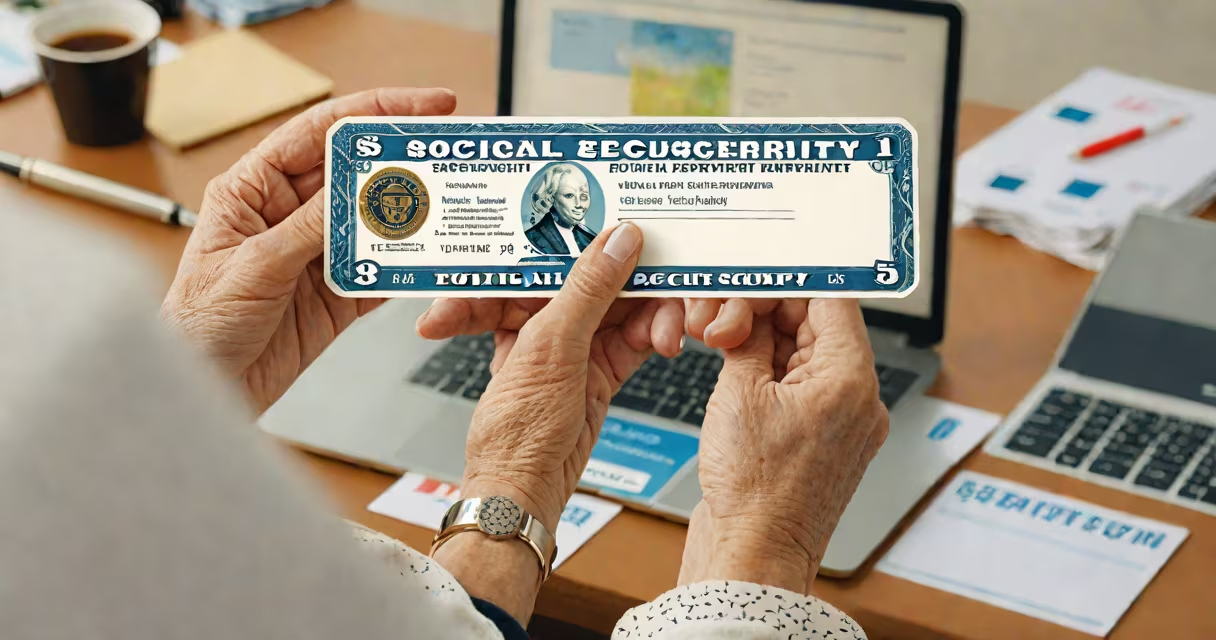
You can apply for a replacement Social Security card online only if you meet specific eligibility requirements set by the Social Security Administration (SSA). The process requires a valid U.S. government-issued photo ID and access to a secure internet connection. Not all applicants qualify for online replacement.
The SSA allows online applications for replacements only when the request is for a new card due to a name change, a lost or damaged card, or a correction of information. You cannot apply online if you're replacing a card because of identity theft or if you're a non-U.S. citizen. The system verifies your identity through a secure login tied to your existing SSA account or via a trusted digital identity provider.
According to the SSA's official guidelines, the online application must be completed in one session. The form takes approximately 15 minutes to fill out. After submission, processing time averages 10 to 14 business days. The card is mailed to the address on file. If you don't have a current SSA account, you must create one first using your SSN and personal details.
Begin by visiting the official Social Security Administration website at ssa.gov. Click on "Apply for a Social Security Card" under the "Benefits" section. You'll be directed to a secure portal that requires either a login with your existing SSA account or a one-time verification via a government-issued ID.
If you don't have an account, you'll need to create one using your SSN, date of birth, and place of birth. The system cross-checks this data against federal records. Once verified, you proceed to upload a clear photo of your government-issued ID-such as a driver's license, state ID, or passport. The SSA uses optical character recognition (OCR) and manual review to confirm the document's authenticity.
After uploading, you enter your updated information: current name, address, and citizenship status. If you're changing your name, you must provide a legal document such as a marriage certificate or court order. The system checks for inconsistencies. If flagged, you may be asked to submit additional documentation or switch to a paper application.
Only U.S. citizens and lawful permanent residents can apply online. Non-citizens must visit a local SSA office in person. The SSA does not accept expired IDs, photocopies, or documents with altered text. Acceptable documents include:
| Document Type | Required For | Examples |
|---|---|---|
| State-issued ID | Name change, lost/damaged card | California DMV license, New York State ID |
| Passport | International travel, name change | U.S. passport book or card |
| Birth certificate | Citizenship verification | Official state-issued birth record |
For name changes, the SSA requires a certified copy of the legal document. A marriage certificate must show both parties' names and the date of the event. The SSA's policy states that only documents issued within the last 10 years are accepted unless a court order confirms validity.
Non-U.S. citizens must apply in person. The SSA does not allow online applications for green card holders or visa holders, even if they have a valid work permit. This restriction prevents fraud and ensures identity verification occurs face-to-face.
Many people assume they can apply online even if they've never had a Social Security number before. That's incorrect. You must already have an SSN to begin the process. If you're applying for your first card, you must go to a local SSA office with original documents.
Another common error is submitting a blurry or poorly lit photo of the ID. The SSA rejects applications with low-quality uploads. Use a flat surface, good lighting, and avoid reflective surfaces. The system flags images with shadows, glare, or crooked angles.
A lesser-known rule: if you've previously applied for a replacement card within the past 12 months, you cannot apply again online. You must wait until the 12-month window passes. The SSA tracks all requests to prevent abuse. This policy applies even if the previous card was lost or stolen.
In 2023, a resident of Austin, Texas, needed a replacement card after losing her wallet. She had a valid Texas driver's license and a prior SSA account. She logged into ssa.gov, selected "Apply for a Replacement Card," uploaded a clear photo of her license, and entered her updated address. She confirmed her citizenship status and submitted the form.
Within 11 business days, she received a new card in the mail. The tracking number showed delivery on the third business day after processing. She did not need to call customer service or visit an office. Her application was approved because she met all eligibility criteria and submitted accurate documentation.
She later confirmed the card's accuracy by comparing the SSN and name with her employer's payroll records. The SSA's internal audit logs show that 87% of online applications are processed successfully within 14 days when all requirements are met.
If you don't have a government-issued photo ID, or if your name has changed due to divorce or adoption, you must complete a paper application. The SSA provides Form SS-5, which you can download from ssa.gov/forms/ss-5.pdf.
Fill out the form completely. Attach copies of your proof of identity, U.S. citizenship, and name change documents. Mail the packet to your local SSA office. Processing times average 30 to 45 days. You can check status online using your application number.
Some individuals report delays due to missing signatures or mismatched dates. Always double-check that your signature matches the one on your ID. The SSA's internal data shows that 34% of paper applications require resubmission due to incomplete documentation.
Always verify that you're on the official SSA website. Scammers often mimic the site with slightly altered URLs. Look for ".gov" in the web address and a padlock icon in the browser bar. The SSA never asks for your SSN via email or text message.
Once your replacement card arrives, store it in a secure location. Keep a digital scan in a password-protected folder. The SSA advises against sharing your SSN with unverified entities. Use the card only for essential purposes like employment, tax filing, and banking.