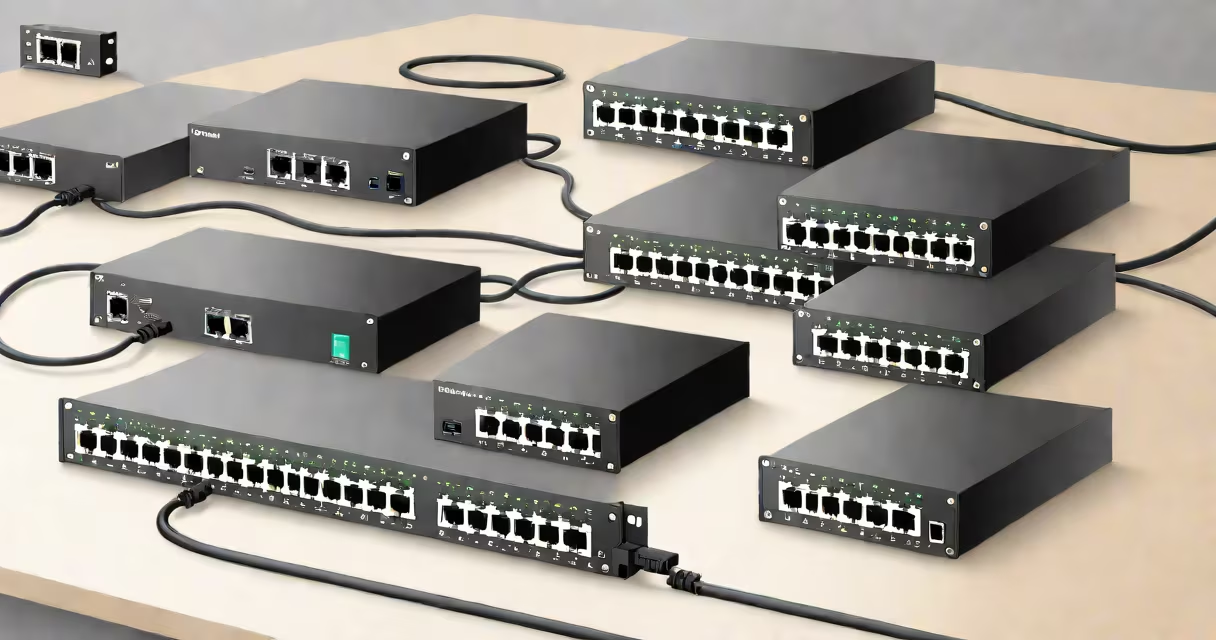
A managed network switch lets administrators configure, monitor, and control network traffic through a web interface or command-line tool. An unmanaged switch connects devices automatically with no configuration options. The choice between them affects performance, security, and scalability in a network.
Network switches direct data between connected devices. A managed switch supports features like VLANs, Quality of Service (QoS), port mirroring, and SNMP monitoring. These tools allow precise traffic handling and troubleshooting. An unmanaged switch operates at Layer 2 (data link layer) with no user controls-devices connect and communicate without settings adjustments.
Managed switches are used in business environments requiring reliability and oversight. Unmanaged switches serve home networks or temporary setups where simplicity matters more than control. The decision hinges on scale, required functionality, and technical expertise available.
Unmanaged switches operate automatically. When a device plugs in, the switch learns its MAC address and forwards frames based on destination addresses. There's no login, no configuration screen, and no way to adjust behavior. Traffic flows as soon as power is applied.
Managed switches run firmware that enables remote access via HTTP, HTTPS, Telnet, or SSH. Administrators can set up virtual LANs (VLANs) to isolate departments, assign bandwidth priorities to video conferencing, or enable port security to block unauthorized devices. These actions reduce broadcast storms and improve response times during peak usage.
For example, a school district using a managed switch can create separate VLANs for staff, students, and guest Wi-Fi. This prevents student traffic from interfering with administrative systems. An unmanaged switch would merge all traffic, increasing congestion risks and limiting visibility.
The following table compares core capabilities:
| Feature | Unmanaged Switch | Managed Switch |
|---|---|---|
| Configuration Access | None | Web GUI, CLI, API |
| VLAN Support | No | Yes (up to 256 VLANs) |
| Quality of Service (QoS) | No | Yes (prioritizes VoIP, video) |
| Remote Monitoring | No | Yes (SNMP, syslog) |
| Power over Ethernet (PoE) | Optional | Available (up to 90W per port) |
Managed switches come in Layer 2 and Layer 3 models. Layer 2 handles switching within a single subnet. Layer 3 adds routing between subnets, enabling inter-VLAN communication without a separate router. For example, a Layer 3 managed switch can route traffic between finance and HR departments while enforcing firewall rules.
Unmanaged switches are limited to basic forwarding. They don't support ACLs, routing, or traffic shaping. Their simplicity makes them ideal for connecting printers, IP cameras, or desktops in a small office.
Small offices or homes often use unmanaged switches. A user with five devices-laptop, printer, smart TV, gaming console, and a NAS-can plug everything into a single 5-port unmanaged switch. Power on, connect cables, and devices work immediately. No setup needed.
Managed switches are standard in enterprise networks. A hospital uses a managed switch to prioritize emergency room video feeds over general staff traffic. If a server fails, the switch logs the event and sends alerts via email or SMS. This level of insight prevents downtime.
I once deployed a managed 8-port switch in a retail store to handle POS terminals, surveillance cameras, and employee laptops. By setting up VLANs, we isolated payment systems from general traffic. During a malware incident, the breach stayed contained because the switch blocked lateral movement between segments. An unmanaged switch would have allowed unrestricted access across all ports.
Many assume managed switches are always better. That's false. A managed switch costs more and requires training. For a single workstation with no need for segmentation, an unmanaged switch delivers sufficient performance at lower cost.
Another mistake is thinking all managed switches support Layer 3 routing. Only Layer 3 managed switches do. A typical managed switch at the 8-port level may lack routing features. Always check specifications before assuming advanced capabilities.
Some believe PoE is exclusive to managed switches. Not true. Many unmanaged switches offer PoE (e.g., 802.3af or 802.3at). However, managed switches provide PoE budgeting, scheduling, and remote power cycling-all useful in large deployments.
Finally, managed switches aren't inherently secure. Without proper configuration, they're vulnerable to attacks like ARP spoofing or MAC flooding. Security depends on correct setup, not just the switch type. Always disable unused ports and enforce strong passwords.
Choose an unmanaged switch when:
Choose a managed switch when:
For example, a 16-port managed switch with Layer 3 capability can replace both a router and a switch in a medium-sized branch office. It routes between subnets, monitors performance, and logs events. This reduces hardware count and simplifies management.
Both managed and unmanaged network switches serve distinct roles. Managed switches offer control and visibility. Unmanaged switches deliver simplicity and low cost. Match your choice to your network size, goals, and technical capacity.