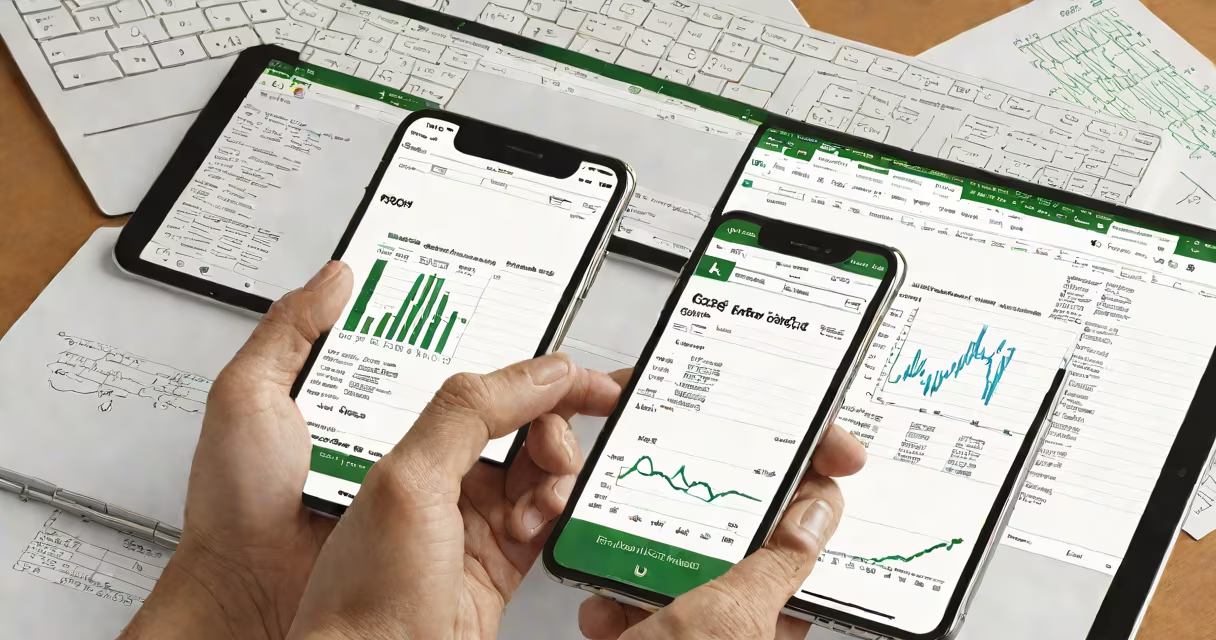
Microsoft Excel for iOS is a mobile version of the desktop spreadsheet application designed to run natively on iPhone and iPad. It supports complex formulas, chart creation, data visualization, and real-time collaboration through Microsoft 365. The app enables users to view, edit, and share Excel files directly from iOS devices.
Excel for iOS functions as a lightweight yet useful tool for managing data on the go. It syncs automatically with cloud storage via OneDrive or SharePoint, ensuring access to the latest file versions across devices. Users can open, edit, and save.xlsx,.xls, and.csv files directly from their iPhone or iPad. The interface adapts to touch input with swipe gestures, pinch-to-zoom, and on-screen keyboard integration.
For example, a student tracking grades across multiple courses can create a workbook with separate sheets for each subject. They can use SUMIF and VLOOKUP functions to calculate averages, apply conditional formatting to show failing scores, and generate a pie chart showing grade distribution-all within the app. Changes appear instantly on other devices logged into the same Microsoft account.
Microsoft Excel for iOS runs on Apple's iOS operating system and connects to Microsoft's cloud infrastructure. When a file is opened, the app downloads a cached copy to the device for offline editing. Any changes are synchronized to the cloud upon reconnection, preserving version history and enabling co-authoring.
The app uses a touch-optimized interface with contextual menus, floating toolbars, and gesture-based navigation. Long-pressing a cell activates a selection handle, allowing users to drag and fill data across rows or columns. The ribbon-style toolbar appears only when needed, conserving screen space on smaller devices.
Advanced features like Power Query and PivotTables are available in the full desktop version but are limited in the mobile app. For instance, while users can view PivotTable reports, they cannot create new ones or modify field settings directly on iOS. Complex macros require the desktop environment.
Excel for iOS includes core functionality expected from a professional-grade spreadsheet tool. It supports over 400 functions, including financial, logical, and date/time operations. Charts can be created from selected data ranges and customized with themes, colors, and labels. Shared workbooks allow multiple people to edit simultaneously, with live indicators showing who is making changes.
However, certain capabilities remain restricted. The mobile app lacks support for VBA macros, advanced data modeling, and direct access to external databases. Some formatting options, such as custom page layouts and print preview, are simplified compared to the desktop version. Cell limits are also reduced: Excel for iOS supports up to 1 million rows per worksheet, but performance degrades beyond 100,000 rows on older devices.
| Feature | Available on iOS | Limitations |
|---|---|---|
| Formula support | Yes (all standard functions) | No VBA macros |
| Chart creation | Yes (bar, line, pie, scatter) | Basic customization only |
| Real-time collaboration | Yes (via Microsoft 365) | Offline edits may conflict |
| PivotTables | View only | Cannot create or modify fields |
| File formats | .xlsx, .xls, .csv, .ods | Cannot export to .xlsm (macro-enabled) |
Many users assume Excel for iOS is a stripped-down version of the desktop program. This is incorrect. While some advanced tools are absent, the core logic and interface design mirror the full product. The app handles complex calculations reliably and maintains compatibility with files created on Windows or Mac.
A frequent error is confusing Excel for iOS with Google Sheets. Both apps support cloud syncing and mobile editing, but Excel offers deeper integration with Microsoft 365 services. For example, a team using Teams can embed an Excel sheet directly into a chat, and members can open and edit it in real time from their iPhone. Google Sheets lacks native access to Microsoft's enterprise authentication systems.
Another misunderstanding is that the iOS app requires a subscription. While full access to collaboration and cloud storage needs a Microsoft 365 account, basic viewing and editing of public or shared files is free. Users can open and read Excel files without signing in, though saving changes requires an account.
I tested the app during a week-long business trip. I used it to track daily expenses, categorize receipts, and generate a weekly report. The app imported scanned PDF receipts via the camera, extracted line items using OCR, and populated a table automatically. I then applied a SUM function to total spending per category and exported the results to a Word document using the Share menu.
For students, Excel for iOS provides a portable alternative to carrying a laptop. A biology major used it to log lab results, plot enzyme reaction rates, and compare them against theoretical models. She shared the file with her professor, who added comments and approved the draft in under five minutes. The app's ability to display formulas alongside results helped her verify accuracy quickly.
According to Microsoft's official documentation, Excel for iOS supports up to 100 simultaneous collaborators on a single file. This level of concurrency is comparable to the desktop version and is validated by independent testing from Microsoft 365 Blog., the app complies with GDPR and HIPAA standards for data handling, making it suitable for regulated industries.
Microsoft Excel for iOS is not a replacement for the desktop version but a complementary tool for on-the-go productivity. Its reliability, feature parity, and smooth integration with Microsoft's system make it indispensable for anyone managing data across devices.