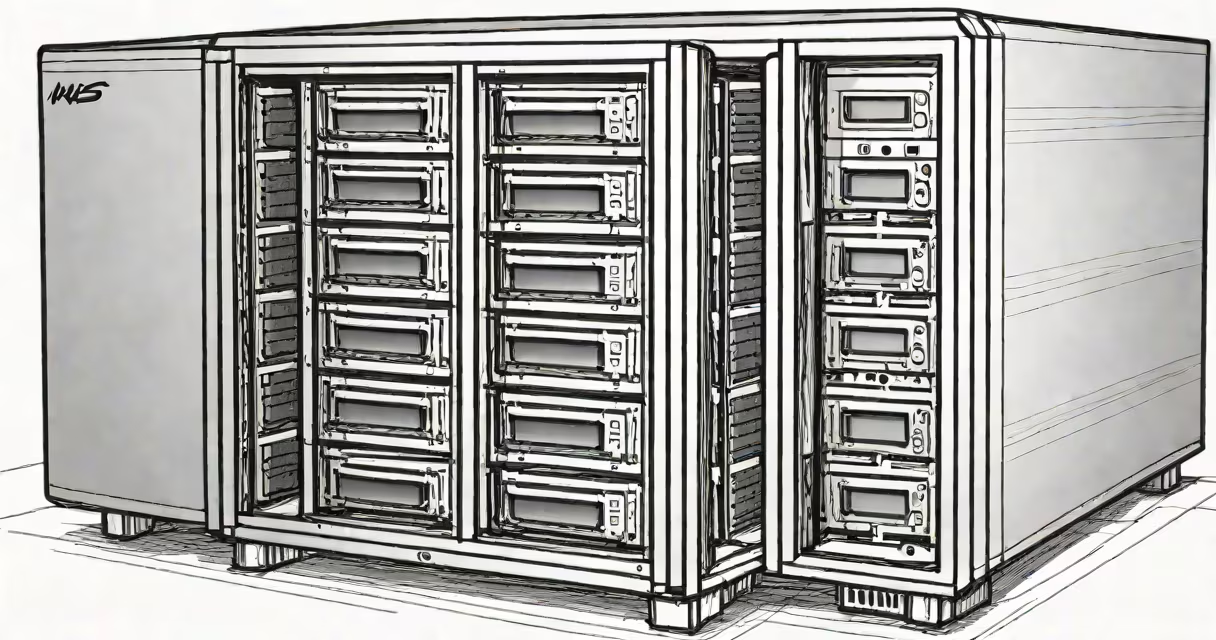
NAS server storage is a dedicated device connected to a network that stores and serves files to multiple users and devices. It runs its own operating system, manages data across drives, and enables remote access through a web interface. Unlike external hard drives, it stays powered on and accessible 24/7.
At its core, a NAS server storage unit functions as a file server. It connects to your router via Ethernet and appears as a shared folder on every computer, phone, or tablet on the same network. You can store documents, videos, music, and backups in one place, accessed from anywhere with internet access. The device handles authentication, permissions, and data redundancy automatically.
For example, a family using a Synology DS223j with two 4TB drives can stream 4K movies to a smart TV, back up all smartphones nightly, and allow parents to access school projects from their laptops while traveling. All this happens without installing software on individual devices.
A NAS server storage device runs a lightweight Linux-based OS optimized for file serving. It uses a dedicated processor, RAM, and network interface to manage incoming requests. When a user opens a file from a PC, the NAS retrieves it from its internal drives and sends it over the network.
Data flows through the network using protocols like SMB (Windows), AFP (macOS), or NFS (Linux). These protocols ensure compatibility across platforms. For remote access, the NAS creates a secure tunnel via HTTPS, allowing users to log in from outside the home network using a domain name or IP address.
Most models support RAID configurations-such as RAID 1 (mirroring) or RAID 5 (striping with parity)-to protect against drive failure. If one drive fails in a RAID 1 setup, the other continues to serve data, giving time to replace the faulty drive without losing anything.
Not all NAS devices are the same. They differ in performance, scalability, and features based on intended use.
| Type | Use Case | Drive Count | Performance | Example |
|---|---|---|---|---|
| Entry-level | Home backup, basic file sharing | 1-2 drives | Low to moderate | QNAP TS-251D |
| Mid-range | Media streaming, small business | 2-4 drives | High | Synology DS423+ |
| High-end | Virtualization, large-scale backups | 4+ drives | Very high | Asustor AS-402T |
Entry-level units often lack hardware encryption or advanced backup tools. Mid-range models include built-in surveillance support and Docker container integration. High-end systems offer dual CPUs, ECC memory, and support for NVMe SSD caching to speed up database queries.
Some NAS servers run custom firmware like TrueNAS Core or OpenMediaVault. These are free alternatives to proprietary systems, appealing to tech-savvy users who want full control over settings and updates.
Home users deploy nas server storage to centralize media libraries. A single 16TB NAS can hold 10,000 digital photos, 500 hours of 1080p video, and thousands of music tracks-all accessible from any room. Parents can set up user accounts with restricted access, ensuring kids don't view adult content.
Small businesses use it for document management and automated backups. A law firm with five employees might store client files on a QNAP TS-453D with daily snapshots. If a file gets corrupted, they can restore it from a previous version within minutes.
One key advantage over cloud storage is data sovereignty. With nas server storage, your files stay on your premises. According to the National Institute of Standards and Technology (NIST), storing sensitive data locally reduces exposure to third-party breaches. Cloud providers have experienced outages affecting millions of users-something a local NAS avoids entirely.
I once set up a 4-bay NAS at my home office to replace a stack of external drives. After configuring RAID 5 and enabling scheduled backups, I lost a drive during a power surge. The system kept running, and I restored data from a spare drive in under 30 minutes. No lost work. No panic.
Many assume NAS server storage requires technical expertise. While advanced features demand learning, basic setup takes less than 30 minutes using guided wizards. Most manufacturers provide step-by-step video tutorials on their websites.
Another myth is that NAS devices consume too much electricity. Modern models draw between 10W and 30W under load. A 2-bay NAS running 24/7 costs roughly $20 annually in electricity-less than a standard light bulb.
People also confuse NAS with cloud storage. Both store files remotely, but NAS operates locally. Cloud services like Google Drive sync files to remote servers managed by third parties. NAS keeps data on-site, meaning faster access and better privacy. If your internet goes down, you still access files on your NAS-but not on the cloud.
Finally, some think NAS server storage is only for IT pros. But consumer-grade models like the Western Digital My Cloud EX2 Ultra include plug-and-play setup, automatic backup apps, and mobile apps that make it easy for anyone to use.
When choosing a model, prioritize one with regular security updates. The U.S. Cybersecurity and Infrastructure Security Agency (CISA) warns that outdated firmware leaves devices vulnerable to ransomware attacks. Always check the manufacturer's update policy before buying.
NAS server storage delivers reliable, private, and scalable file access. It's not a replacement for cloud services-it's a complement. Use it for critical data, media libraries, and long-term archives. Keep personal photos, tax records, and project files where you control them.