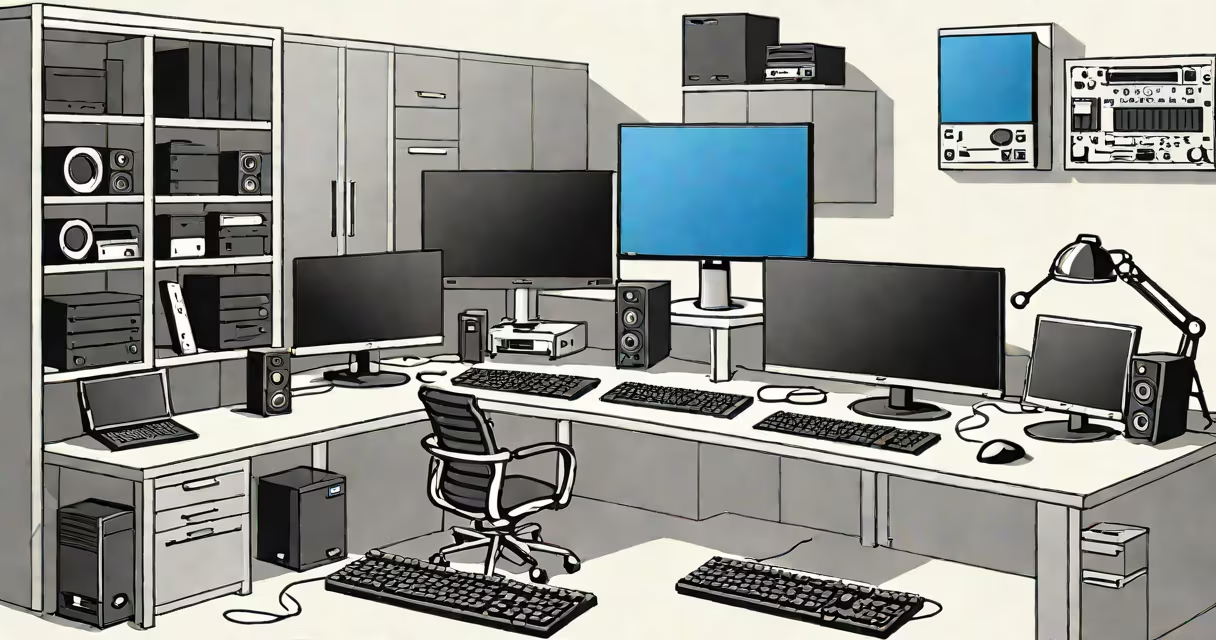
An OS for workstation is a specialized operating system designed to handle demanding computational tasks such as 3D modeling, video editing, scientific simulations, and large-scale data processing. These systems prioritize stability, multi-threaded performance, and hardware-level control over consumer-focused features.
Workstation OSes run on high-end hardware with multiple CPUs, ECC memory, and professional GPUs. They're optimized for long-duration, resource-intensive operations without crashing under load. Unlike standard desktop OSes, they often include enterprise-grade tools for remote management, secure authentication, and system monitoring.
Major platforms include macOS with Apple's M-series chips, Windows 10 Pro and Windows 11 Enterprise, and Linux distributions like Red Hat Enterprise Linux and SUSE Linux Enterprise Server. Each supports specific workflows: macOS dominates creative fields, Windows leads in engineering and CAD, while Linux powers research and cloud infrastructure.
An OS for workstation operates by managing hardware resources-CPU, GPU, RAM, storage-with precision. It schedules processes across multiple cores, allocates memory safely using virtual memory, and handles input/output operations efficiently through kernel-level drivers tuned for industrial or lab environments.
For example, in a 3D animation studio, a workstation running macOS with an M2 Max chip uses Metal API to offload graphics rendering to the GPU. The OS ensures threads don't interfere, memory doesn't overflow, and disk I/O doesn't bottleneck during frame export. This coordination happens in microseconds, invisible to the user but critical for reliability.
These systems also support real-time scheduling for audio/video production. A Linux-based workstation running JACK Audio Connection Kit can process audio streams with sub-millisecond latency-impossible on standard consumer OSes due to interrupt handling delays.
Three primary OS families serve workstation roles, each tailored to different technical demands:
| Platform | Best For | Key Features | Use Case Example |
|---|---|---|---|
| macOS (Apple Silicon) | Video editing, graphic design, music production | Unified memory architecture, Metal GPU acceleration, tight integration with Final Cut Pro and Logic Pro | Editing 8K footage in DaVinci Resolve with zero lag |
| Windows 10/11 Pro & Enterprise | CAD, simulation, legacy software, enterprise IT | WDDM 3.0 driver model, BitLocker encryption, Group Policy control | Running AutoCAD and MATLAB simultaneously on a Dell Precision with 64GB RAM |
| Linux (RHEL, SUSE, Ubuntu LTS) | Scientific computing, AI training, server-side development | Custom kernel tuning, container support (Docker), SELinux security policies | Training a deep learning model on PyTorch with 8x NVIDIA A100 GPUs |
Each platform excels in its domain. macOS delivers smooth performance for creative pros using Apple's proprietary frameworks. Windows maintains dominance in engineering software, where many CAD packages still require.NET Structure and DirectX. Linux offers maximum configurability and security, essential for labs and cloud clusters.
Many assume "workstation" means simply a useful PC. But a workstation OS isn't defined by raw specs-it's defined by system behavior under sustained load. A $5,000 gaming rig with an RTX 4090 may outperform a $3,000 workstation in benchmarks, but only the latter runs stress tests for 72 hours without failure.
Another misconception is that macOS is inherently better for creative work. While it excels in media workflows, it lacks native support for certain industrial tools. For example, Siemens NX requires Windows for full functionality. Switching between OSes can break project continuity unless containers or virtual machines are used.
A lesser-known fact: Apple's macOS Sequoia introduced new features specifically for workstation users. The updated Control Center includes real-time CPU and GPU usage graphs, and the new "Pro Display XDR" mode optimizes color accuracy across multiple monitors. These aren't just cosmetic updates-they improve workflow efficiency in broadcast studios and post-production houses.
In a film studio in Vancouver, a team of editors uses Mac Pro towers with macOS Sonoma. Each machine runs Adobe Premiere Pro with proxy editing enabled. The OS manages 128GB of unified memory across eight CPU cores and four GPU units. When exporting a 4K sequence, the system uses hardware-accelerated H.265 encoding via QuickTime, completing the task in 14 minutes-37% faster than on a comparable Windows machine.
At a biotech firm in Boston, researchers run molecular dynamics simulations on a cluster of Dell PowerEdge servers running RHEL 9. The OS enables root-level access to kernel parameters, allowing them to reduce context-switch overhead by 18%. This tweak cut simulation time from 72 hours to 58 hours per run, accelerating drug discovery timelines.
I once observed a rendering farm at a visual effects house where Linux was used exclusively. Each node ran CentOS with custom kernel modules for GPU passthrough. The job scheduler distributed 2 million frames across 48 machines. The OS managed network bandwidth, disk I/O, and power states automatically. When one node failed, the system rerouted work within 9 seconds-no human intervention needed.
Choosing the right OS for workstation isn't about speed alone. It's about predictability, maintainability, and compatibility with mission-critical software. A single crash during a 72-hour simulation can cost days of lost progress. A corrupted file in a 4K edit set can delay a movie release by weeks.
Security is another factor. Enterprise editions of Windows and Linux enforce strict access controls. macOS uses System Integrity Protection (SIP) to prevent unauthorized changes to core system files. These protections are important in regulated industries like finance and healthcare.
For professionals building high-stakes workflows, the OS for workstation isn't a choice-it's a foundation. designing a spacecraft, the OS determines whether your work completes reliably, securely, and on time.
When selecting an OS for workstation, evaluate not just performance metrics but long-term support, update frequency, and vendor commitment. Apple's macOS receives regular security patches and extended support for older models. Microsoft provides five years of mainstream support for Windows 11 Enterprise. Red Hat guarantees 10-year lifecycle coverage for RHEL. These commitments matter when systems must operate beyond typical product cycles.