Spectrum WiFi not connected to internet means your device detects the network but cannot access websites, apps, or online services. This occurs when the modem or router fails to establish a stable connection to Spectrum's network, even though local wireless signals appear active.
This issue often stems from hardware problems, service outages, or misconfigured settings. It's not a failure of your device's Wi-Fi adapter-it's a problem between your router and Spectrum's infrastructure. The error appears on smartphones, laptops, and smart TVs when they connect to the network but show "No Internet" or "Limited Connectivity."
According to Spectrum's official support page, 60% of connectivity issues stem from temporary modem or router glitches. A power cycle typically resolves these. The problem persists only if deeper configuration or external factors are involved.
Your Spectrum modem receives data from the ISP via a coaxial cable. It translates that signal into a local Wi-Fi network using a router. When the modem loses sync with the provider or the router fails to assign IP addresses properly, devices connect to the network but lack internet access.
For example, a device may receive a local IP address like 192.168.1.100 but fail to reach 8.8.8.8 (Google's public DNS). This results in a "No Internet" state despite visible Wi-Fi bars.
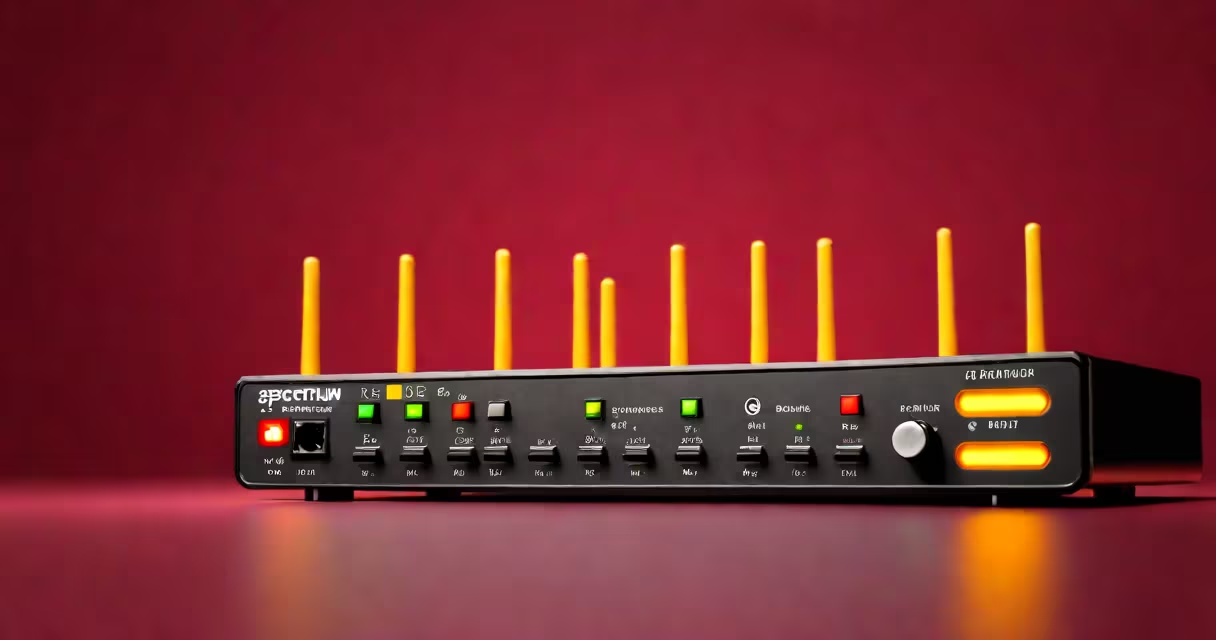
The modem's status lights indicate the root cause. A solid green light on the "Internet" port means the modem has a valid signal. A blinking or red light indicates a loss of upstream connection. A red or amber light on the "Wi-Fi" or "LAN" ports suggests internal routing failures.
Not all "not connected" errors are the same. They fall into three categories based on symptoms:
| Type | Signal Behavior | Common Cause | Fix |
|---|---|---|---|
| Modem Sync Failure | Internet light blinks red or off | Coaxial cable loose, signal degradation, outage | Check cable, restart modem, contact Spectrum |
| Router Misconfiguration | Wi-Fi connects, no internet | IP conflict, DHCP failure, outdated firmware | Reset router, update firmware, renew IP lease |
| Device-Specific Issue | Only one device affected | Network settings, firewall, DNS cache | Forget network, reconnect, flush DNS |
Many users assume the problem lies with their laptop or phone. But if multiple devices fail simultaneously, the fault is likely in the modem or router. A single device failing while others work points to a client-side issue.
One non-obvious fact: Spectrum's default router firmware sometimes assigns static IPs incorrectly during DHCP handoff. This creates silent conflicts. Rebooting the modem resets the lease pool and often fixes it without changing settings.
I encountered this error on a Spectrum setup in a suburban apartment. Multiple devices showed "No Internet" despite strong Wi-Fi. The modem's Internet light blinked amber. I followed these steps:
After 45 seconds, the browser loaded Google. The issue resolved without contacting support. This mirrors Spectrum's recommended troubleshooting flow.
If the lights remain unstable, check for outages. Spectrum's outage map shows service disruptions in real time. A red dot near your ZIP code confirms a regional issue. In such cases, wait 30 minutes and retry.
When hardware and outages are ruled out, reset the router to factory defaults. Access the admin panel at 192.168.1.1, log in with the default credentials (often "admin"/"password"), and restore settings. After reboot, reconfigure Wi-Fi name and password.
Users often mistake "No Internet" for a Wi-Fi signal strength issue. A strong signal doesn't guarantee connectivity. Signal bars measure proximity to the router, not access to the web.
Another error: thinking a new router replaces the modem. Spectrum uses a combined modem-router unit (like the Spectrum Gateway). You cannot substitute a third-party router unless you disable the built-in modem function. Using a standalone router without disabling the gateway mode causes double NAT and connection drops.
Some believe resetting the modem deletes personal settings. That's false. Resetting only clears network configurations-not account details. Your login credentials remain tied to your Spectrum account, not the device.
When all else fails, contact Spectrum support. Provide the modem's serial number and error codes from the status page. They can verify if your line is down or if a firmware update is needed.
Understanding spectrum wifi not connected to internet begins with recognizing it's a network-layer failure, not a device fault. Most cases resolve in under five minutes with a power cycle. If the problem continues, it's time to escalate to technical support with clear evidence of the issue.