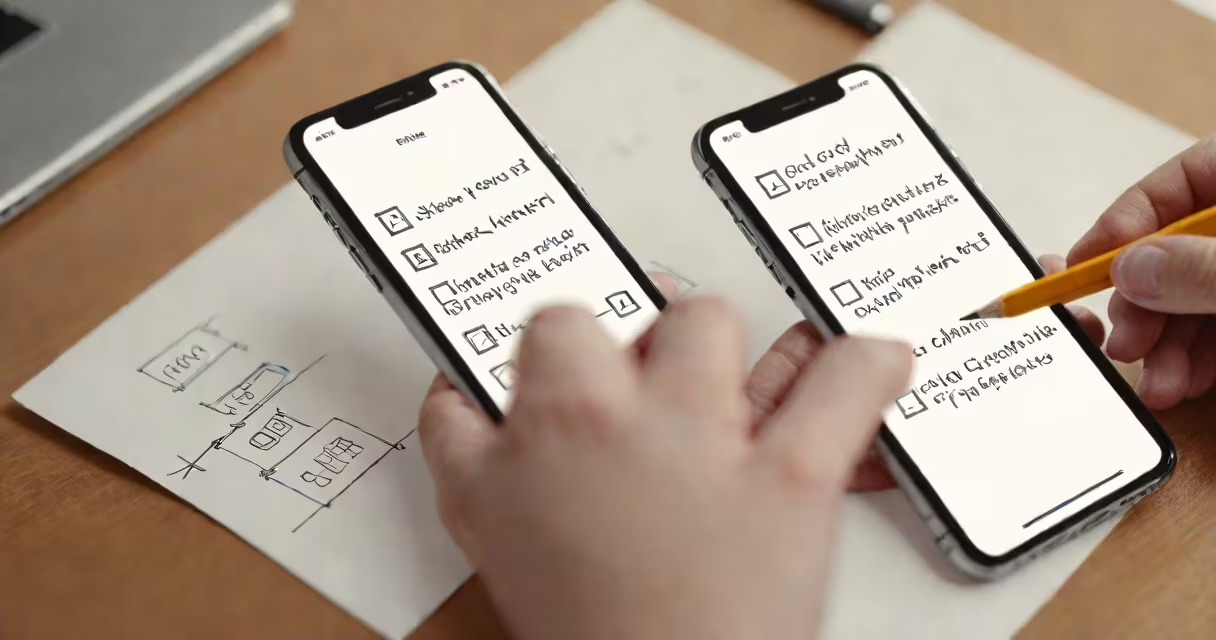
Before trading in your iPhone, erase all personal data, disable Activation Lock, back up your information, and ensure the device is in good physical condition. These actions protect your privacy, prevent trade-in rejection, and maximize your credit value.
Apple's trade-in program evaluates devices based on model, storage capacity, condition, and regional availability. A phone with intact data or active Apple ID login may be rejected or offer lower value. Skipping preparation risks losing access to your account, exposing private information, or receiving less credit than eligible.
Failure to remove your Apple ID from the device triggers Activation Lock-a security feature that locks the phone to your account. Even if you hand it over, the new owner cannot activate it. This is a common reason trade-ins are declined. The lock remains active until the account is verified, which requires your access.
When you initiate a trade-in through Apple's website or in-store, the system runs diagnostics on your iPhone. It checks for signs of water damage, screen cracks, battery health, and whether the device is reported lost or stolen. If the device fails verification, Apple may offer a reduced value or decline the trade-in entirely.
The evaluation includes scanning for hardware issues. For example, a battery with less than 80% capacity reduces the trade-in value by $50-$100 depending on model. Water damage detection via the Liquid Contact Indicator (LCI) can void eligibility. Apple uses both automated tools and manual inspection during in-store assessments.
After approval, Apple sends a prepaid shipping label (if online) or credits your account instantly (in-store). You receive payment via gift card or direct deposit. The process takes 3-7 business days after return, depending on location and carrier.
Complete these steps to ensure a smooth and secure trade-in:
Apple recommends completing these steps at least 24 hours before trade-in. Waiting allows time for iCloud to confirm the device is no longer associated with your account. If you skip signing out, the device may still appear linked to your Apple ID after reset.
Many users assume that resetting the iPhone deletes everything. That's true-but only if the device is properly erased and the Apple ID is removed. A common error is signing out of iCloud without turning off Find My iPhone first. This leaves the device locked to your account.
Another mistake is skipping the backup. Without a backup, you lose all data permanently. Apple does not restore data from trade-in returns. If you forget to back up, you'll need to restore from a previous backup or recover manually.
A lesser-known issue: some third-party apps (like banking or password managers) store encrypted data in iCloud Keychain. Even after erasing the device, that data may remain accessible via iCloud.com until you sign out and delete the account. Always check your iCloud settings before trade-in.
For example, a user traded in an iPhone 13 with 256GB storage. They reset the device but forgot to turn off Find My iPhone. Apple's system flagged the device as locked. The trade-in was declined. After contacting support and disabling the feature, they resubmitted and received $420-$150 less than the original quote.
Trading in offers immediate credit toward a new Apple product. Selling privately or through marketplaces like eBay or Swappa gives cash but requires effort in listing, shipping, and handling buyer disputes.
Apple's trade-in program is safer and faster. It eliminates risk of scams and provides a consistent valuation. However, the credit value is typically 10-20% lower than private sale prices due to Apple's operational costs and resale margins.
For instance, a used iPhone 12 with 128GB and minor scratches fetched $380 on Swappa in January 2024. Apple offered $320 for the same device. The difference reflects Apple's need to maintain inventory quality and reduce refurbishment time.
| Factor | Trade-In (Apple) | Sell Privately |
|---|---|---|
| Value Received | $320 average (iPhone 12 128GB) | $380 average (same model) |
| Time to Completion | 3-7 days | 5-14 days (shipping + payment) |
| Data Risk | Low (if steps completed) | High (if not backed up) |
| Activation Lock Risk | Eliminated with proper prep | Possible if not disabled |
One key advantage of Apple's trade-in: it's free to return the device. There's no fee for shipping or handling. Private sales often require packaging materials and postage.
I once traded in my iPhone 11 without backing up. I assumed the reset would preserve everything. When I tried to restore later, iCloud showed "No backup available." I lost over 1,200 photos and years of messages. The lesson: always verify your backup completes before proceeding.
After that, I created a checklist. I now use pre-procedure preparations as a mental model-just as you wouldn't skip bowel prep before a colonoscopy, you shouldn't skip trade-in prep.
Run through this list before sending your iPhone:
Once complete, proceed to Apple's trade-in portal. Enter your device details. Receive an instant quote. Ship or drop off. Get credit applied within a week.
Following these steps ensures your iPhone trade-in proceeds smoothly, protects your data, and secures the maximum value. Skipping even one step can result in delays, reduced credit, or permanent data loss.