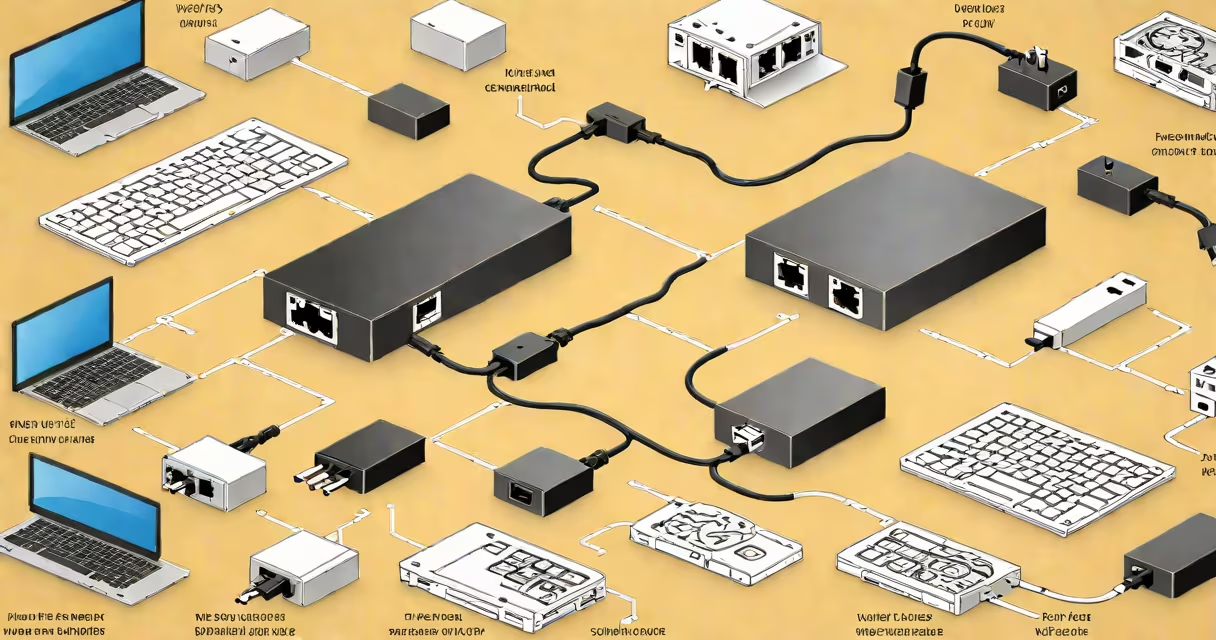
An ethernet adapter is a hardware device that adds a wired network connection to a computer or other device lacking a built-in Ethernet port. It uses an RJ45 connector to link to a network cable, enabling stable, high-speed internet access through a physical wire rather than Wi-Fi.
These adapters plug into USB, USB-C, or Thunderbolt ports on laptops, tablets, or desktops. They translate digital signals from the host device into the format required by standard Ethernet cables and switches. This allows devices without native Ethernet support-like most modern ultrabooks-to connect to wired networks.
For example, a MacBook Air without an Ethernet port can use a USB-C to Ethernet adapter to connect directly to a router or modem. The adapter appears as a network interface in the operating system, assigning an IP address and enabling file sharing, gaming, or video conferencing with minimal latency.
When you plug an ethernet adapter into your device, it creates a direct physical link between the device and a network switch, router, or modem. The adapter handles low-level communication protocols such as MAC addressing and packet framing, which manage data flow between devices on the same local network.
Data travels over twisted-pair copper wires inside the Ethernet cable. The adapter converts electrical signals into digital packets and vice versa. It supports speeds ranging from 10 Mbps (legacy) to 10 Gbps (high-end models), depending on the adapter's specification and the network infrastructure.
For instance, a Gigabit Ethernet adapter (1000 Mbps) can transfer a 1 GB file in under 10 seconds. A Wi-Fi 6 connection may achieve similar speeds under ideal conditions, but wired connections remain more consistent-especially during peak usage times or in environments with interference.
Ethernet adapters come in several types based on port compatibility and speed:
| Type | Port Type | Max Speed | Use Case |
|---|---|---|---|
| USB 3.0 to RJ45 | USB-A | 1 Gbps | Laptops with USB-A ports; basic office use |
| USB-C to RJ45 | USB-C | 1 Gbps | Modern laptops, thin devices, mobile workstations |
| Thunderbolt 3/4 to RJ45 | Thunderbolt | 10 Gbps | High-performance tasks: video editing, server access |
| PCIe Ethernet Card | Internal expansion slot | 10 Gbps+ | Desktops, servers, network-intensive applications |
Not all adapters support the same speed. A USB 2.0 port limits throughput to 480 Mbps-even if the adapter itself can Gigabit speeds. Always match the adapter's speed rating with the host device's port capabilities.
Some adapters include additional features like LED status indicators, pass-through power delivery (for charging while connected), or support for Power over Ethernet (PoE). PoE allows the cable to deliver both data and electricity-common in IP cameras and VoIP phones.
Many users confuse an ethernet adapter with a wireless access point or a network switch. An access point extends Wi-Fi coverage; a switch manages multiple wired connections. An ethernet adapter is neither-it's a single-port interface for connecting one device to a wired network.
Another misconception is that ethernet adapters improve internet speed beyond what the ISP provides. They don't. If your internet plan offers 100 Mbps, the adapter won't increase that. But it ensures you receive the full bandwidth consistently-unlike Wi-Fi, which can drop due to distance, walls, or interference.
A lesser-known fact: many ethernet adapters require driver software to function properly. While most modern operating systems (Windows 10/11, macOS, Linux) include generic drivers, some high-performance or specialized adapters need updated firmware or vendor-specific tools. Always check the manufacturer's website before purchasing.
Consider a freelance graphic designer working remotely from a coffee shop. Their laptop lacks an Ethernet port. They use a USB-C to Gigabit Ethernet adapter to connect to the café's wired network. The connection remains stable during large file transfers and video calls-something Wi-Fi struggles with due to crowded channels.
Another example: a small business owner sets up a point-of-sale terminal that requires a static IP and low-latency connection. The terminal runs on a Raspberry Pi with no Ethernet port. A USB-to-RJ45 adapter provides a reliable wired link to the internal network, preventing transaction failures caused by Wi-Fi drops.
I once tested a 10 Gbps Thunderbolt adapter with a workstation running a virtualized development environment. Over Wi-Fi, ping times fluctuated between 15 ms and 120 ms. With the wired adapter, they stabilized at 2-3 ms. That difference mattered when debugging real-time systems.
Use an ethernet adapter when you need consistent performance, lower latency, or higher security. Wired connections are less vulnerable to eavesdropping than Wi-Fi. They're also better for bandwidth-heavy tasks like backing up large datasets, streaming 4K video, or hosting game servers.
They're essential in environments with poor Wi-Fi signals-such as basements, older buildings, or industrial settings with metal structures. A hospital's imaging department uses ethernet adapters to ensure MRI data transfers complete without interruption.
For home users, an ethernet adapter is ideal for gaming consoles, smart TVs, or media servers that benefit from stable, low-latency connections. Even a modest 1 Gbps adapter can reduce lag in online multiplayer games compared to Wi-Fi.
However, these alternatives aren't always faster or more reliable. Phone-line adapters typically max out at 100 Mbps and suffer from noise interference. Powerline adapters can be affected by circuit breakers and shared circuits. True wired performance still comes from dedicated Ethernet cabling.
An ethernet adapter is a straightforward tool that bridges the gap between modern devices and traditional wired networks. It's not a magic fix for slow internet-but it delivers the full speed promised by your ISP, with greater stability and security.
IT professional, understanding what is an ethernet adapter helps you make informed choices about connectivity. Choose the right type based on your device's port, required speed, and network setup.