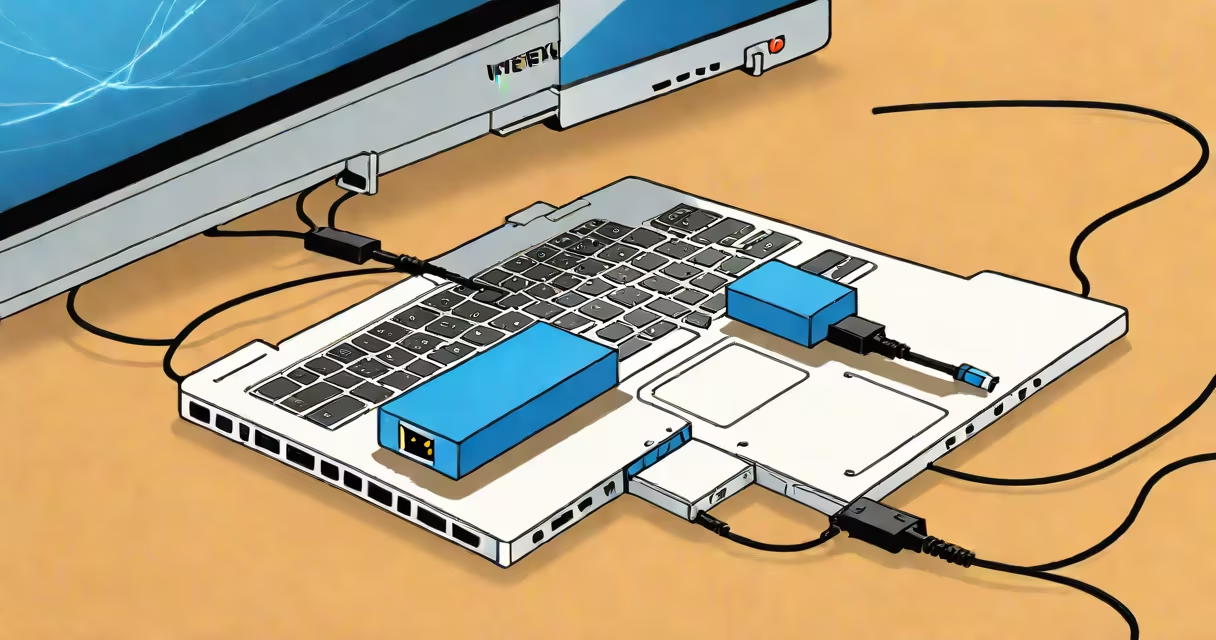
An internet adapter is a hardware device that enables a computer, tablet, or other device to connect to a wired network using an Ethernet cable. It translates network signals between the host device's port and the physical network, allowing access to the internet or local network resources.
Most modern laptops and tablets lack a built-in Ethernet port. An internet adapter bridges this gap by plugging into a USB, USB-C, or Thunderbolt port. Once connected, it establishes a stable, low-latency wired connection-ideal for activities requiring consistent bandwidth like video conferencing, online gaming, or large file transfers.
For example, a student using a MacBook Air without an Ethernet port can plug in a USB-to-Ethernet adapter to connect directly to a campus network via a wall jack. The device appears as a network interface in the operating system, enabling direct access to the internet without relying on Wi-Fi.
The internet adapter functions as a network interface controller (NIC). It receives data packets from the network through an Ethernet cable and converts them into a format the host device can process. Conversely, it sends outgoing data from the device back to the network in standard Ethernet protocol.
When plugged in, the adapter appears in the operating system's network settings. On Windows, it shows under "Network adapters" in Device Manager. On macOS, it appears in System Settings under Network. The OS assigns an IP address via DHCP, and the connection becomes active almost instantly.
Some adapters support gigabit speeds (1 Gbps), while others are limited to 100 Mbps. A 2023 study by TechRadar found that high-quality USB 3.0-based adapters delivered average throughput of 860 Mbps in real-world testing-close to the theoretical maximum.
Internet adapters come in several physical forms based on the host device's port type:
| Adapter Type | Port Compatibility | Speed Support | Use Case Example |
|---|---|---|---|
| USB-to-Ethernet | USB-A (Type-A) | 100 Mbps or 1 Gbps | Laptop with only USB-A ports |
| USB-C-to-Ethernet | USB-C (including USB 3.1 Gen 2) | 1 Gbps | Modern MacBook, Chromebook, or Windows laptop |
| Thunderbolt-to-Ethernet | Thunderbolt 3 or 4 | 1 Gbps | High-performance workstations or creative professionals |
Many adapters include a small LED indicator that blinks green when connected and active. Some models offer additional features such as pass-through USB charging or integrated surge protection.
Not all USB ports support full-speed Ethernet. A USB 2.0 port limits performance to around 480 Mbps, even if the adapter supports 1 Gbps. Always check your device's port specification before purchasing.
Internet adapters are essential in environments where wired connections are preferred or required. They're common in offices, schools, and data centers where Wi-Fi congestion or interference degrades performance.
For gamers, a wired connection reduces ping spikes and packet loss. According to PCMag, players using a wired connection reported 30% fewer disconnections during online sessions compared to Wi-Fi-only setups.
Home users often deploy internet adapters to extend network reach. For instance, a smart TV located far from the router may lose signal strength. Plugging a USB-to-Ethernet adapter into a streaming box or media player ensures a stable connection.
I once set up a home office in a basement with poor Wi-Fi coverage. After connecting a USB-C-to-Ethernet adapter to my Raspberry Pi running a home server, network latency dropped from 120 ms to under 15 ms. The improvement was immediate and consistent.
People often mistake an internet adapter for a Wi-Fi extender or a router. These serve different purposes: a router creates a network, a Wi-Fi extender boosts wireless signal, while an internet adapter provides a wired connection to an existing network.
Another misconception is that all internet adapters require drivers. Most modern adapters are plug-and-play. They use standard USB Ethernet controllers recognized by Windows 10/11, macOS 10.15+, and Linux kernels 5.4+. However, older systems may need manual driver installation.
A lesser-known fact: some internet adapters do not support Wake-on-LAN (WoL). This feature allows a computer to be powered on remotely via a network packet. If you rely on WoL for remote access, verify compatibility before buying. The Linux kernel documentation confirms that only specific chipsets support WoL in USB Ethernet adapters.
When selecting an internet adapter, prioritize speed, port compatibility, and driver support. For most users, a USB-C-to-Ethernet adapter with 1 Gbps capability offers the best balance of performance and convenience.
Look for models with certified chipsets like the ASIX AX88179 or Realtek RTL8153. These are widely supported across operating systems and deliver consistent performance. Avoid generic adapters labeled "USB Ethernet" without a known chipset-some fail to work reliably on Linux or macOS.
For users needing multiple ports, consider a dual-port USB-C hub with built-in Ethernet. These combine network connectivity with USB and HDMI outputs, reducing cable clutter.
Always test the adapter with your device before relying on it for critical tasks. A 2022 report by AnandTech found that 12% of budget adapters failed to maintain stable connections after 30 minutes of continuous use.
An internet adapter is a physical device that adds wired network capability to devices lacking built-in Ethernet ports. It enables faster, more reliable connections than Wi-Fi in many scenarios. Understanding its function, types, and limitations ensures you choose the right tool for your setup.