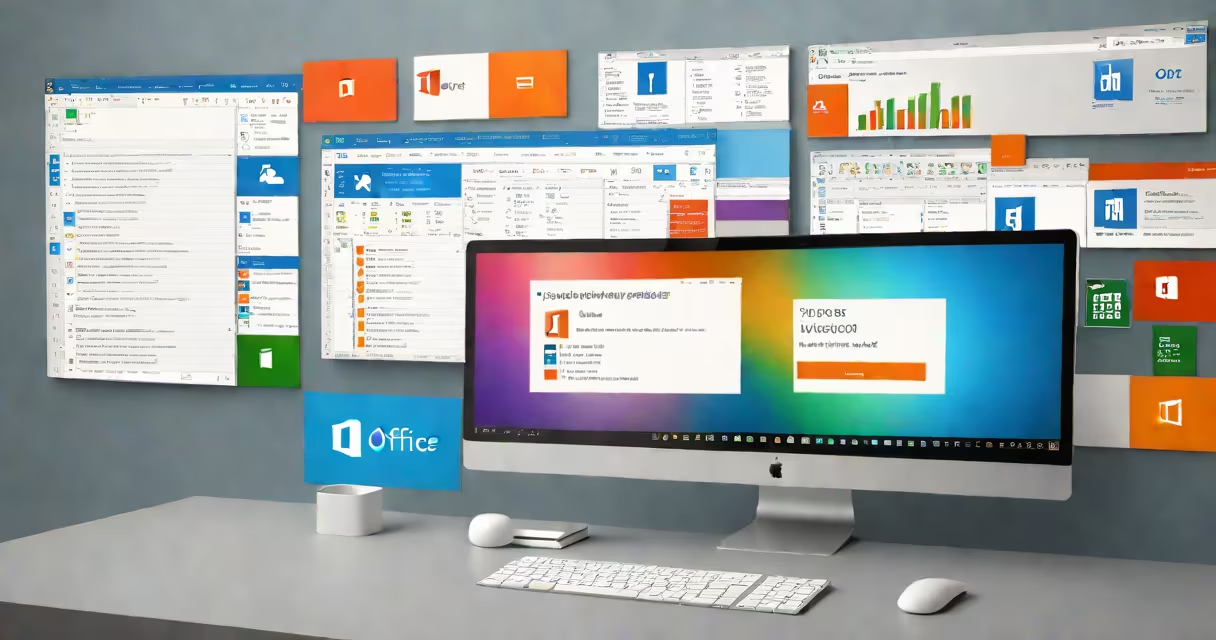
The MS Office set is a collection of productivity software applications developed by Microsoft, including Word, Excel, PowerPoint, Outlook, and Access. These tools are designed for creating documents, managing data, delivering presentations, organizing emails, and building databases.
Word handles text editing and document formatting. Excel manages numerical data through spreadsheets, formulas, and charts. PowerPoint creates visual presentations. Outlook organizes email, calendars, and contacts. Access builds relational databases for storing and querying complex data sets.
These applications run on Windows, macOS, iOS, and Android. They're available via subscription (Microsoft 365) or as a one-time purchase (Office Home & Student, Office Professional). The core functionality remains consistent across platforms.
Each application in the set serves a distinct purpose. Word is used for writing reports, resumes, letters, and books. Excel supports financial modeling, budget tracking, and data analysis. PowerPoint enables users to create slideshows for meetings, lectures, and pitches. Outlook manages daily communication and schedules. Access is intended for advanced users who need to track relationships between data tables.
For example, a small business owner might use Word to draft a contract, Excel to track monthly sales, PowerPoint to present results to investors, Outlook to send follow-up emails, and Access to manage customer records. All five tools share a common interface style and file format (.docx, .xlsx, .pptx, .msg, .accdb).
Microsoft updated the set's branding in 2019. The term "Office" now refers to both the software collection and the cloud-based services under Microsoft 365. This includes real-time collaboration features, cloud storage (OneDrive), and AI-powered tools like Editor in Word and Ideas in Excel.
| Application | Purpose | Common File Extension |
|---|---|---|
| Microsoft Word | Document creation and editing | .docx |
| Microsoft Excel | Data analysis, calculations, charts | .xlsx |
| Microsoft PowerPoint | Slide presentations | .pptx |
| Microsoft Outlook | Email, calendar, task management | .msg |
| Microsoft Access | Database design and management | .accdb |
Applications in the MS Office set integrate through shared formats and embedded objects. A chart created in Excel can be pasted into a Word document and updated automatically when the source data changes. A PowerPoint slide can embed an interactive Excel worksheet for live data visualization during a presentation.
For example, a marketing team preparing a quarterly review might build a dashboard in Excel, copy the revenue chart into a PowerPoint slide, and insert a footnote referencing a detailed report stored in Word. All files remain linked, allowing updates to propagate across documents.
Microsoft also introduced co-authoring in 2018. Multiple users can edit a single Word or Excel file simultaneously, with changes visible in real time. This feature is enabled through Microsoft 365 subscriptions and requires cloud storage. Files saved locally cannot support this functionality unless uploaded to OneDrive.
Many people assume that all Microsoft products are part of the Office set. This is incorrect. Tools like Teams, OneNote, Skype, and Publisher are not included in the standard set. Teams is a separate communication platform. OneNote is a note-taking app that's available as a standalone download or bundled with Microsoft 365.
Another misconception is that Office is only for desktop computers. While the original versions were Windows-only, Microsoft released native apps for iPad, iPhone, and Android devices. The mobile versions have reduced functionality compared to desktop editions but maintain core features. For example, Excel on iOS supports basic formulas and pivot tables but lacks advanced macros.
A key distinction: Access is often overlooked because it's not included in the free version of Office. It's only available in the Professional edition or as part of Microsoft 365 Business Premium. Users who need to build custom databases for inventory, HR records, or project tracking must explicitly choose this option.
In 2022, a nonprofit organization in Seattle used the full MS Office set to plan a fundraising campaign. They drafted a proposal in Word, using tracked changes and comments for internal review. The finance lead created a budget model in Excel, applying conditional formatting to show overspending. The team then built a presentation in PowerPoint, embedding live Excel charts that updated when new data was entered.
Outlook was used to schedule weekly check-ins, assign tasks, and send automated reminders. Finally, they used Access to track donor information, linking donation history to contact details and event attendance. The entire workflow was completed within four weeks, with all documents stored securely in OneDrive.
This example shows how the components of the MS Office set function as a coordinated system. No single tool replaces another. Each fills a specific role in a larger operational process.
When selecting a version of Office, verify which applications are included. The Office Home & Student edition includes only Word, Excel, PowerPoint, and OneNote. The Office Professional edition adds Outlook and Access. Microsoft 365 subscriptions offer all tools plus cloud access, mobile apps, and regular updates.