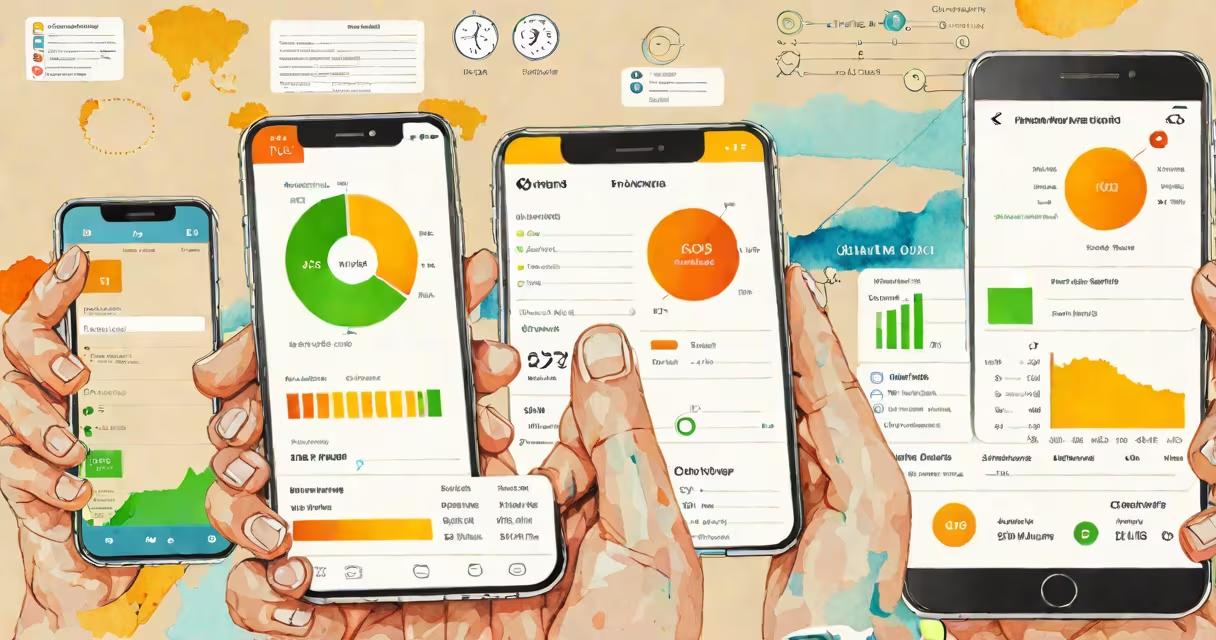
What is using data on my phone refers to the apps, services, and background processes consuming your mobile data plan while connected to cellular networks. This includes streaming video, downloading updates, syncing emails, and even silent background refreshes.
Mobile data is the wireless connection your phone uses when not on Wi-Fi. It's measured in megabytes (MB) and gigabytes (GB) per month, depending on your carrier plan. When an app sends or receives information through your cellular network, it counts toward your data limit.
For example, watching one hour of HD video on YouTube uses about 1.5 GB of data. A single email with a photo attachment may use 2 MB. These numbers add up quickly if you're unaware of which apps are active.
Your phone tracks data usage by monitoring network traffic between apps and the internet. Every time an app requests or sends data-whether it's loading a webpage, updating a social feed, or syncing your calendar-it logs that activity against your monthly data cap.
Operating systems like Android and iOS maintain detailed usage reports. On Android, go to Settings > Network & Internet > Data Usage. On iPhone, go to Settings > Cellular > Cellular Data Usage. Both show daily, weekly, and monthly totals per app.
Some apps run in the background even when closed. Messaging apps like WhatsApp or Facebook Messenger check for new messages every few minutes. These checks consume small amounts of data but can accumulate over time-especially if you have multiple accounts or notifications enabled.
Data usage falls into three categories: foreground (active use), background (silent operations), and system (OS-level tasks).
| Type | Examples | Avg. Monthly Usage |
|---|---|---|
| Foreground | Streaming music, video calls, web browsing | 5-15 GB |
| Background | Email sync, app updates, location services | 1-5 GB |
| System | OS updates, location services, device backup | 0.5-2 GB |
Video streaming is the biggest consumer. Netflix uses around 1 GB per hour in standard definition, 3 GB in HD, and up to 7 GB in 4K. Music platforms like Spotify average 60 MB per hour in normal quality, rising to 150 MB in high quality.
Cloud storage apps such as Google Drive, iCloud, and Dropbox automatically sync files across devices. If you have large folders set to auto-sync, they can exhaust your data allowance within days-even if you don't actively open them.
Non-obvious fact: Some apps track your location continuously, even when you're not using them. This background location access can trigger data-heavy GPS lookups and map downloads. According to Apple's App Tracking Transparency structure, over 40% of apps request location permissions, many of which are used for advertising.
Many users assume that only video and music use data. But apps like weather widgets, news feeds, and even games update content constantly-even when idle. A single game like Pokémon GO can use 100 MB per hour during gameplay due to real-time map rendering and server communication.
Another common error is thinking that "Wi-Fi only" apps don't use data. If your phone switches to cellular when Wi-Fi drops, apps may resume syncing without warning. For example, if your Gmail app is set to download new messages automatically, it will switch to cellular data when you leave home and lose Wi-Fi.
Users often overlook automatic app updates. By default, both Android and iOS allow apps to update over cellular data. An update for a large app like TikTok or Instagram can exceed 100 MB. Over a month, this adds up fast-especially on limited plans.
Firsthand observation: During a road trip, I noticed my phone's data usage spiked despite minimal app use. The culprit was a fitness tracker syncing heart rate data every 15 minutes. After disabling background refresh, usage dropped by 70% in two days.
Start by checking your device's built-in data monitor. On Android, under Settings > Network & Internet > Data Usage, you can see a chart of daily usage and set alerts when nearing your limit. You can also restrict background data for specific apps.
On iPhone, go to Settings > Cellular > Cellular Data. Scroll down to see a list of apps and their data consumption. Tap any app to disable cellular access entirely. For example, turning off cellular for Facebook reduces background activity and prevents surprise data drains.
Use tools like Google's Digital Wellbeing or Apple's Screen Time to set limits. These features let you define daily data caps and receive alerts when approaching them. They also show historical trends-helpful for spotting unusual spikes.
For deeper control, consider using a firewall app like NetGuard (Android) or Little Snitch (iOS). These apps block network access on a per-app basis. You can deny data access to apps that don't need it-like games or social media during work hours.
Pro tip: Enable "Low Data Mode" on both iOS and Android. This reduces background data usage by limiting automatic downloads, background app refresh, and video quality. On iPhone, Low Data Mode lowers video buffering and disables background app refresh unless on Wi-Fi.
High data usage becomes critical when traveling internationally. Roaming charges can reach $10 per MB. Even brief video calls abroad can cost hundreds of dollars. Always turn off cellular data when abroad or use a local SIM card.
For people on capped plans-such as 5 GB per month-overages result in extra fees or throttled speeds. AT&T and Verizon charge $15 per additional GB after the limit. T-Mobile offers unlimited plans but slows speeds after 50 GB, affecting video quality and app performance.
Using data efficiently also improves battery life. Background syncing and constant network polling drain power faster. Reducing data-heavy tasks extends battery duration by up to 20%, according to a 2023 study by the University of California, San Diego.
Understanding what is using data on my phone isn't just about avoiding bills. It's about managing privacy, conserving battery, and ensuring consistent performance. Knowing which apps consume data lets you make informed choices about connectivity and usage habits.