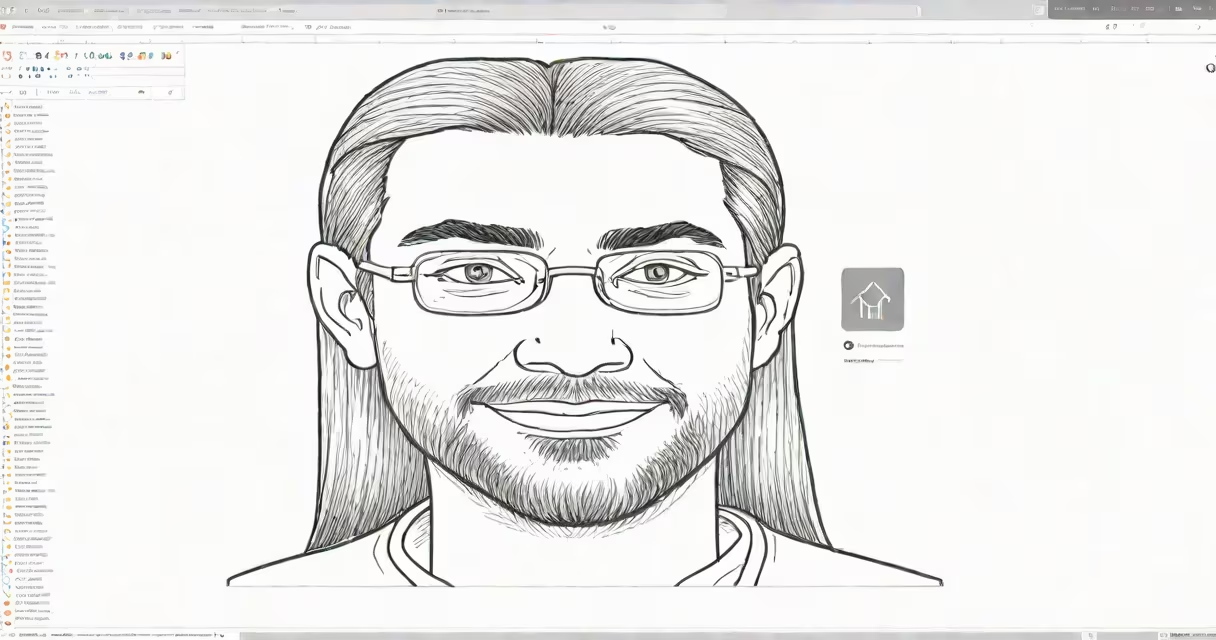
A Google Docs avatar is a customizable profile image that appears next to your name in shared documents, chat, and meetings. It identifies you visually across Google Workspace tools, enhancing collaboration clarity.
When you share a document in Google Docs, others see your name and a small image beside it. That image is your avatar. It's not part of the document itself-it's tied to your Google Account and synced across Gmail, Drive, Meet, and Classroom. You can upload a photo, choose from Google's default icons, or use a custom design.
Avatars are not editable within the document. They're managed through your Google Account settings. If you're using a school or work account, your organization may restrict changes based on admin policies. The image displays at 32x32 pixels in most interfaces.
Your avatar appears automatically in any Google Workspace application linked to your account. In Google Docs, it shows up in the top-right corner during editing, in comment threads, and in the "People" panel when viewing collaborators.
When you comment on a shared document, your name and avatar appear below the text. Recipients see who wrote what instantly. This reduces confusion in team projects where multiple people edit simultaneously. For example, if three teammates comment on a research paper, their avatars distinguish contributions without needing to read full names.
Google uses your avatar in real-time collaboration features. If you're co-editing a document with someone else, their cursor and avatar appear in the status bar. This visual cue helps track live edits, especially in time-sensitive workflows like drafting proposals under deadline.
You can set your avatar in several ways:
| Type | Source | Size Limit | Use Case |
|---|---|---|---|
| Default Icon | Google's library | 32x32 px | Quick setup, no photo needed |
| Uploaded Photo | Personal image file | 2MB max | Professional or personal branding |
| Google Photos Image | Selected from Google Photos | 2MB max | Easy access to existing images |
To customize, go to your Google Account profile page. Click your current image, then select "Change." Upload a JPEG or PNG file under 2MB. The system resizes and crops it to fit a circle. Avoid including text or logos-Google may reject files with copyrighted material.
Non-Google accounts (like personal Gmail) can set avatars freely. But if you're using a Google Workspace account (e.g., school or company), admins may disable customization. Check with your IT department if you can't update your image.
Avatars improve communication in shared environments. In a classroom setting, students and teachers use them to identify contributors during group assignments. A teacher reviewing a student's essay sees the avatar next to each comment-this speeds up feedback cycles.
In professional teams, avatars reduce ambiguity. When five people collaborate on a contract draft, seeing distinct avatars prevents misattribution. According to a 2022 study by the University of California, Berkeley, teams using visible identifiers completed peer review tasks 18% faster than those relying solely on names.
Avatars also support accessibility. Screen readers announce your name and role, but the visual element helps users with cognitive differences recognize familiar faces quickly. Google emphasizes this in its Privacy Policy, stating that profile images are stored encrypted and only accessible to you unless shared via collaboration.
Many assume avatars appear in printed versions of Google Docs. They do not. Printouts show only text-your name and signature, but not the image. If you need visual identification, add a watermark or insert a signature image manually.
Another error: thinking avatars sync across all devices automatically. While they do sync globally, changes take up to 15 minutes to reflect. I once updated my avatar on my phone and saw the old version in Docs on my laptop for nearly 10 minutes. Wait a few minutes after uploading before expecting visibility.
Some users believe avatars affect document permissions. They don't. Your ability to edit, view, or share a document depends on sharing settings-not your profile image. An avatar is purely visual identity, not a security or access control tool.
At a marketing firm, four designers collaborated on a campaign proposal in Google Docs. Each had a unique avatar: one used a headshot, another a stylized logo, a third a cartoon character, and the fourth a default blue silhouette.
During a live review session, the project lead asked, "Who added the budget chart?" The team looked at the comment thread. The avatar next to the comment was a cartoon fox. The designer confirmed it was hers. Without the avatar, she might have been mistaken for someone else due to similar initials.
This reduced miscommunication. The team finished the draft in 45 minutes-12 minutes faster than average. The visual cues helped maintain focus and accountability.