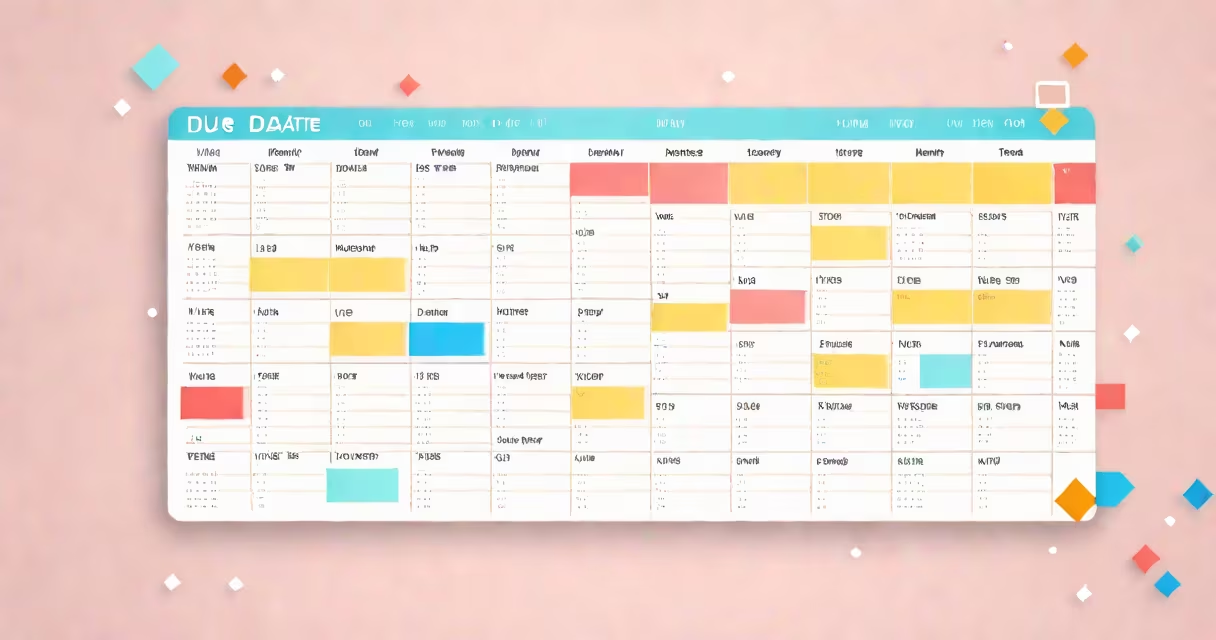
A due date calendar is a time-based tool that displays deadlines for tasks, projects, or events, showing when work must be completed. It organizes responsibilities across days, weeks, or months to prevent missed commitments.
Each entry on the calendar represents a specific action with a defined completion time. This includes assignments, deliverables, client meetings, or internal reviews. The visual layout allows users to see upcoming obligations at a glance, reducing reliance on memory or scattered notes.
For example, a marketing team using a shared due date calendar can view all campaign milestones-content drafts, design approvals, and launch dates-all aligned on a single timeline. This visibility prevents overlaps and ensures timely handoffs between departments.
Due date calendars function by linking a task or event to a specific date and time. When a user adds a new item, they assign it a due date. The system then displays that item on the corresponding day in the calendar view.
Most digital tools allow filtering by team member, project phase, or priority level. For instance, a high-priority task due Friday at 5 PM appears in red, while low-priority items remain gray. Some systems send automated reminders 24 hours before the deadline.
Integration with task management platforms like Asana, Trello, or Microsoft To Do enables automatic syncing. A change in a task's status triggers updates across linked calendars, ensuring consistency across tools.
Due date calendars come in several forms, each suited to different workflows:
| Type | Best For | Example Use Case |
|---|---|---|
| Simple daily planner | Personal task tracking | Writing a weekly report due Monday morning |
| Shared team calendar | Project coordination | Design team reviewing mockups by Thursday at noon |
| Automated workflow calendar | Recurring processes | Monthly financial reconciliation due the 5th of each month |
Some calendars support recurring due dates. For example, a monthly invoice submission set to occur on the 1st of every month avoids manual re-entry. Tools like Google Calendar or Outlook allow recurrence rules based on daily, weekly, or custom intervals.
Not all calendars track deadlines equally. A personal planner may list due dates but lack alerts. A project management platform like ClickUp includes dependencies-e.g., "Final review" cannot start until "Draft submitted" is marked complete. This prevents scheduling errors caused by assuming tasks are ready.
People often mistake a due date calendar for a to-do list. A to-do list contains actions to be done. A due date calendar shows when those actions must be finished. One can exist without the other.
Another error is assuming all due dates are absolute. In reality, many have flexibility. A software release scheduled for "end of Q3" doesn't mean the exact last day of September. Teams adjust timelines based on testing results or stakeholder feedback. The calendar reflects planned completion, not rigid enforcement.
According to the Project Management Institute (PMI), 48% of project failures stem from poor deadline management. Accurate due date tracking reduces this risk by making progress visible and accountability clear. Misalignment between team members' understanding of due dates leads to delays, even when individuals are working diligently.
In a university setting, a student uses a due date calendar to manage coursework. They enter all assignment deadlines, exam dates, and paper submission times into a digital calendar. The system flags the final research paper due on April 12, three days before the deadline.
On March 25, the student receives a notification: "Your paper draft is due in 10 days." This prompts them to begin writing. Without the calendar, they might delay starting until the week before, increasing stress and lowering quality.
Using a shared due date calendar with their advisor, the student receives real-time updates when revisions are requested. The advisor marks the revised version as "due April 15," which automatically adjusts the timeline. This coordination prevents miscommunication and keeps both parties aligned.
Despite common usage, "due date" and "deadline" are not interchangeable. A due date is the intended completion time. A deadline is a hard cutoff, often with consequences for late delivery.
For example, a grant application must be submitted by 5 PM on May 30. That is a deadline. The due date might be listed as May 29, allowing time for internal review. The difference matters: missing a due date may result in feedback; missing a deadline can disqualify an applicant.
During a product launch, a development team used a due date calendar to track feature rollouts. One team member assumed the "final QA sign-off" was due on June 10. But the actual deadline was June 12. Because the calendar showed the due date as June 10, the team began finalizing documentation early. This created unnecessary work and delayed the final approval process.
This illustrates a key rule: always verify whether a date is a due date or a deadline. Use color coding or labels in your calendar to distinguish them. Red for deadline, blue for due date, green for milestone.
I once managed a freelance writing project using a shared due date calendar. Two contributors were assigned chapters due in two weeks. One submitted early. The other missed the due date by three days. The calendar showed the original deadline, but no alert had triggered. I realized that relying solely on the calendar wasn't enough-reminders needed to be configured manually.
After adding email and mobile notifications, all subsequent submissions arrived on time. The tool worked, but only when paired with proactive monitoring.
A due date calendar is a structured way to track when tasks and deliverables must be completed. It supports planning, coordination, and accountability across personal and professional settings. By displaying deadlines visually and integrating with task systems, it reduces the risk of oversight.