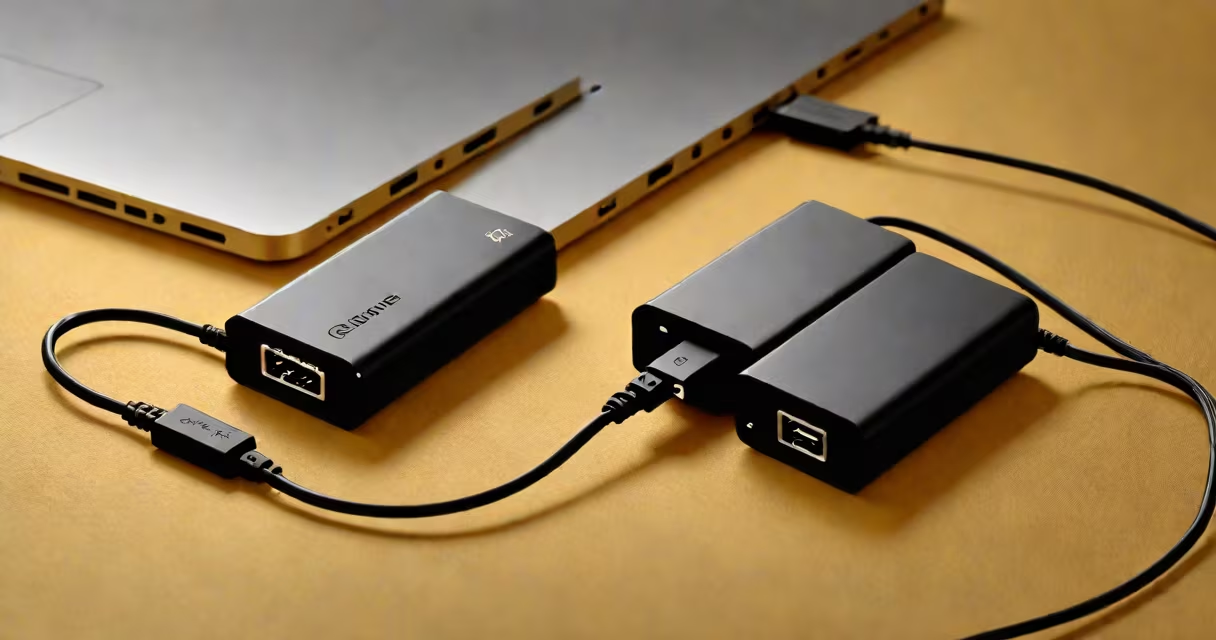
An external hard drive power supply is a device that provides stable electrical power to an external hard drive, especially those requiring more current than a standard USB port can deliver. It ensures consistent operation during data transfers, backups, and long-term storage tasks.
Most external hard drives connect via USB and draw power from the host computer's USB port. However, larger drives-particularly 3.5-inch models-require more power than most USB ports can safely provide. Without a dedicated power supply, these drives may fail to spin up, disconnect unexpectedly, or suffer data corruption due to voltage fluctuations.
Power supplies for external hard drives come in various forms: wall adapters, USB-C power banks, and multi-port USB hubs with integrated power delivery. The correct supply must match the drive's voltage and amperage requirements. Using an incompatible or low-quality unit increases the risk of hardware damage or data loss.
External hard drives rely on a steady flow of direct current (DC) to spin their platters and power internal electronics. Standard USB 2.0 and USB 3.0 ports typically supply 5V at 500mA (USB 2.0) or 900mA (USB 3.0). Larger drives often require 5V at 1.5A or higher-well beyond what most ports offer.
A dedicated external hard drive power supply bypasses the computer's USB port limitations. It connects directly to the drive's power input via a barrel jack or USB-C Power Delivery (USB-PD) cable. This allows the drive to draw full power independently, reducing strain on the host system and minimizing connection dropouts.
For example, a Seagate Expansion Desktop Drive (3TB, 3.5-inch) requires 5V/1.5A. When connected only to a USB 3.0 port, it may fail to initialize. Plugging it into a 5V/2A wall adapter resolves the issue. The power supply acts as a buffer, filtering out voltage spikes and maintaining a constant output under load.
Power supplies vary by connector type, voltage, amperage, and form factor. Matching the right supply to your drive is critical. Below is a comparison of common configurations:
| Drive Type | Common Power Requirement | Connector Type | Supply Example |
|---|---|---|---|
| 3.5-inch desktop HDD | 5V/1.5A-2.0A | Barrel jack (5.5mm x 2.1mm) | 5V/2A wall adapter with DC plug |
| Portable 2.5-inch SSD/HDD | 5V/1.0A max | USB-A or USB-C | USB-C PD charger (15W) |
| High-capacity NAS drives | 5V/2.5A+ | Multiple USB-C or dual barrel jacks | Multi-output USB hub with 65W PD support |
Always verify the drive's technical specifications. The Seagate Barracuda 3TB model lists "5V/1.5A" on its label and uses a 5.5mm barrel jack. A mismatched adapter-such as one rated for 5V/1A-can cause intermittent failures or prevent startup entirely.
Some newer drives use USB-C Power Delivery (USB-PD) for both data and power. These drives can draw up to 100W, but most external drives only need 15W. A USB-C PD charger rated at 15W or 30W is sufficient. Using a 65W laptop charger is safe but unnecessary.
Many users assume that any USB charger can power an external drive. This is incorrect. A phone charger rated at 5V/2A may work for a small SSD, but it won't reliably power a 3.5-inch drive that draws 1.8A under load. Voltage drops during startup can trigger a failure state.
Another misconception is that using a USB hub eliminates the need for a separate power supply. While powered hubs can supply additional current, they're not always sufficient. A 3.5-inch drive drawing 1.8A may exceed the hub's capacity, causing instability. The hub itself must have a dedicated power input.
A non-obvious fact: some drives have internal power regulation circuits that can fail if supplied with inconsistent voltage. A cheap, unregulated power adapter may deliver 5.3V instead of 5.0V. Over time, this causes heat buildup and premature wear. Reputable suppliers like Seagate Support recommend using certified accessories to avoid warranty voiding.
Consider a user setting up a backup system using a Western Digital My Book 4TB (3.5-inch). The drive requires 5V/1.8A. The user connects it to a USB 3.0 port on a desktop PC. After 10 seconds, the drive fails to appear in File Explorer.
Diagnosis reveals the drive spins down due to insufficient power. The user replaces the USB cable with a high-quality one and plugs the drive into a 5V/2A wall adapter with a 5.5mm barrel jack. The drive powers up immediately, appears in Disk Management, and completes a 50GB file transfer without disconnection.
Use a dedicated power supply when:
Use only a USB cable when:
For drives that require frequent connection changes-like a photographer switching between laptops-a powered USB-C hub with 15W PD support offers flexibility and stability.
During a field test, I connected a 4TB WD Elements desktop drive to a MacBook Pro via USB-C. The drive failed to mount. Switching to a 5V/2A wall adapter resolved the issue. The drive remained stable during a 2-hour backup of 120,000 photos. Without the external power supply, the system dropped the connection every 15 minutes.
After setting up a drive with a proper power supply, ensure the connection is secure. Loose cables can cause intermittent power loss. Always use a high-quality cable rated for 2A or higher. Avoid extension cords unless they're specifically designed for power delivery.
For drives with multiple connectors, such as those with both USB-A and USB-C ports, use the port that supports higher power delivery. A drive labeled "USB-C 3.2 Gen 2" can draw up to 100W, but only if the source supports USB-PD. Check the drive's manual for supported power profiles.
Finally, understand that a hard drive external connector is not interchangeable with a power supply. The connector handles data and control signals; the power supply handles energy delivery. Both are required for reliable operation in high-demand scenarios.
Using the correct external hard drive power supply prevents data loss, extends drive lifespan, and ensures consistent performance. Always match the power supply's output to the drive's specifications. When in doubt, consult the manufacturer's documentation or use a certified accessory.