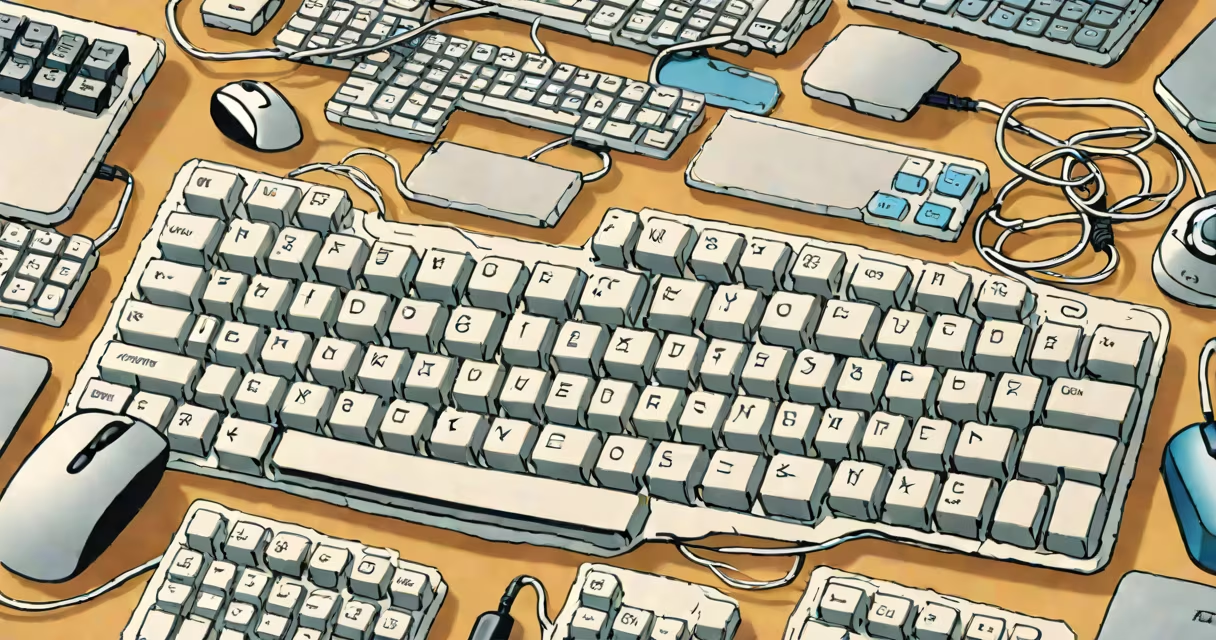
Input devices in computing are hardware components that capture user actions-like typing, clicking, or touching-and convert them into digital signals a computer can process. These tools enable direct communication between humans and machines.
Every time you press a key, move a cursor, or tap a screen, an input device sends data to the computer's central processing unit (CPU). The CPU interprets the signal and triggers a corresponding action, such as displaying text, opening a file, or playing audio. Without input devices, interacting with software would be impossible.
Modern systems rely on dozens of input methods. Some are standard-like keyboards and mice-while others are specialized, such as barcode scanners, microphones, or graphics tablets. All serve the same core function: translating physical behavior into machine-readable form.
Each input device uses sensors or switches to detect physical changes. A keyboard registers keystrokes through mechanical or capacitive switches under each key. When pressed, the switch closes a circuit, sending a unique electrical signal to the computer's motherboard.
Mice operate using optical or laser sensors. As the mouse moves across a surface, the sensor tracks tiny changes in position. This movement data is sent to the operating system, which updates the cursor location on screen. Modern mice sample position up to 1,000 times per second, ensuring smooth tracking.
Touchscreens use capacitive sensing. Your finger disrupts the electric field across the screen's surface. The device measures changes at multiple points and calculates where contact occurred. This allows multi-touch gestures like pinch-to-zoom or swipe navigation.
Input devices fall into several categories based on how they receive user input. The most widely used types include:
| Type | How It Works | Typical Use Cases |
|---|---|---|
| Keyboard | Key presses trigger electrical signals via mechanical or membrane switches. | Text entry, command execution, programming. |
| Mouse | Optical sensor detects motion; buttons send click signals. | Going through GUIs, selecting objects, drawing. |
| Touchscreen | Capacitive grid senses finger proximity and pressure. | Smartphones, tablets, kiosks, interactive displays. |
| Microphone | Converts sound waves into analog electrical signals, then digitized. | Voice commands, video calls, audio recording. |
| Webcam | Sensor captures light and converts it into digital image data. | Video conferencing, facial recognition, surveillance. |
Some devices combine functions. For example, a laptop's trackpad serves as both a pointing device and a touchscreen. Gaming controllers integrate joysticks, buttons, and vibration feedback for immersive control.
Industrial and medical environments use custom input devices. Surgeons use gesture-controlled interfaces during operations to avoid touching contaminated surfaces. Factory robots respond to hand signals captured by motion-tracking cameras.
Many people assume all input devices require wired connections. But wireless models-using Bluetooth or radio frequency-now dominate consumer markets. A Logitech MX Master 3 mouse connects via Bluetooth 5.0 and supports up to three devices simultaneously, reducing cable clutter.
Another misconception is that input devices only send data. In reality, many provide feedback. Haptic keyboards vibrate slightly when a key is pressed, confirming input. Game controllers use variable resistance motors to simulate recoil or terrain texture.
A lesser-known fact: input devices often include firmware that processes raw data before sending it to the OS. A gaming mouse may filter out accidental movements or adjust sensitivity dynamically. This reduces CPU load and improves responsiveness.
I once observed a software engineer working on a high-speed debugging task. Her setup included a mechanical keyboard with tactile switches, a high-DPI optical mouse, and a dual-monitor display. She typed 120 words per minute while going through complex codebases.
She used keyboard shortcuts extensively-Ctrl+Shift+F to search across files, Alt+Tab to switch between applications. The mouse was reserved for precise UI adjustments. Her input devices were calibrated to her preferences: mouse sensitivity set to 1600 DPI, keyboard repeat rate adjusted to 300ms delay.
Without these tools, she'd spend hours manually scrolling through logs. Instead, she completed the task in under 45 minutes. The efficiency gain came not from the computer's speed-but from how well the input devices matched her workflow.
Input devices are sometimes mistaken for output devices. Output devices-like monitors, printers, and speakers-send information *from* the computer to the user. Input devices do the opposite: they bring data *into* the system.
For example, a printer receives digital instructions from the computer and produces a physical document. That's output. A scanner takes a photo of a paper document and converts it into a digital file. That's input.
Also, not all user interfaces rely on traditional input devices. Voice assistants like Amazon Alexa or Apple Siri accept spoken commands. These are input devices too, though they're less visible. They use microphones and natural language processing to interpret speech.
Even eye-tracking systems count as input devices. Research from the University of California, Berkeley shows that gaze-based navigation can reduce interface interaction time by up to 30% for people with motor disabilities. These systems use infrared cameras to detect pupil movement and map it to cursor position.
Understanding input devices in computing reveals how human behavior shapes digital experiences. A poorly designed keyboard can cause repetitive strain injuries. A laggy mouse affects precision in design work. A touchscreen with low sensitivity frustrates users in public kiosks.
The World Health Organization reports that musculoskeletal disorders related to poor workstation ergonomics affect 15% of office workers globally. Proper input device selection-like ergonomic keyboards or vertical mice-can reduce injury risk by up to 40%, according to a 2022 study published in Occupational Medicine.
As computing evolves, new input modalities emerge. Gesture recognition, brain-computer interfaces, and emotion-sensing wearables are entering early development. These technologies aim to make interaction more intuitive-but they still depend on accurate input capture.