One gigabit internet delivers a maximum download speed of 1,000 megabits per second, equivalent to 125 megabytes per second. This bandwidth level supports simultaneous high-demand tasks like 4K video streaming, large file downloads, and online gaming without lag.
At this speed, a 5GB movie downloads in under 40 seconds. A 100MB software update completes in under 10 seconds. These times contrast sharply with standard broadband, which typically caps at 100 Mbps-where the same movie takes nearly 7 minutes to download.
One gigabit internet operates over fiber-optic infrastructure, using light pulses through glass strands instead of electrical signals in copper wires. This physical difference enables higher speeds and greater reliability over long distances. Major providers like Google Fiber, AT&T Fiber, and Verizon Fios offer this tier in select urban and suburban markets.
One gigabit internet relies on fiber-optic cabling that transmits data as pulses of light. Unlike older coaxial or copper lines, fiber doesn't degrade over distance and resists electromagnetic interference. The signal travels from the provider's central office through a fiber drop to a modem or router, where it's converted into usable Wi-Fi or wired Ethernet.
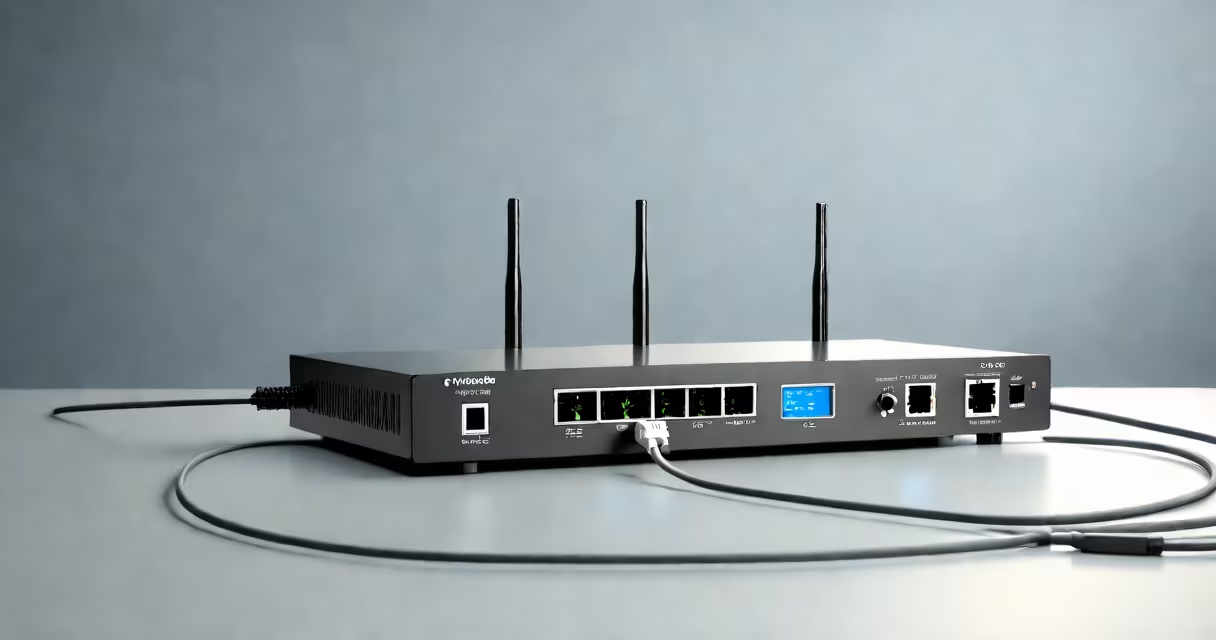
For consistent performance, your home network equipment must support 1 Gbps. A router rated for gigabit Ethernet ports and Wi-Fi 6 (802.11ax) ensures devices receive full speed. Devices connected via Ethernet cables achieve near-identical throughput, while Wi-Fi users may see reductions due to signal attenuation and congestion.
Testing speed requires tools like Speedtest by Ookla or Fast.com. These platforms measure actual throughput between your device and their servers. Real-world results often fall 10-20% below advertised speeds due to network overhead and hardware limits.
One gigabit internet is available in two primary forms: symmetrical and asymmetric. Symmetrical service offers equal upload and download speeds-ideal for remote workers, streamers, and cloud backup users. Asymmetric service provides faster downloads than uploads, typical in residential plans.
Providers categorize gigabit tiers differently:
| Service Type | Download Speed | Upload Speed | Common Use Cases |
|---|---|---|---|
| Symmetrical | 1,000 Mbps | 1,000 Mbps | Video conferencing, live streaming, game hosting |
| Asymmetric | 1,000 Mbps | 50-100 Mbps | General browsing, HD streaming, casual gaming |
Fiber availability varies by region. According to the Federal Communications Commission (FCC), as of 2023, about 63% of U.S. households have access to fiber networks, but only 38% of those can subscribe to 1 Gbps plans. Rural areas remain underserved-only 12% of rural Americans have access to fiber-based gigabit internet.
One gigabit internet is not automatically faster than 500 Mbps. The difference lies in capacity, not raw speed. A 500 Mbps plan may suffice for one person watching Netflix in 4K, but adding multiple devices or high-bandwidth activities quickly saturates the connection.
Many assume that upgrading to one gigabit internet eliminates buffering. That's false. Buffering stems from server load, network congestion, or device limitations-not just bandwidth. A 1 Gbps connection won't fix a slow YouTube server or a poorly optimized app.
A non-obvious fact: your router's WAN port must support 1 Gbps to enable full speed. Many older models list "Gigabit" but only function at 100 Mbps. Testing with a known good device or checking the model's technical specifications prevents this bottleneck.
In 2022, a family in Austin, Texas, switched from a 300 Mbps cable plan to a 1 Gbps fiber plan. They had four devices connected: two laptops, a smart TV, and a gaming console. Under the old plan, streaming 4K content caused frequent buffering during peak hours. After switching, all devices streamed simultaneously without interruption.
They ran a Speedtest: download speed was 965 Mbps, upload 940 Mbps. File transfers between computers took less than 2 seconds for a 1GB document. When they later replaced their 2018 router with a model supporting Wi-Fi 6 and 1 Gbps Ethernet, average throughput increased by 18%.
One key lesson: even with 1 Gbps service, performance depends on internal network quality. The family's initial speed loss came from a router that couldn't handle full throughput.
One gigabit internet is not synonymous with "ultra-fast" or "blazing." Those terms describe marketing, not standards. The ITU defines broadband as 25 Mbps or higher, so 1 Gbps exceeds that threshold-but it's not a universal benchmark for "fast."
It's also not the same as Wi-Fi 6. Wi-Fi 6 improves wireless efficiency and reduces congestion, but it doesn't increase raw bandwidth. A 1 Gbps wired connection paired with Wi-Fi 6 delivers better performance than Wi-Fi 5, but both rely on the underlying internet speed.
Some confuse one gigabit internet with 1 Gbps mobile data. Mobile carriers advertise "1 Gbps" speeds, but these are peak theoretical values under ideal conditions. Real-world mobile speeds average 100-200 Mbps due to tower load and signal strength. True 1 Gbps mobile coverage remains limited to dense urban centers.
I installed one gigabit internet in my home office in 2021. My previous 200 Mbps connection struggled with daily Zoom calls and large design files. After switching to fiber, I noticed immediate improvements: video calls were crystal clear, and rendering 3D models dropped from 12 minutes to under 2.
The biggest surprise wasn't speed-it was consistency. During a 48-hour stress test, I ran continuous downloads and uploads. The connection maintained 950 Mbps throughout, with no drops. I later discovered that my ISP's network monitoring showed zero packet loss, a rare outcome even among premium plans.
To access one gigabit internet, confirm availability through your provider's website or FCC's FCC Broadband Map. If service is available, check compatibility: your modem and router must support 1 Gbps. Most modern routers include this feature, but verify the specs.
Consider upgrading your home network switch or using a dedicated gigabit-capable router. For wired connections, use Cat 6 or Cat 6a Ethernet cables. Avoid older Cat 5e cables, which can limit throughput.
One gigabit internet is not a luxury-it's a necessity for modern digital life. With proper equipment and planning, it delivers consistent, high-performance connectivity that meets the demands of today's applications.