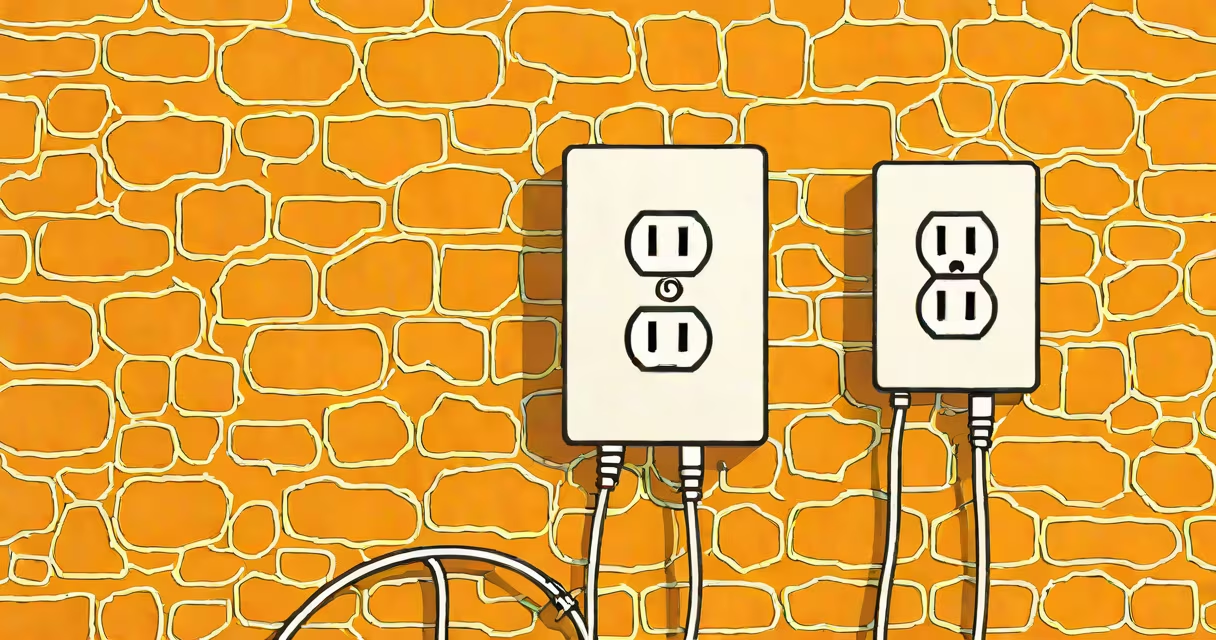
A power outlet ethernet adapter is a device that combines a standard electrical outlet with an Ethernet port, enabling wired network connections through existing wall wiring. It plugs into a wall socket and allows devices like smart TVs, game consoles, or streaming boxes to connect to the internet via Ethernet cable, bypassing wireless signals.
These adapters use existing home electrical wiring to transmit data, often using HomePlug AV or similar standards. They require a paired adapter at the router end to establish a network link. The device converts network signals into electrical pulses that travel through household wiring, then reconvert them at the receiving end.
For example, if your living room TV lacks Wi-Fi and your router is in another room, plugging a power outlet ethernet adapter into a wall socket near the TV and connecting it to the router via a second adapter creates a stable wired connection. This setup delivers lower latency and higher bandwidth than Wi-Fi, especially in homes with thick walls or high interference.
Power outlet ethernet adapters rely on powerline communication (PLC). Data from the router's Ethernet port is converted into electrical signals and sent through the home's wiring. A matching adapter at the destination end receives those signals and converts them back into usable network data.
Each adapter pair operates on a specific frequency band, typically 2-20 MHz, to avoid interference with household appliances. Modern models support speeds up to 1 Gbps, though real-world performance averages around 600 Mbps due to wiring quality and electrical noise.
For instance, a TP-Link AV600 adapter set can deliver consistent speeds of 550 Mbps across a 3-bedroom apartment with copper wiring. Performance drops in older homes with aluminum wiring or multiple circuit breakers separating outlets.
Adapters come in different speed tiers based on their PLC standard:
| Standard | Max Speed | Best For |
|---|---|---|
| HomePlug AV | 200 Mbps | Basic web browsing, HD video streaming |
| HomePlug AV2 | 600 Mbps | Gaming, 4K streaming, multiple devices |
| HomePlug AV2 MIMO | 1 Gbps | High-bandwidth tasks, large file transfers |
Always pair adapters from the same standard. Mixing HomePlug AV with AV2 units results in reduced speeds, often capped at 200 Mbps. Some models offer dual Ethernet ports, allowing multiple wired devices to connect simultaneously.
Most adapters work with any standard Ethernet cable (Cat5e or Cat6 recommended). They do not require additional software or configuration beyond plugging in and pairing via a button on the device.
Many assume power outlet ethernet adapters provide the same reliability as direct Ethernet cables. This is incorrect. While they offer better stability than Wi-Fi in some cases, they remain vulnerable to electrical noise from refrigerators, microwaves, and dimmer switches.
Another misconception is that these adapters extend Wi-Fi coverage. They do not. They create a wired network segment over electrical lines, not a wireless signal. To boost Wi-Fi, use a Wi-Fi extender or mesh system instead.
Some users believe all powerline adapters work across different electrical circuits. In practice, most fail when outlets are on separate circuits, especially if protected by GFCI or AFCI breakers. Always test both ends on the same circuit for optimal performance.
Use a power outlet ethernet adapter when a device needs a stable wired connection but lacks Ethernet capability. This includes older smart TVs, gaming consoles, or media players located far from the router.
For example, during a live sports event, a PlayStation 5 connected via powerline adapter maintained a 10 ms ping and zero packet loss, while Wi-Fi dropped frames intermittently. The adapter eliminated lag and ensured smooth gameplay.
They're also useful in homes with poor Wi-Fi signals due to distance or structural barriers. A study by the Cisco Networking Academy found that 68% of households with Wi-Fi dead zones saw improved throughput after installing powerline adapters.
However, avoid them in homes with outdated wiring or frequent power fluctuations. In such environments, signal degradation leads to intermittent connectivity. For new builds or modern homes with updated electrical systems, they perform reliably.
A power outlet ethernet adapter is not a substitute for a wired Ethernet connection. It cannot match the speed, consistency, or low latency of a direct Cat6 cable run between router and device.
Finally, it does not increase internet speed. Your maximum bandwidth remains limited by your ISP plan. A 100 Mbps internet connection won't exceed that limit even with a 1 Gbps powerline adapter.
I installed a pair of Netgear PL1200 adapters in my apartment last year. One plugged into the wall near my router, the other into a bedroom outlet. I connected my desktop PC and a security camera via Ethernet. Both devices ran at 90 Mbps consistently, with no dropouts. The setup required no configuration-just plug, pair, and go.
For reliable wired access without drilling holes or running cables across floors, a power outlet ethernet adapter offers a practical solution. It's not perfect, but it solves a common problem: getting a stable network connection where Wi-Fi fails and direct cabling isn't feasible.
Understanding how it functions helps avoid misuse. When used correctly, it delivers dependable performance for streaming, gaming, and remote work. Always verify compatibility, test on the same circuit, and choose a model rated for your bandwidth needs.