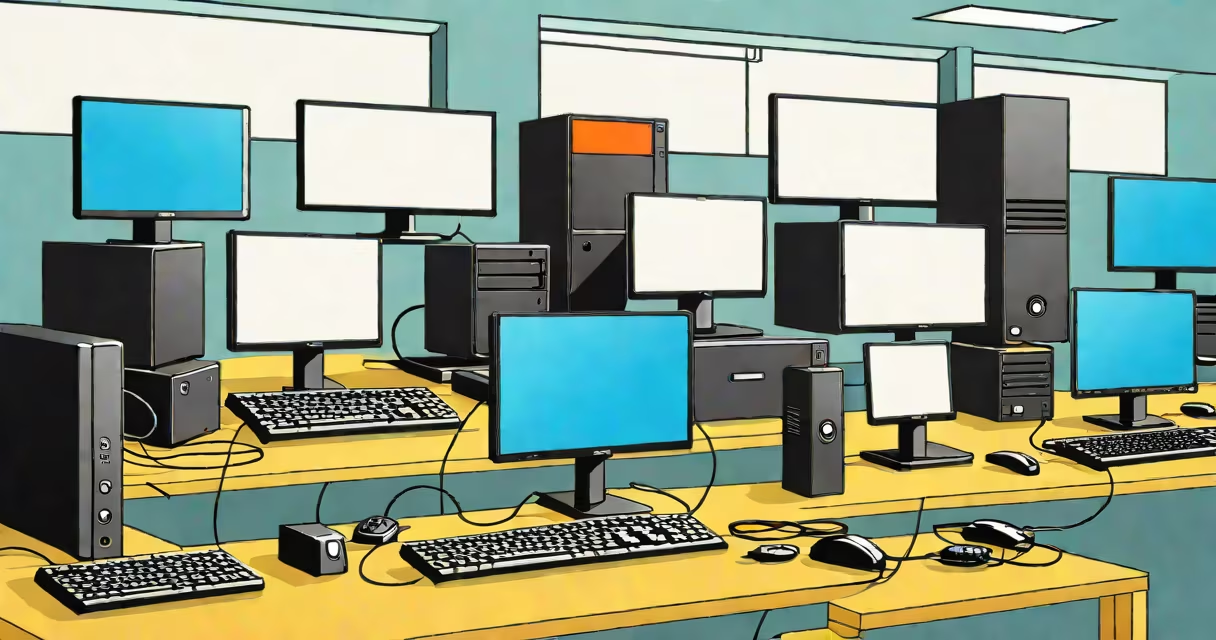
Thin client examples are compact, low-power computing devices that rely entirely on a central server or cloud infrastructure to run applications and store data. They lack local storage and processing power, delivering a secure, managed desktop environment over a network.
These devices operate by connecting to a host system-such as a virtual desktop infrastructure (VDI) or remote desktop session-via protocols like RDP, Citrix HDX, or SPICE. The user interface, application execution, and data handling occur on the server side. The thin client acts only as a display and input device, minimizing hardware costs and simplifying maintenance.
For example, a hospital using thin clients in patient registration kiosks avoids installing software updates on each terminal. Instead, administrators update the central virtual machine once, and all thin clients reflect the changes instantly. This model reduces downtime and ensures compliance with healthcare data standards.
Thin clients function through a layered architecture. On the client side, a minimal operating system-often based on Linux or a custom embedded OS-handles basic input/output tasks. It supports video output, USB device passthrough, and keyboard/mouse input. The OS doesn't manage applications or data.
Communication between the thin client and the host occurs over a network using standardized remote access protocols. RDP (Remote Desktop Protocol) is common in Windows environments. Citrix's HDX protocol optimizes performance for graphics-intensive tasks. Some devices support multiple protocols simultaneously, allowing flexibility across enterprise systems.
A single 10 Gbps network connection can support dozens of thin clients accessing high-resolution virtual desktops without lag. This efficiency makes them ideal for call centers, schools, and shared workspaces where consistent performance matters more than local processing power.
Thin clients vary by form factor, connectivity options, and supported protocols. Below is a comparison of common models and their key traits:
| Model | Form Factor | Supported Protocols | Use Case | Power Draw |
|---|---|---|---|---|
| Dell Wyse 5070 | Small box with HDMI, USB, Ethernet | RDP, Citrix, VMware Blast | Corporate offices, education labs | 6W |
| HP t530 | Ultra-thin, fanless design | RDP, ICA, SSH | Secure government workstations | 5W |
| Chromebox (Google) | Mini PC with full OS | Chrome Remote Desktop, RDP via extensions | Classrooms, public access terminals | 8W |
| Zero client (e.g., Teradici PCoIP Zero Client) | No OS, dedicated hardware | PCoIP only | High-security environments | 3W |
Zero clients-devices with no operating system-are not technically thin clients. They're purpose-built hardware optimized for a single protocol, such as PCoIP. While they share the core principle of offloading computation, they differ in flexibility and upgrade path. A zero client cannot run alternative software or switch protocols without physical replacement.
Another distinction: some devices labeled "thin clients" run a full OS like Linux or Android. These are often misclassified. True thin clients have minimal bootloaders and restricted functionality. A Chromebox, for instance, runs Chrome OS and can access web apps independently-but it still qualifies as a thin client when used in a VDI context.
Enterprises deploy thin client examples in environments demanding security, consistency, and low total cost of ownership. The U.S. Department of Defense uses thin clients in classified facilities because all data remains on secure servers, reducing the risk of data leakage from lost or stolen devices.
In education, schools in rural districts use thin clients to extend the life of older monitors and reduce energy consumption. A 2021 study by the U.S. Department of Education found that schools using thin clients reported 40% lower hardware failure rates over five years compared to traditional PCs.
One firsthand example: during a 2022 migration at a regional bank, we replaced 120 aging desktops with Dell Wyse 5070 units. The transition took 14 days. All users accessed the same virtual desktop environment with identical settings. No software conflicts arose. When a user left, the IT team reset the session in under 30 seconds-no re-imaging required.
Many mistake thin clients for "dumb terminals." Dumb terminals were early devices that displayed text-only interfaces and had no processing capability. Modern thin clients support rich graphics, audio, and multi-monitor setups. They are not limited to command-line interfaces.
Another misconception: thin clients require constant internet. While they depend on network connectivity, they can operate offline if configured with cached sessions. For example, a field technician using a Wyse 5070 with offline RDP access can continue working during brief outages, syncing changes when the network returns.
Finally, some assume thin clients are slower. Performance depends on server capacity and network quality. In a well-designed VDI setup, a thin client can deliver better responsiveness than a local PC with outdated hardware. A 2020 benchmark by TechRepublic showed that a Dell Wyse 5070 running a Windows 10 VDI session performed 22% faster in application launch times than a similarly priced legacy desktop.