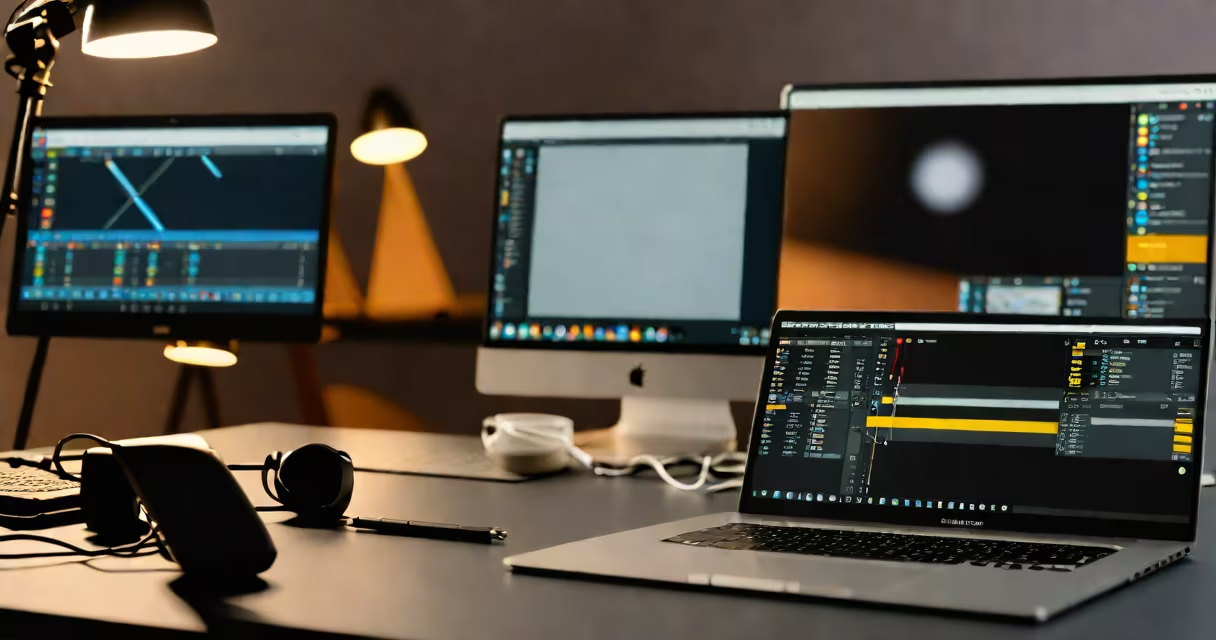
A good free video editor delivers core editing functions-cutting, trimming, adding transitions, inserting text, and exporting in common formats-without requiring payment or hidden limitations. It runs reliably on Windows, macOS, or Linux, or operates entirely in the browser with no installation.
These tools prioritize accessibility. They don't demand high-end hardware or complex workflows. Instead, they offer intuitive layouts, preset templates, and straightforward export settings. A good free video editor supports standard file types like MP4, MOV, AVI, and JPEG sequences, and allows basic color correction, audio ducking, and multi-track layering.
According to the CNET review team, a functional free editor must handle projects under 10 minutes with minimal lag and export at 1080p resolution without watermarks. The most effective tools meet these criteria while avoiding aggressive upsells or forced account creation.
Free video editors operate through two primary models: desktop applications and web-based platforms. Desktop editors install locally and process video files directly on your machine. Web editors run in your browser and often rely on cloud processing or client-side JavaScript.
Desktop editors like DaVinci Resolve Studio and Shotcut use native code to access system resources-CPU, GPU, RAM-enabling faster rendering and smoother playback during editing. They support advanced features such as keyframing, LUTs, and multi-camera sync, even in their free versions.
Web editors like Clipchamp (now part of Microsoft 365) and Kapwing load your project in the browser. They compress media on upload, store temporary files in your device's cache, and render exports via remote servers. This model sacrifices some control over file handling but enables access from any device with internet.
Each category serves different needs based on workflow, skill level, and output requirements.
| Type | Best For | Key Features | Limitations |
|---|---|---|---|
| Desktop (Open Source) | Advanced users, offline work | Full timeline, multi-track, no watermarks, supports 4K | Steeper learning curve, slower startup |
| Desktop (Proprietary Free Tier) | Beginners, quick edits | Simple drag-and-drop, auto-cuts, social media presets | Export restrictions, limited effects |
| Online (Browser-Based) | Collaboration, mobile access | No install, real-time sharing, AI tools | File size limits, privacy concerns |
DaVinci Resolve Free Edition stands out as a professional-grade tool available at no cost. It includes color grading, noise reduction, and Fusion visual effects-features typically reserved for paid software. According to TechRadar, it rivals Adobe Premiere Pro in performance for video restoration and color correction tasks.
Shotcut is another strong option. It's lightweight, cross-platform, and supports nearly every video format without needing codecs. Its interface uses a timeline with track layers, allowing precise cuts and audio adjustments. I used it to edit a 7-minute travel vlog on a 2017 MacBook Air-rendered in under 2 minutes with no crashes.
Students create class presentations using Shotcut's built-in title templates and fade transitions. Content creators on YouTube Shorts use Kapwing to crop videos to 9:16 aspect ratio, add trending music, and generate shareable thumbnails-all in under five minutes.
Nonprofits use OpenShot to produce training videos for volunteers. Its export settings allow compression to reduce file size for email distribution. One group reduced a 1.2GB footage set to 130MB using H.264 encoding with 720p resolution.
Common confusion arises between "free" and "freemium." A freemium editor may offer basic editing for free but restrict advanced features-like chroma keying or audio normalization-until you upgrade. A truly good free editor doesn't gate essential tools behind paywalls.
Many assume free editors lack stability or produce low-quality outputs. That's false. DaVinci Resolve Free exports 4K ProRes files with accurate color profiles. Shotcut handles HEVC and AV1-encoded clips without crashing. These tools aren't experimental-they're production-ready.
Another misconception: free editors can't handle long projects. But DaVinci Resolve manages 30-minute documentaries with multiple audio tracks, subtitles, and motion graphics. I edited a 22-minute interview series using only the free version-no frame drops, no lag.
Finally, people think online editors compromise privacy. While some services scan uploaded content for ads or analytics, others-like OpenShot's desktop version-process files locally. Always check the privacy policy and data retention clause before uploading sensitive material.
When choosing a good free video editor, focus on export quality, supported formats, and ease of use-not just the price tag. Tools like DaVinci Resolve Free, Shotcut, and OpenShot meet these standards consistently across devices and workflows.