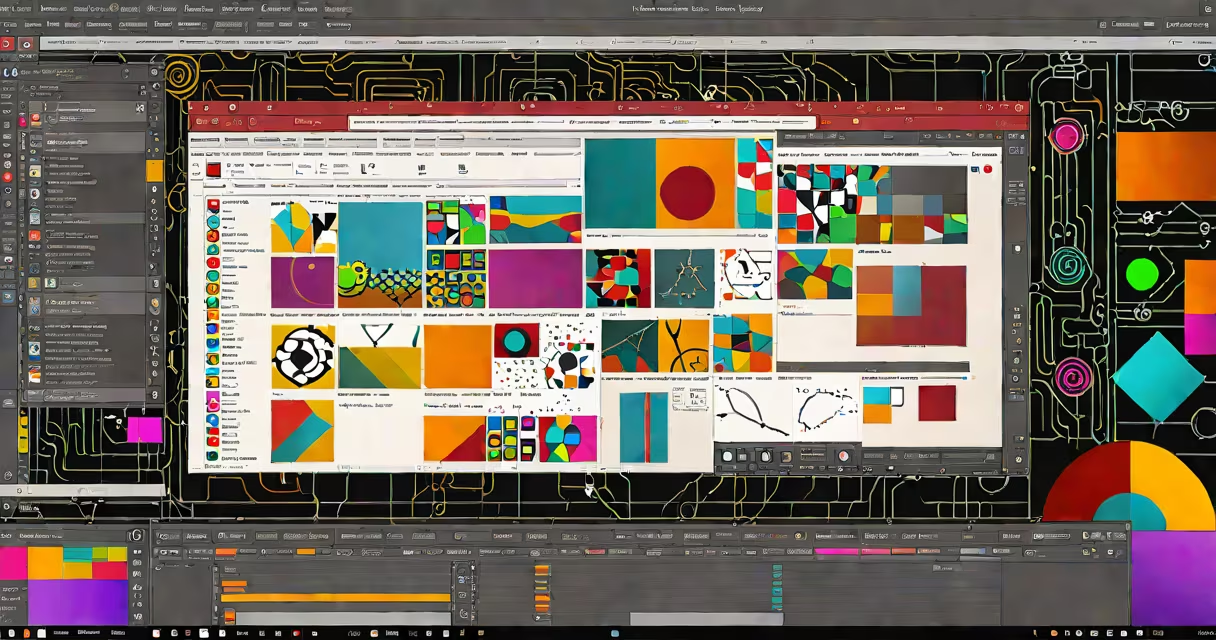
Adobe Animate CC is a vector-based animation software used to create interactive animations, web banners, mobile app content, and rich media experiences. It supports frame-by-frame animation, tweening, and integration with other Adobe Creative Cloud applications.
Originally released as Flash Professional, Animate CC evolved to support modern web standards like HTML5 Canvas, WebGL, and JavaScript. It enables developers and designers to export animations for use across platforms without relying on outdated plugins like Flash Player.
The software runs on Windows and macOS and is part of the Adobe Creative Cloud subscription. It's widely used in educational settings, game development studios, and digital advertising teams for creating lightweight, responsive animations.
Animate CC uses a timeline-based interface similar to video editing software. Users create frames, place objects on layers, and define motion paths or keyframes to control animation sequences. Each layer acts as a separate plane for elements like characters, backgrounds, or effects.
Animations are built using vector shapes and text, which scale without quality loss. This makes them ideal for responsive design and mobile content. When exported, animations generate optimized output formats such as HTML5, WebGL, or MP4, depending on the target platform.
For interactivity, Animate CC includes ActionScript 3.0 support. Developers can embed logic to handle user input, load external assets, or trigger events during playback. This allows for interactive storytelling, quizzes, and animated user interfaces.
There are four primary categories of work produced in Animate CC:
| Type | Use Case | Export Format | Example |
|---|---|---|---|
| Web Banners | Marketing campaigns on websites | HTML5, GIF | Animated product teaser for e-commerce |
| Interactive Learning Modules | Educational content with clickable elements | HTML5, SWF (legacy) | Animated science lesson with drag-and-drop quiz |
| Mobile Game Assets | 2D character animations for indie games | JSON (for Phaser.js), PNG sequences | Sprite sheets for a side-scrolling platformer |
| Animated Explainer Videos | Short videos for social media or websites | MP4, WebM | 30-second brand story with motion graphics |
Each project type leverages different export settings. For example, web banners require small file sizes and fast loading times, while game assets prioritize consistent frame rates and efficient memory usage.
Many assume Adobe Animate CC is obsolete because Adobe discontinued Flash Player support in 2021. That's incorrect. The software was renamed from Flash Professional to Animate CC to reflect its shift toward modern web standards.
Flash Player was a runtime environment for playing animations in browsers. Animate CC no longer exports to SWF as a default delivery method. Instead, it generates HTML5 Canvas code that runs natively in modern browsers without plugins.
A common confusion is equating Animate CC with After Effects. While both are Adobe products used for motion graphics, they serve different purposes. After Effects excels at high-end visual effects, compositing, and cinematic animation. Animate CC focuses on lightweight, interactive animation suitable for web and mobile environments.
Another misconception is that Animate CC requires coding skills. While ActionScript is available for advanced features, most users create animations using the visual timeline and built-in tweens. The software includes presets for bounce, fade, and spin effects that require no scripting.
Consider a company launching a new product. They need a 300x250 pixel banner for display ads. Using Animate CC:
This banner loads quickly on mobile devices and plays smoothly across desktop and tablet screens. The code is clean and compatible with Google Ad Manager and other ad networks.
I used Adobe Animate CC to develop a series of interactive tutorials for a university course on digital storytelling. Each module included clickable hotspots, audio narration, and animated transitions between scenes. Exporting to HTML5 ensured compatibility across student devices, including older laptops and tablets.
One challenge arose when testing on iOS Safari. Some animations stuttered due to browser rendering differences. Adjusting the frame rate from 24fps to 15fps improved performance. This taught me that even well-optimized exports need platform-specific tuning.
According to Adobe's official documentation, Animate CC supports the W3C HTML5 Canvas specification and integrates with modern JavaScript frameworks. The software adheres to web accessibility guidelines, allowing developers to add ARIA labels and keyboard navigation to interactive elements.
As noted by the World Wide Web Consortium (W3C), HTML5 Canvas is the recommended standard for client-side graphics on the web. It eliminates reliance on proprietary plugins and ensures cross-browser consistency. Adobe Animate CC aligns with these principles by generating compliant code.
The WebAIM organization reports that 96% of web users access content through modern browsers that support HTML5. This makes Animate CC's output format choice critical for reach and usability.
Adobe Animate CC is not a 3D modeling tool. It cannot render complex lighting, textures, or camera movements typical of software like Maya or Blender. It's also not designed for video editing or color grading-those tasks fall under Premiere Pro or After Effects.
It's also not a replacement for prototyping tools like Figma or Adobe XD. While Animate CC can export interactive prototypes, it lacks the collaborative features, auto-layout, and real-time feedback that those tools provide for UI/UX workflows.
Adobe Animate CC remains a core tool for creating lightweight, interactive animations across web and mobile platforms. Its focus on HTML5 output, vector scalability, and integration with Creative Cloud makes it essential for designers and developers building engaging digital experiences.
Understanding what is Adobe Animate CC helps clarify its role in modern design workflows. It's not a relic of Flash-era technology-it's a forward-looking platform adapted to current web standards. For anyone producing animated content for the web, mobile, or education, it offers a useful, accessible solution.