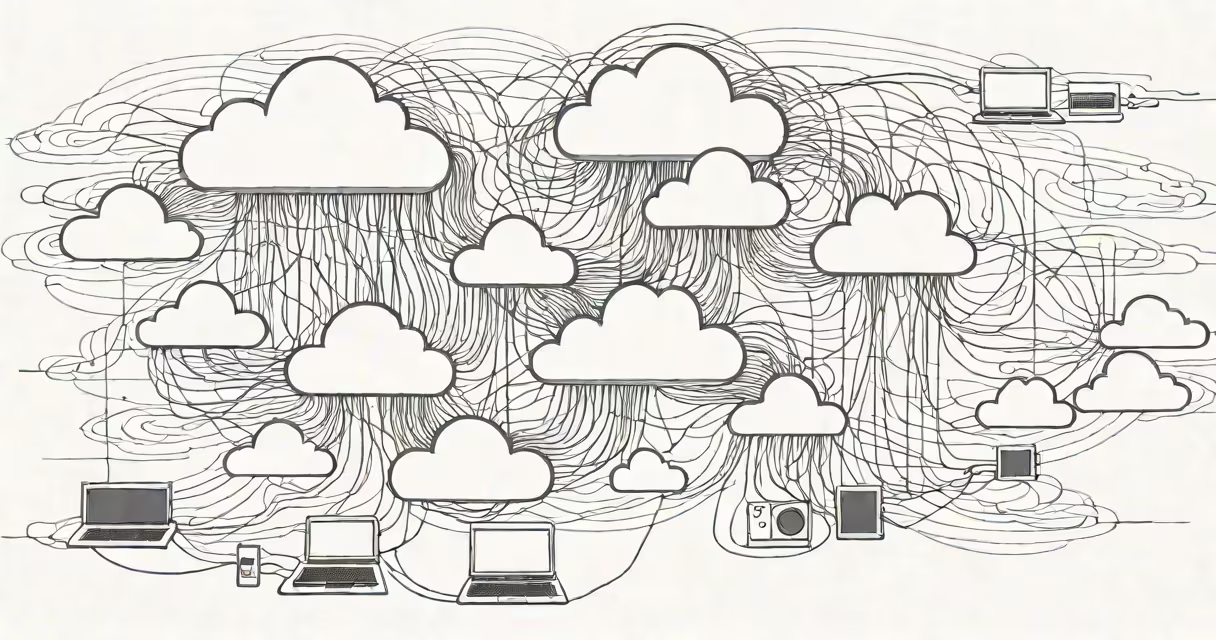
Cloud computing is the delivery of computing services-including storage, processing power, databases, networking, and software-over the internet. Instead of running programs or storing data on your own computer or local server, you use remote servers managed by a provider like Amazon, Microsoft, or Google.
When you stream a movie on Netflix, store photos in iCloud, or use Google Docs to write a paper, you're using the cloud. These services run on massive data centers located around the world, accessible through your phone, laptop, or tablet.
The term "cloud" is a metaphor for the internet. It doesn't refer to actual clouds in the sky. The name comes from early network diagrams where the internet was drawn as a fluffy cloud, representing a network layer that sits between users and the underlying infrastructure.
When you save a file to the cloud, it's sent over the internet to a remote data center. That data center stores it on high-capacity servers, often mirrored across multiple locations for safety. When you want to retrieve the file, your device sends a request to the cloud provider's servers, which send the data back.
For example, when you use Microsoft Word Online, the program runs on a server in a data center-not on your computer. Your keystrokes are sent to that server, processed, and the updated document is returned to your screen. You never install the software locally.
This model allows instant access to applications and data from any device with internet connectivity. A student working on a research paper can switch from a school laptop to a home tablet and continue editing without losing progress.
Cloud services fall into three main categories based on what the user accesses:
| Service Type | What You Get | Common Use Cases |
|---|---|---|
| IaaS (Infrastructure as a Service) | Virtual servers, storage, and networking | Hosting websites, running apps, managing large datasets |
| PaaS (Platform as a Service) | Tools to build and deploy software | Developers creating web apps, testing code |
| SaaS (Software as a Service) | Ready-to-use software accessed via browser | Email (Gmail), office suites (Google Workspace), video conferencing (Zoom) |
Most people interact with SaaS daily. Gmail, Dropbox, and Slack are all SaaS products. They require no installation and are available instantly.
Businesses often combine IaaS and PaaS. A startup might rent virtual servers (IaaS) from AWS to host their website and use a development platform (PaaS) to build new features.
Cloud computing powers nearly every major tech service. Netflix streams content from cloud servers in dozens of countries. Hospitals store patient records securely in cloud databases. Schools use cloud-based learning platforms during remote instruction.
Enterprises use the cloud to scale quickly. A retail company can handle Black Friday traffic by spinning up hundreds of virtual servers in minutes-then shutting them down afterward. This avoids the cost of buying and maintaining physical servers that sit idle most of the year.
Small businesses benefit too. A freelance graphic designer can use Adobe Creative Cloud to access Photoshop and Illustrator without installing software on every device they use. They pay only for the time they work.
Many assume the cloud is only for big companies. But individuals use it daily. Saving a photo to iCloud or backing up your smartphone to Google Photos counts as cloud usage-even if you don't realize it.
Another myth: the cloud is insecure. In reality, major providers invest billions annually in security. According to a 2023 report by the Cloud Security Alliance, cloud environments are more secure than most on-premise systems due to advanced encryption, continuous monitoring, and rapid patch deployment.
A less obvious point: the cloud isn't always faster. If your internet connection is slow, accessing cloud resources can feel sluggish. Performance depends on bandwidth, latency, and the distance between your location and the nearest data center. A user in rural Nebraska may experience higher lag than someone in downtown Chicago, even with the same cloud service.
Consider a small bakery that uses QuickBooks Online to manage finances. The owner logs in from a tablet at home. The app runs on Intuit's cloud servers. Every transaction is saved in real time across multiple data centers. If the tablet crashes, the owner can resume work on a different device without losing data.
Without the cloud, the bakery would need to buy and maintain a dedicated accounting server, hire IT staff, and manually back up data weekly. With the cloud, setup takes minutes, updates happen automatically, and recovery is instant.
During a power outage in 2022, a California-based nonprofit lost access to its local server. Their donor database was unavailable for 12 hours. After switching to a cloud-hosted system, they experienced zero downtime during subsequent outages because backups were replicated across three regions.
Cloud computing is not the same as a local hard drive or a USB flash drive. Those store data physically on your device. The cloud stores data remotely, often encrypted and protected by multi-factor authentication.
It's also not synonymous with "the internet." The internet is the network. The cloud is a set of services built on that network. You can browse the web without using the cloud-but you can't use cloud services without the internet.
Finally, the cloud isn't magic. It requires maintenance, monitoring, and proper configuration. A misconfigured cloud storage bucket once exposed 190 million voter records in the U.S. due to public access settings. This shows that user error, not technical failure, caused the breach.
In 2021, I helped a local library migrate its catalog system to the cloud. We moved from a single on-site server to a hosted solution on Microsoft Azure. The process took three weeks. During testing, we discovered that the old system had inconsistent data entries. The cloud migration forced us to clean up 12 years of records-something we'd avoided for years due to fear of disruption.
After launch, staff reported faster search times and fewer crashes. Patrons could check book availability from home. The library reduced its annual IT budget by 40% and eliminated the need for a full-time IT technician.
What is cloud in simple terms? It's a way to use computing resources-like storage, software, and servers-over the internet instead of relying on physical hardware. It enables instant access, scalability, and reliability for individuals and organizations alike.
Understanding this concept helps you make better choices about tools, privacy, and cost. sharing vacation photos, the cloud is already part of your digital life.