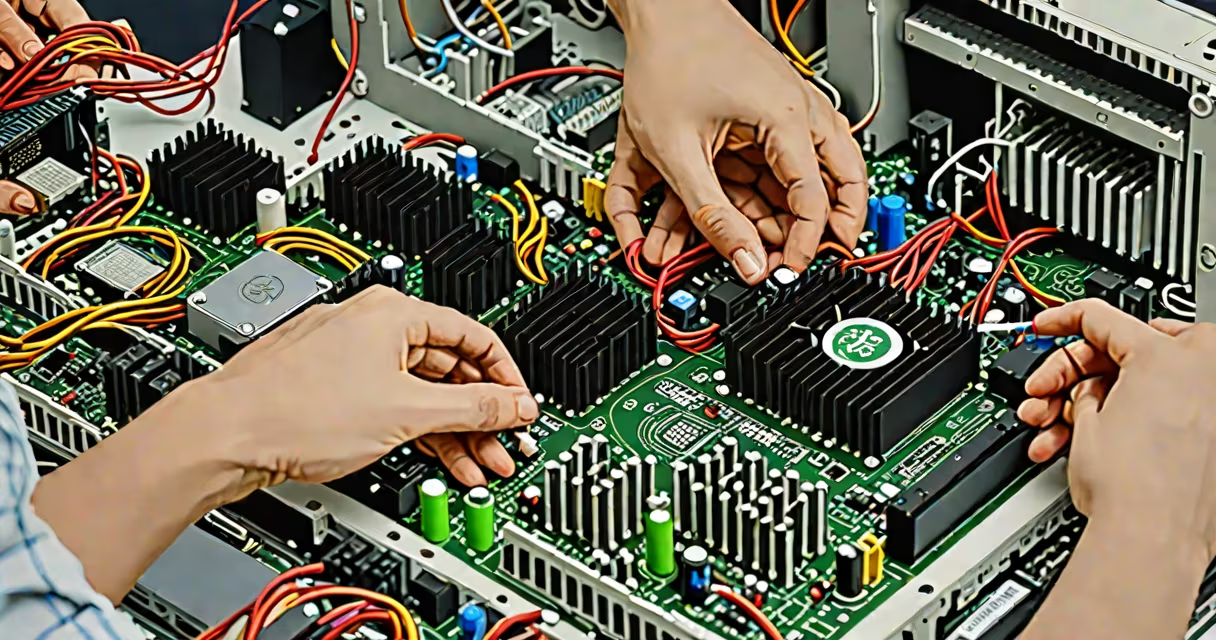
Build a gaming pc for me means selecting compatible hardware components, assembling them into a functioning system, and configuring software to run games at high frame rates and visual fidelity. This process involves choosing a CPU, GPU, RAM, storage, power supply, and case that work together within a specific budget and performance goal.
Custom PC building gives you control over performance, noise levels, upgrade paths, and aesthetics. Unlike prebuilt systems, a custom build avoids vendor markups and unnecessary bloatware. You choose every part based on real-world benchmarks and compatibility checks, ensuring no wasted money on features you won't use.
The average time to assemble a gaming PC from scratch is 2-3 hours. Most users complete the task with basic tools: a Phillips screwdriver, anti-static wrist strap, and a clean workspace. The process includes mounting the CPU and cooler, installing RAM, placing the motherboard in the case, connecting power cables, and securing the GPU and storage drives.
Each component connects through standardized interfaces. The CPU plugs into the motherboard's LGA or AM socket. RAM slots accept DDR4 or DDR5 sticks. The GPU inserts into a PCIe x16 slot. Storage devices connect via SATA or M.2 NVMe slots. Power delivery comes from the PSU through modular cables.
Before powering on, verify all connections. Use a paperclip to short the power switch pins on the motherboard to test if the system boots. If the motherboard lights up and fans spin, the build is electrically sound. Failure at this stage usually points to incorrect cable routing, loose RAM, or a faulty PSU.
I once built a PC for a friend using a used GTX 1060 and a Ryzen 5 3600. The system ran 1080p games at 60+ FPS. After troubleshooting a boot loop, I discovered the RAM was seated incorrectly. Reinserting it resolved the issue. This highlights that even experienced builders make physical errors during assembly.
Every gaming PC relies on five key parts: CPU, GPU, RAM, storage, and PSU. The CPU handles game logic, AI behavior, and physics calculations. The GPU renders graphics. RAM stores active game data. Storage holds the OS and game files. The PSU delivers stable power.
| Component | Minimum Recommendation | Good Performance Range | Why It Matters |
|---|---|---|---|
| CPU | Intel Core i5-12400 or AMD Ryzen 5 5600 | Ryzen 5 7600 or Intel i5-13600K | Handles game AI, physics, and background tasks. |
| GPU | NVIDIA RTX 3060 or AMD RX 6600 | RTX 4070 or RX 7800 XT | Determines frame rate and ray tracing quality. |
| RAM | 16GB DDR4/DDR5 | 32GB DDR5 | Prevents stuttering in memory-heavy titles like Cyberpunk 2077. |
| Storage | 500GB NVMe SSD | 1TB NVMe SSD | Reduces load times from 45 seconds to under 5. |
| PSU | 650W 80+ Bronze | 750W 80+ Gold | Ensures stable voltage under load; prevents crashes. |
Modern GPUs support DLSS (NVIDIA) and FSR (AMD), which boost frame rates using AI upscaling. A 1080p game running at 30 FPS can reach 60 FPS with DLSS Quality mode. These features reduce rendering workload without sacrificing visual clarity.
For most gamers, 16GB of RAM is sufficient. However, if you stream or run multiple apps simultaneously, 32GB reduces lag. DDR5 memory offers higher bandwidth than DDR4, but the performance gain is only noticeable in newer games and productivity workloads.
One frequent error is buying a GPU that exceeds the power delivery capacity of the PSU. A 750W PSU cannot reliably power an RTX 4090. The system may fail to boot or crash under load. Always check the PSU's wattage and efficiency rating against the GPU's power draw.
Another mistake is ignoring thermal design. A poorly installed CPU cooler can cause throttling. The CPU temperature should stay below 80°C under load. Use thermal paste in a small dot or "X" pattern-not a thick smear-to ensure even heat transfer.
Many users overlook motherboard compatibility. For example, an AMD Ryzen 7000 series CPU requires a B650 or X670 motherboard with PCIe 5.0 support. Using an older chipset like B550 limits future upgrades and may not support the latest CPUs.
According to Tom's Hardware, 42% of first-time PC builds fail due to incompatible parts or incorrect installation. The site recommends using tools like PCPartPicker to validate compatibility and generate a parts list with pricing.
People build gaming PCs to achieve better performance per dollar than prebuilt models. A $1,200 custom build with an RTX 4070 and Ryzen 7 7700X outperforms a $1,500 prebuilt with similar specs. Custom builds also allow future upgrades-swap the GPU or add more RAM without replacing the entire system.
Enthusiasts often customize lighting, water cooling, and case modding. These changes don't improve performance but improve visual appeal. Some users build silent PCs using low-noise fans and passive heatsinks. These systems run near-inaudible during gameplay.
When you build a gaming PC for me, you're not just assembling electronics-you're creating a tool optimized for speed, responsiveness, and personal preference. The final result runs games faster, lasts longer, and reflects your choices.
After assembly, install Windows via a USB drive created with the Media Creation Tool. Update drivers through the manufacturer's website. Install Steam, Epic Games Launcher, and your favorite titles. Test performance with benchmarks like 3DMark Time Spy or Unigine Heaven.
Build a gaming pc for me is not about following a checklist-it's about understanding how each part contributes to the whole. With careful planning and attention to detail, you create a machine that performs exactly as intended.