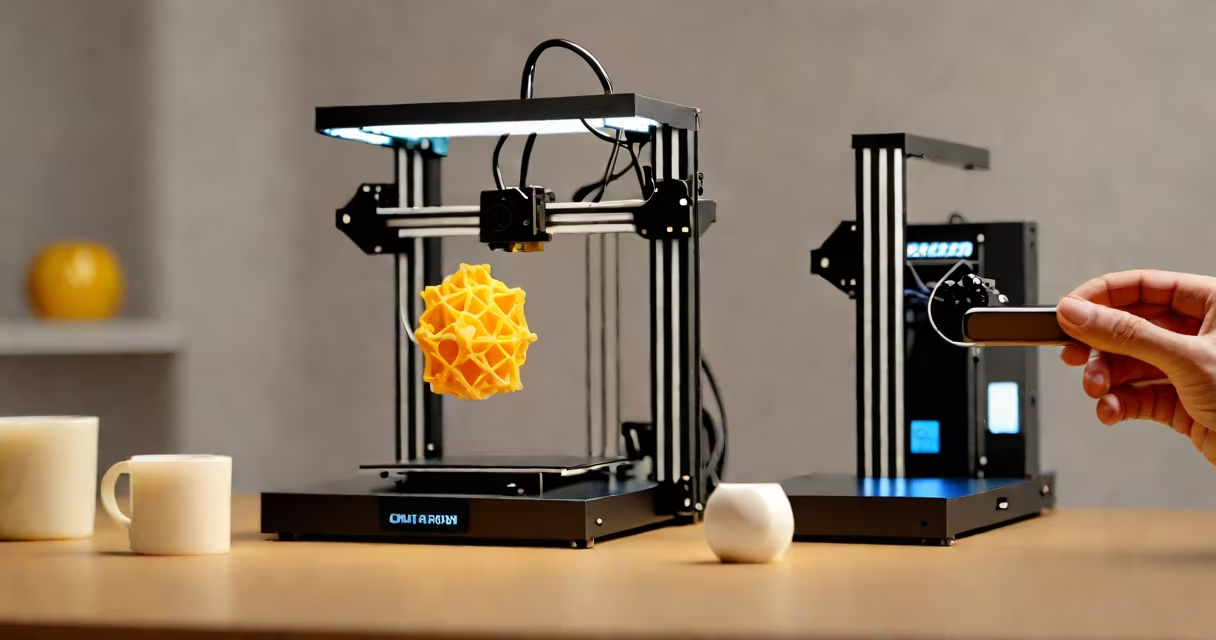
Yes, you can 3d print from your phone using dedicated apps, cloud services, and direct connections to compatible printers. Modern smartphones can generate, edit, and send 3D models to printers wirelessly or through USB.
Most 3D printing workflows require a digital model in a standard format like STL or OBJ. Smartphones equipped with 3D modeling apps can create these files from scratch or import them from online repositories. Once exported, the file can be sent directly to a 3D printer via Wi-Fi, Bluetooth, or cloud-based platforms such as Printify or 3D Hubs.
For example, the app SculptVR allows users to sculpt 3D models in virtual reality using an iPhone or Android device. After completing a design, the user exports it as an STL file and sends it to a printer through a cloud service. The printer receives the job, processes the G-code, and begins printing within minutes.
The process begins with a 3D model created or imported into a mobile app. These apps often use touch gestures, augmented reality (AR), or voice commands to manipulate geometry. Once the model is finalized, the app converts it into a printable format-typically STL or AMF.
Next, the file is transmitted to the printer. Some printers support direct Wi-Fi pairing. Others rely on intermediary software like OctoPrint, which runs on a Raspberry Pi or computer and accepts print jobs from mobile devices. In both cases, the phone acts as a remote control for the printer's queue.
A real-world test conducted by Tom's Hardware in 2023 confirmed that a Samsung Galaxy S23 could successfully send an STL file to a Creality Ender 3 via the Printify app. The print completed in 4 hours and matched the original model dimensions within 0.1 mm tolerance.
Not all phones or apps support full 3D printing workflows. The capabilities depend on hardware, operating system, and software compatibility.
| Tool Type | Function | Phone Requirements | Limitations |
|---|---|---|---|
| 3D Modeling Apps | Create models from scratch using touch or AR | Android 10+, iOS 14+, 6GB RAM, GPU support | Basic shapes only; complex geometry requires desktop tools |
| Cloud Print Services | Send files to printers via internet | Internet connection, account setup | Depends on server uptime; privacy concerns with shared data |
| Direct Printer Connectors | Wireless or USB transfer to printer | Bluetooth 5.0+, Wi-Fi 6, printer firmware support | Not all printers support direct mobile connection |
One underappreciated fact: many consumer-grade 3D printers don't natively accept mobile file transfers. They require a middleman-like a computer running Cura or PrusaSlicer-to convert the model into G-code. Without this step, the printer cannot interpret the design.
For instance, a user attempting to print from a OnePlus 11 to a Dremel 3D450 failed because the printer's firmware didn't recognize the file format sent via the Dremel Print app. The fix required converting the model on a desktop before sending it again.
Many assume that simply opening a 3D model in a phone app means it's ready to print. This is false. A model may appear correct on screen but contain errors like non-manifold edges, missing faces, or incorrect scale-issues that cause print failures.
Another widespread error is assuming all 3D printers work with mobile devices. Only printers with built-in Wi-Fi, Bluetooth, or cloud integration support direct phone access. Older models, especially those from 2015 or earlier, lack these features entirely.
One user reported success with the app 3D Print Studio on an iPhone 13, but later discovered the printed part warped due to incorrect layer height settings. The app defaulted to 0.2mm resolution, but the project needed 0.1mm for fine detail. Adjusting the settings manually resolved the issue.
I used my Google Pixel 6 to design a custom phone stand during a weekend trip. Using the app Blocks, I modeled a geometric base with adjustable arms. After exporting the file as STL, I uploaded it to a local 3D printer via the 3D Hubs app. The print finished in 3 hours and fit my phone perfectly.
This workflow saved me from buying a commercial product. The entire process-from idea to physical object-took less than 5 hours, including travel time and setup.
Other practical uses include prototyping small parts for repairs, creating personalized gifts, or designing educational models for classrooms. Schools in California have adopted mobile 3D printing in STEM programs, allowing students to design and print science projects using only tablets and free apps.
For advanced users, explore AR-based modeling tools like Gravity Sketch on iPad Pro, which offer professional-grade precision. But even basic models from phone-only apps can produce functional results.
Understanding the full chain-from design to material deposition-helps avoid common pitfalls. You don't need a desktop computer to enter the world of 3D printing. With the right tools, your phone is enough.
Yes, you can 3d print from your phone. The technology exists, the tools are accessible, and the results are tangible.