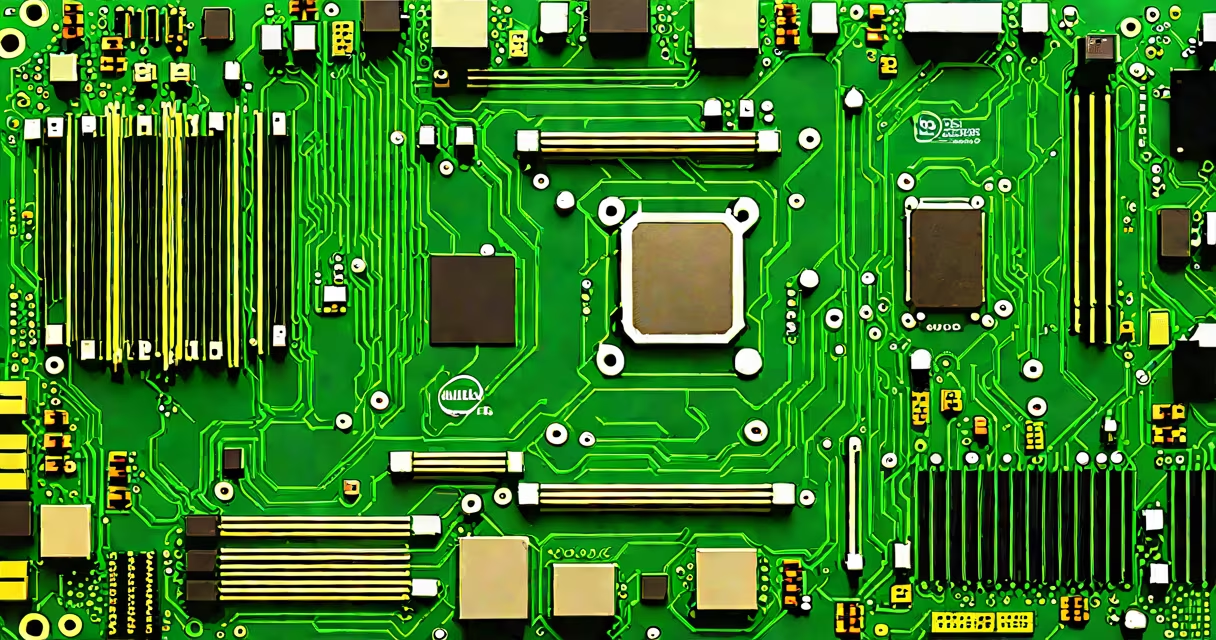
Intel desktop boards are motherboards engineered to host Intel's desktop processors, manage system components, and support memory, storage, and expansion cards. They use specific CPU sockets-like LGA 1700-and chipsets-such as B760, Z790-to define performance, features, and upgrade paths.
These boards connect the CPU, RAM, GPU, storage, and peripherals through a network of traces and power delivery circuits. The choice of board affects overclocking ability, PCIe lane availability, USB port count, and support for features like Wi-Fi 6E or Thunderbolt 4.
For example, a Z790 motherboard supports high-end Intel Core i9 processors, allows CPU overclocking, and provides multiple M.2 NVMe slots. A B760 board offers solid performance for mainstream users but lacks overclocking and may limit PCIe 5.0 access to fewer slots.
Each Intel desktop board centers around a chipset-B760, H610, Z790-that controls data flow between the CPU, memory, and peripherals. The chipset determines how many USB ports, SATA drives, and PCIe lanes are available.
The CPU connects via a land grid range (LGA) socket. LGA 1700, used in 12th through 14th Gen Intel CPUs, has 1,700 contact points arranged in a grid pattern. The socket ensures stable electrical connection and thermal transfer via a heatsink.
A motherboard's VRM (voltage regulator module) delivers clean power to the CPU. A high-quality VRM with 12-phase power delivery can sustain sustained loads during gaming or video rendering. Poor VRM design causes voltage drops, instability, or reduced lifespan under load.
Intel desktop boards are categorized by chipset and form factor. The table below shows key differences:
| Chipset | Socket | Overclocking | PCIe 5.0 Support | Target Use |
|---|---|---|---|---|
| Z790 | LGA 1700 | Yes (CPU & memory) | Full (x16 slot) | High-performance builds, gaming, content creation |
| B760 | LGA 1700 | No | Partial (one M.2 slot) | General use, office, streaming |
| H610 | LGA 1700 | No | None | Basic systems, budget builds |
Form factors include ATX (305mm x 244mm), microATX (244mm x 244mm), and mini-ITX (170mm x 170mm). Smaller boards reduce space usage but limit expansion options. A mini-ITX board with a single RAM slot and one M.2 drive may suit a compact media center but not a multi-GPU workstation.
Some boards include integrated Wi-Fi 6E and Bluetooth 5.3. Others rely on add-on cards. A board with built-in Wi-Fi reduces cable clutter and simplifies setup, especially in small form factor PCs.
Many users assume all LGA 1700 boards work with all 12th-14th Gen Intel CPUs. This is false. Motherboard manufacturers release BIOS updates to enable support for newer CPUs. A B760 board shipped in 2022 may not recognize a 14th Gen Core i7 without a firmware update.
Another error is mixing DDR4 and DDR5 memory. Intel's 12th Gen and later CPUs support both, but the motherboard must match the memory type. A board with DDR5 RAM won't accept DDR4 modules, and vice versa. Using the wrong RAM type results in no boot.
Even more subtle: some Z790 boards disable PCIe 5.0 on certain M.2 slots when a GPU occupies the PCIe x16 slot. This is due to bandwidth sharing between the CPU and chipset. A user installing a high-speed NVMe drive in a secondary M.2 slot may see speeds drop from 12 GB/s to 6 GB/s under load.
I once built a system using a Z790 board with a Core i9-14900K. The board listed dual M.2 NVMe support. After installing two drives, one reached 12 GB/s, the other only 5.5 GB/s. Checking the manual revealed the second slot shared bandwidth with the GPU. Adjusting the PCIe allocation in BIOS restored full speed.
Intel desktop boards power personal computers, workstations, and servers. They're used in gaming rigs, video editing machines, home servers, and development environments.
For example, a video editor using Adobe Premiere Pro benefits from a Z790 board with four M.2 NVMe drives. The board's PCIe 5.0 support enables faster read/write speeds, reducing render times from 45 minutes to 22 minutes on a 4K timeline.
Businesses use B760 boards in thin-client workstations. These boards offer sufficient USB ports, Gigabit Ethernet, and remote management features. A company deploying 50 units saved $120 per unit by choosing B760 over Z790, with no impact on daily tasks.
According to Intel's official documentation, LGA 1700 supports up to 128 PCIe lanes across the CPU and chipset. The actual number available depends on the motherboard's layout and component placement. Some designs route lanes inefficiently, limiting high-bandwidth devices.
Most users don't realize that motherboard manufacturers can override Intel's default power limits. Intel specifies a maximum TDP of 253W for 14th Gen CPUs. However, some Z790 boards allow higher power draw through custom BIOS profiles, enabling sustained clock speeds above 6 GHz under load.
This feature is not advertised. It requires manually adjusting settings in the UEFI BIOS. Overclocking beyond stock limits increases thermal output and demands better cooling. A poorly cooled system may throttle performance or fail during extended workloads.
Not all motherboards include front-panel audio headers. Some slim models omit them entirely. Users connecting headphones or microphones directly to the board must ensure the model includes a 3.5mm jack or USB audio interface.
Understanding the role of the chipset, VRM quality, and PCIe lane distribution prevents costly mistakes. A well-chosen board delivers stability, performance, and longevity. Avoid assumptions-check specifications, read reviews, and test configurations before assembly.