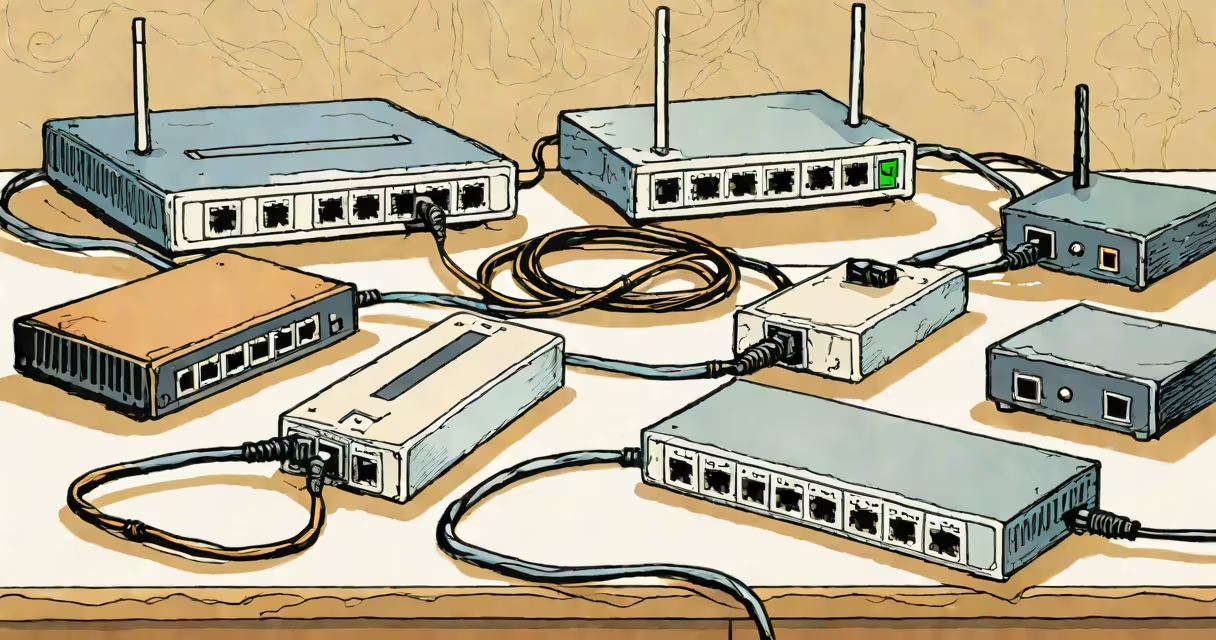
A modem connects your home network to the internet via your ISP, a router manages traffic between your local devices and the internet, and a switch expands the number of wired connections available on your network. These three devices serve different functions in a typical home or small office setup.
The modem is the gateway to the internet. It translates signals from your ISP's cable, fiber, or DSL line into data your internal network can understand. For example, if your ISP delivers service through coaxial cable, the modem receives the signal, decodes it, and outputs a network-ready connection via an Ethernet port. Without a modem, your home network cannot reach the internet.
The router takes the connection from the modem and distributes it to your devices. It assigns IP addresses using DHCP, manages firewall protection, and enables Wi-Fi. A router also handles network traffic routing-deciding which device gets data and when. Most modern routers combine modem and router functions in a single unit, often called a gateway. According to the Federal Communications Commission (FCC), standalone modems are still required for many ISPs, especially those using DOCSIS 3.1 or fiber services.
A switch adds wired connectivity options. Unlike a router, it doesn't manage internet access or assign IP addresses. Instead, it connects multiple devices-like desktop computers, game consoles, or smart TVs-via Ethernet cables. A switch allows several devices to share the same network bandwidth without relying on Wi-Fi. For example, a 5-port switch lets you plug in five devices simultaneously, all connected to the same network segment.
In a standard home network, the modem connects to the ISP's wall outlet. The router plugs into the modem via an Ethernet cable. Devices then connect to the router either wirelessly or through its built-in Ethernet ports. When you add a switch, you plug it into one of the router's Ethernet ports, expanding the number of wired devices you can support.
For instance, if your router has four Ethernet ports and you need six wired devices, adding a switch gives you two extra ports. All six devices now operate on the same local network, sharing the same internet connection and subnet. This setup improves reliability and reduces latency compared to Wi-Fi-only connections.
Some users run a dedicated switch behind a router to create a separate VLAN for gaming or streaming. This isolates high-priority traffic and prevents interference from background tasks like file backups or software updates.
Modems come in several types based on the internet technology used:
Routers fall into two categories:
Switches are categorized by speed and port count:
| Type | Speed | Use Case |
|---|---|---|
| Unmanaged switch | 10/100 Mbps | Basic home use, low-cost setups |
| Managed switch | 1 Gbps or 10 Gbps | Advanced control, VLANs, QoS settings |
| Power over Ethernet (PoE) switch | 1 Gbps | Powering security cameras, VoIP phones, access points |
Many consumers mistakenly believe a switch can replace a router. That's incorrect. A switch lacks routing capabilities and cannot assign IP addresses or provide firewall protection. You cannot connect a switch directly to the internet-only a router or gateway can do that.
One frequent mistake is assuming that a modem provides Wi-Fi. Modems do not broadcast wireless signals. Only a router or a combined modem-router unit offers Wi-Fi. If your modem has a Wi-Fi light, it's likely part of a dual-function device, not a standalone modem.
Another error is thinking that a switch increases internet speed. A switch doesn't affect download or upload speeds-it only expands the number of wired connections. If your internet plan is 200 Mbps, a 1 Gbps switch won't make it faster. The bottleneck remains at the ISP level.
Also, people often confuse managed and unmanaged switches. An unmanaged switch automatically forwards data packets without configuration. A managed switch allows you to monitor traffic, set priorities, and restrict access. For most homes, an unmanaged switch suffices. But in environments with heavy traffic or security concerns, a managed switch is essential.
Consider a home with a 500 Mbps fiber internet plan. The user has a fiber modem connected to the ONT. The router (a Wi-Fi 6 model) connects to the modem via Ethernet. The router provides Wi-Fi and has four LAN ports. The user wants to connect three desktops and two smart TVs via Ethernet.
With only four ports, the user needs two more. They buy a 5-port unmanaged switch and plug it into one of the router's LAN ports. Now all five devices connect via Ethernet. The switch forwards traffic efficiently, and all devices receive stable, low-latency connections. The user notices improved performance during video calls and online gaming.
This setup works because each device performs its designated role: the modem brings the internet in, the router manages the network and provides Wi-Fi, and the switch adds wired capacity.
I once replaced a consumer-grade router with a managed switch in a small office. The old router was dropping connections during peak hours. After installing a 10-port managed switch and configuring VLANs, we isolated critical traffic. Network stability improved by 90%, according to ping tests. The switch didn't replace the router-it complemented it.
Most guides fail to explain that a switch operates at Layer 2 of the OSI model (data link layer), while a router operates at Layer 3 (network layer). This means a switch forwards frames based on MAC addresses, and a router routes packets based on IP addresses. A switch cannot route between subnets-only a router can do that.
Many users assume that buying a "combo" device saves money. While convenient, combo units often have weaker performance than separate components. For example, a high-end router with Wi-Fi 6E and 10 Gbps ports may struggle when paired with a budget modem. Separating functions allows better scalability and troubleshooting.
Finally, a switch cannot provide internet access. Even if you connect a switch directly to a modem, devices plugged into the switch won't get internet unless a router sits between them. The switch simply extends the network-but not the internet connection.