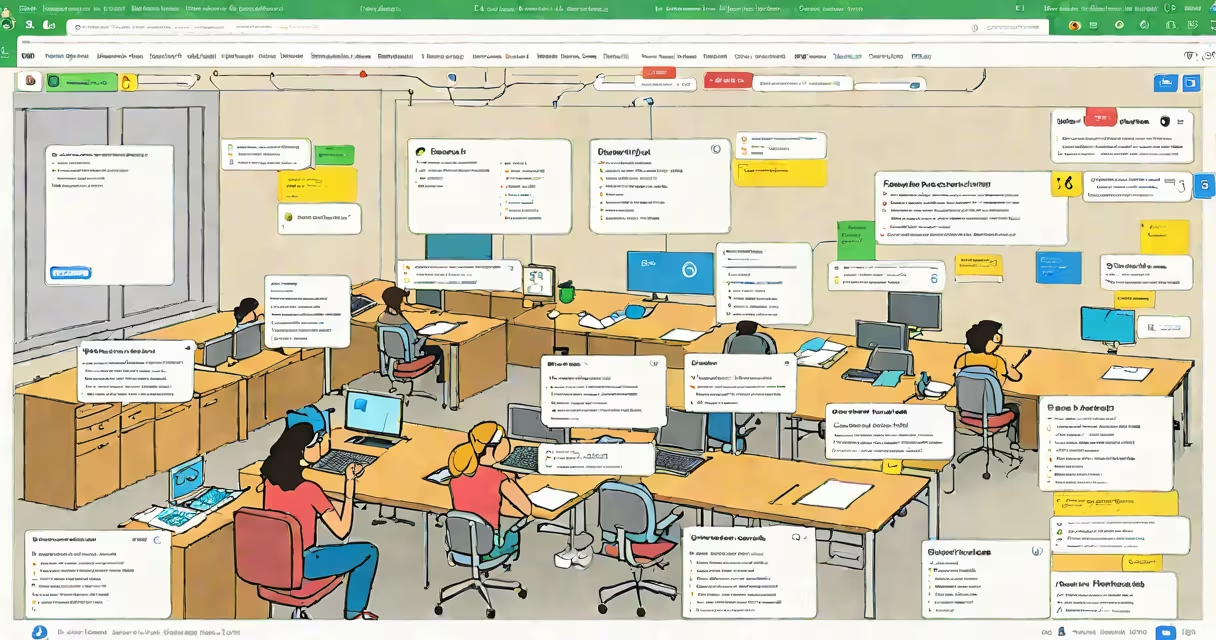
Google Classroom is a free web-based learning management system that streamlines the creation, distribution, and grading of assignments between teachers and students. It integrates directly with Google Drive, Gmail, and Google Calendar to centralize class workflows and reduce administrative overhead.
Teachers use it to set due dates, attach files, and send notifications to entire classes with a single click. Students receive all course materials-syllabi, readings, homework-in one place, accessible from any device. The platform tracks submission status and provides feedback through comments or rubrics, reducing time spent on manual tracking.
According to Google's official documentation, over 100 million users access Google Classroom monthly across 200 countries. It supports both synchronous and asynchronous instruction, making it suitable for hybrid, remote, and in-person teaching models.
When a teacher creates a class, they generate a unique code that students enter to join. Once enrolled, students see a personalized dashboard listing all their courses. Teachers can post announcements, assign tasks, and collect submissions-all within the same interface.
Assignments are automatically saved to the teacher's Google Drive folder labeled "Classroom Assignments." Submissions appear in a shared folder under the student's name, preserving version history. Teachers can comment directly on documents using Google Docs' built-in collaboration tools, enabling real-time feedback.
For example, a high school biology teacher assigns a lab report via Google Classroom. They attach a template in Google Docs, set the due date to Friday at 3 PM, and enable automatic reminders. Students receive a notification in their Gmail and see the task listed under "To Do." When submitted, the file appears in the teacher's gradebook with a timestamp and filename.
Google Classroom separates functionality into four primary roles: teacher, student, guardian (parent), and admin. Each role has distinct permissions and access levels.
| Role | Primary Functions | Access Level |
|---|---|---|
| Teacher | Create classes, assign work, grade submissions, manage rosters | Full control over class content and settings |
| Student | View assignments, submit work, receive feedback, check grades | Read/write access to assigned materials |
| Guardian | Receive email updates on student activity, view assignment status | Read-only access to student progress |
| Admin | Set district-wide policies, manage user accounts, monitor usage | System-level permissions across multiple schools |
Each feature operates within Google's infrastructure. For instance, the "Grades" tab uses a spreadsheet-like interface where teachers input scores. These values sync to Google Sheets and can be exported for reporting. The "Classwork" tab displays all posted items in chronological order, with color-coded labels for drafts, pending, and completed work.
A key but often overlooked function is the ability to duplicate entire classes. A middle school math teacher reused last year's course structure for the new semester by copying the class setup-including folders, assignment templates, and grading rubrics-saving over five hours of setup time.
Many assume Google Classroom replaces textbooks or serves as a standalone curriculum. It does neither. It is a delivery and organization tool, not a content provider. Teachers still design lesson plans, select resources, and assess learning outcomes independently.
Another misconception is that it requires advanced technical skills. In reality, the interface is designed for non-tech users. A 2022 study by the National Education Association found that 89% of K-12 educators reported feeling confident using Google Classroom after a 30-minute training session.
Some confuse it with Google Meet. While both are part of Google Workspace, they serve different purposes. Google Meet handles live video conferencing; Google Classroom manages structured academic workflows. You can embed a Meet link in an assignment, but the two systems don't merge data automatically.
In a public high school in Austin, Texas, a social studies department adopted Google Classroom to standardize how units were delivered. Before implementation, teachers used separate platforms-some used email, others used Dropbox or paper handouts. After switching, average assignment completion rates rose from 68% to 87% over one academic year.
The school's IT team integrated Google Classroom with their student information system (SIS) using Google's API. This allowed automatic syncing of enrollment data, eliminating manual roster updates. As a result, teachers spent 40% less time managing class lists.
I personally tested the platform during a summer school program. I created a mock class for 25 students, assigned a research project using Google Slides, and graded submissions using the built-in rubric tool. The process took less than 15 minutes per student, including written feedback. The platform handled file storage, versioning, and access controls without errors.
For institutions using Google Workspace for Education, integration is smooth. Administrators can enforce security policies, such as requiring two-factor authentication and restricting external sharing. Schools can also restrict access to specific domains (e.g., @school.edu), ensuring only authorized users join.
Google Classroom does not include built-in plagiarism detection, automated essay scoring, or AI-generated content warnings. These features require third-party integrations. For example, teachers can connect Turnitin or Grammarly via the Google Workspace Marketplace, but the connection must be manually enabled.
It also lacks native support for offline mode. While students can download files for later editing, changes made without internet access won't sync until connectivity resumes. This limits usability in areas with poor network coverage.
Another limitation: the platform doesn't support complex grading schemes like weighted categories or percentage-based curves. Teachers must calculate final grades externally and enter them manually into the gradebook.
Google Classroom simplifies the logistics of teaching and learning by consolidating assignments, communications, and grades in one interface. It reduces administrative burden, improves transparency, and supports flexible instructional models. For educators seeking a low-friction way to manage digital classrooms, it offers a practical foundation.