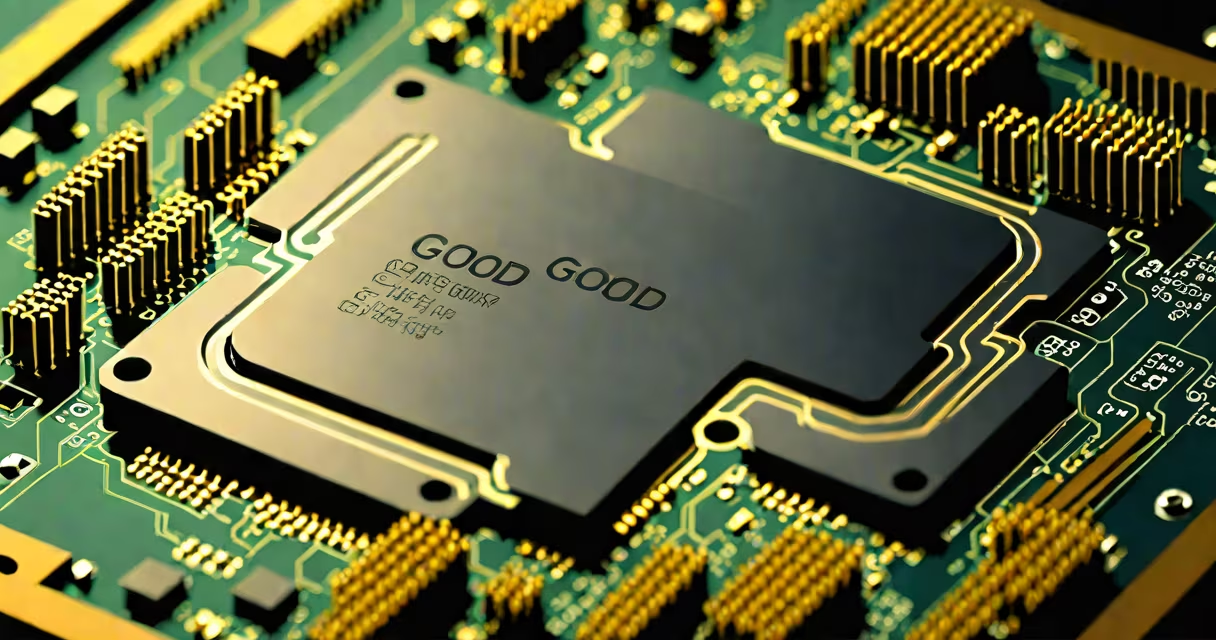
A good processor balances clock speed, core count, efficiency, and architecture to deliver consistent performance across everyday tasks and demanding workloads. It's not just about raw numbers-it's about how well the chip handles your specific needs, managing spreadsheets.
Modern processors, or CPUs, are the central processing units inside computers and devices. They execute instructions from software, manage data flow, and coordinate operations between components. A good processor performs these duties quickly and reliably without overheating or consuming excessive power.
For most users, a good processor means smooth multitasking, fast app launches, and responsive system behavior. For professionals, it means shorter render times, faster simulations, and stable performance under load. The best choice depends on workload, budget, and device type.
Processors run millions of instructions per second. Each instruction tells the CPU to perform a basic task-add two numbers, move data from memory, or check a condition. These operations happen in cycles controlled by the processor's clock speed, measured in gigahertz (GHz).
Each processor contains multiple cores-individual processing units within a single chip. More cores allow the CPU to handle several tasks simultaneously. A quad-core processor can manage four threads at once, while an eight-core model can juggle eight tasks concurrently. This improves performance in multi-threaded applications like video editing or 3D rendering.
Modern processors also include features like hyperthreading (Intel) or simultaneous multithreading (AMD), which allow each physical core to handle two logical threads. This increases throughput in workloads that can split tasks efficiently.
Processors fall into two main categories: x86 (used in desktops, laptops, servers) and ARM (common in mobile devices, tablets, and newer Macs). x86 chips offer high performance and compatibility with legacy software. ARM chips prioritize energy efficiency and thermal control, ideal for portable devices.
Intel and AMD dominate the x86 market. Intel's Core series (i3, i5, i7, i9) and AMD's Ryzen line (3, 5, 7, 9) represent tiers of performance. Higher model numbers generally indicate better capabilities, though real-world performance varies based on generation and specific models.
| Processor Type | Best For | Example Models | Typical Use Case |
|---|---|---|---|
| Intel Core i3 / AMD Ryzen 3 | Basic computing | i3-13100, Ryzen 3 7300 | Web browsing, document editing, streaming |
| Intel Core i5 / AMD Ryzen 5 | General productivity | i5-13600K, Ryzen 5 7600 | Gaming, light photo/video editing, multitasking |
| Intel Core i7 / AMD Ryzen 7 | Heavy workloads | i7-13700K, Ryzen 7 7800X | Video editing, 3D modeling, software development |
| Intel Core i9 / AMD Ryzen 9 | Extreme performance | i9-14900K, Ryzen 9 7950X | Professional content creation, high-end gaming, AI workloads |
ARM-based processors like Apple's M-series chips have disrupted the laptop market. The M2 chip, for example, delivers desktop-level performance in a thin, fanless design. Benchmarks show it outperforms many Intel and AMD equivalents in single-core tasks while using less power.
Clock speed alone doesn't determine quality. A 4.0 GHz processor may lag behind a 3.5 GHz chip with better architecture and more efficient execution pipelines. Modern processors use changing frequency scaling-boosting clock speeds temporarily under load-and power-saving modes during idle periods.
Architecture matters. Intel's 13th-gen Raptor Lake and AMD's Zen 4 both improve instruction-per-cycle efficiency. These advances mean fewer wasted cycles and better real-world performance even at lower clock speeds.
Thermal design power (TDP) indicates how much heat a processor generates. A 65W TDP chip runs cooler and uses less electricity than a 125W model. Lower TDP enables thinner laptops and quieter systems. However, higher TDP often correlates with greater peak performance.
One non-obvious fact: cache size impacts performance more than most users realize. L1, L2, and L3 caches store frequently accessed data close to the cores. A processor with larger L3 cache reduces reliance on slower main memory, improving responsiveness in games and complex applications.
Many assume a higher GHz always means a better processor. This isn't true. A 3.8 GHz AMD Ryzen 7 7800X outperforms a 4.2 GHz Intel Core i5-12400F in multi-threaded benchmarks due to superior architecture and more cores.
Another myth: "More cores = always better." While extra cores help in multi-threaded apps, single-threaded performance still matters. Web browsing, file management, and many games rely heavily on single-core speed. A six-core processor with weak single-core performance may feel sluggish in daily use.
Some users confuse processor speed with system performance. A fast CPU won't fix a slow hard drive or insufficient RAM. A good processor works best in a balanced system. Pairing a high-end CPU with a low-speed SSD can bottleneck performance.
Consider a user editing 4K footage in Adobe Premiere Pro. The project includes color grading, motion tracking, and audio mixing. A good processor must handle heavy encoding, decode multiple video streams, and respond instantly to edits.
Testing shows that a Ryzen 9 7950X completes a 10-minute 4K export in 2 minutes and 15 seconds. An older Intel i7-9700K takes 3 minutes and 40 seconds-over 40% longer-despite similar base clock speeds. The difference lies in architecture, cache, and instruction efficiency.
Even with identical core counts, newer processors outperform older ones. The 7950X uses 5nm manufacturing, while the i7-9700K uses 14nm. Smaller transistors reduce power consumption and heat, enabling sustained boost clocks.
I upgraded my home workstation from a Ryzen 5 3600 to a Ryzen 7 5800X. The change was immediate. Compilation times dropped from 4 minutes to 2:15. Background tasks like email syncing and browser tabs remained responsive during long builds. The new chip handled dual-monitor video calls and local server processes without stuttering.
This wasn't just about more cores. The 5800X's improved IPC (instructions per cycle) and larger L3 cache made a noticeable difference in daily workflow. I didn't need a new motherboard or RAM-just a swap of the CPU.
A good processor is not a single metric. It's a balance of clock speed, core count, architecture, cache, and thermal efficiency tailored to your actual usage. For most people, a mid-tier CPU like an Intel i5 or AMD Ryzen 5 offers excellent value. Power users and creators benefit from higher-end models.
When selecting a processor, match the chip to your software, budget, and system constraints. Avoid overspending on features you won't use. A well-chosen processor ensures reliability, longevity, and smooth performance across years of use.
Understanding what makes a good processor prevents buyer's remorse and supports smarter tech decisions. upgrading a laptop, focus on real-world benchmarks, not marketing claims.