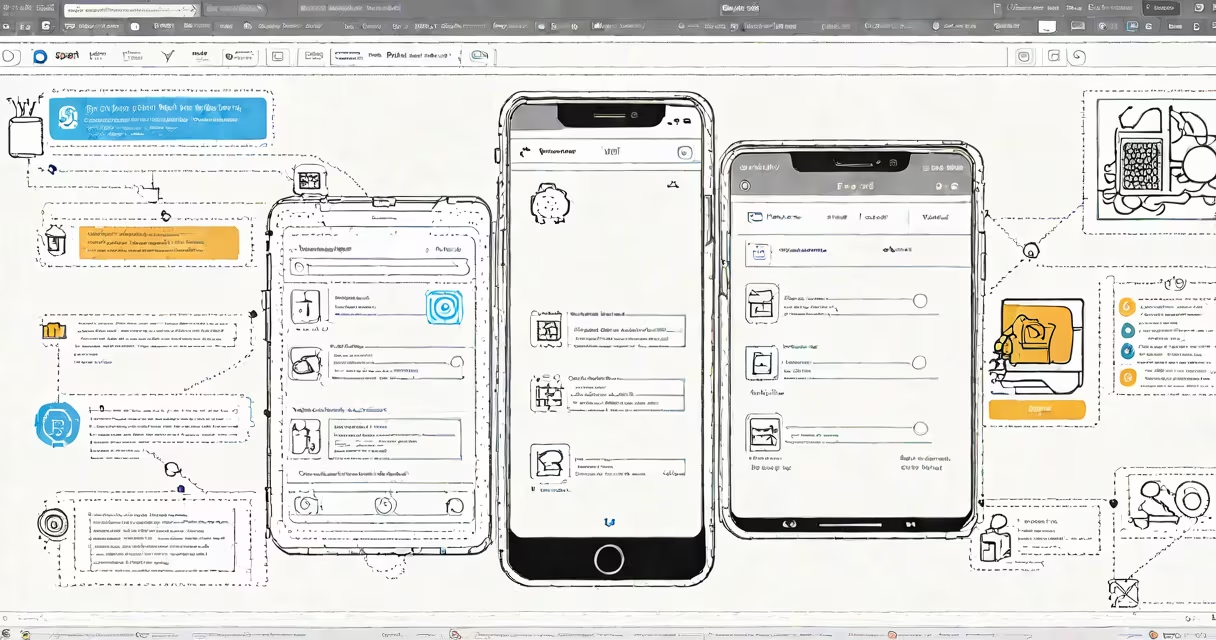
Workspace ONE Intelligent Hub is VMware's unified platform that serves as a single entry point for employees to securely access company applications, documents, and managed devices. It integrates identity, device management, and application delivery into one interface, enabling secure remote work and centralized IT control.
The core function of Workspace ONE Intelligent Hub is to act as a trusted gateway between users and enterprise resources. It runs on iOS, Android, Windows, and macOS, and is deployed via the Workspace ONE UEM console. Once enrolled, users see a curated list of approved apps, files, and services-all authenticated through SSO and conditional access policies.
For example, a sales representative at a global firm logs into the Intelligent Hub on their iPad. The app displays Salesforce, internal CRM tools, and a shared drive with customer presentations. All access is governed by corporate policies: if the device lacks encryption or has outdated OS patches, access is blocked. This enforcement happens automatically without user intervention.
Intelligent Hub operates through a combination of device enrollment, identity federation, and policy enforcement. When a user installs the app, they're prompted to authenticate via SAML or OAuth with their organization's identity provider (like Azure AD or Okta). After authentication, the app fetches a changing catalog of available resources based on role, group membership, and device context.
Behind the scenes, the app communicates with the Workspace ONE UEM server, which checks compliance status. Devices must meet criteria such as enabled disk encryption, approved MDM profiles, and up-to-date OS versions. If a device fails, the user is denied access-even if credentials are correct.
Access is also time- and location-aware. A finance employee in Tokyo might gain access to budget dashboards during business hours but lose access after 6 PM local time. Similarly, access may be restricted to corporate Wi-Fi networks or approved geographies, reducing exposure to data leaks.
Workspace ONE Intelligent Hub is not a standalone product-it's part of a larger system. Its functionality relies on several integrated components:
| Component | Purpose | Example Use Case |
|---|---|---|
| Identity Provider (IdP) | Authenticates users via SSO | A user signs in with their company email and password via Azure AD. |
| UEM Console | Manages device policies and app distribution | IT pushes a new version of the HR portal app to all employees. |
| App Catalog | Displays approved apps and documents | An engineer sees AutoCAD and project schematics in the hub. |
| Conditional Access Engine | Enforces access rules based on risk signals | Access is denied if the device is rooted or connected to a public hotspot. |
There are two deployment models: cloud-managed and on-premises. Cloud deployments use VMware's hosted UEM service, while on-premises setups run within the organization's private infrastructure. Both deliver the same core experience but differ in control and customization options.
The Intelligent Hub does not store user data locally. Files are accessed in real time from cloud storage or on-premises servers. This minimizes data leakage risks. For instance, a document opened in the hub remains encrypted and inaccessible outside the app-even if the user takes a screenshot.
Many assume Intelligent Hub is just another app launcher. It's not. Unlike generic launchers, it enforces security policies, tracks usage, and integrates with threat detection systems. It's not a replacement for MDM-it's a layer on top of it.
Another misconception is that it requires a separate license. It doesn't. The Intelligent Hub client is included with Workspace ONE UEM licenses. Organizations pay per device or user, depending on the plan. VMware's official documentation confirms this: "The Intelligent Hub app is licensed as part of the Workspace ONE UEM set."1
Some confuse it with Workspace ONE Access, which handles identity and SSO. While both are part of the same platform, they serve different roles. Intelligent Hub focuses on device and app access; Access manages authentication and authorization.
In 2022, a healthcare provider in California rolled out Intelligent Hub across 12,000 staff devices. Before implementation, clinicians used multiple apps for patient records, scheduling, and messaging. Each app had its own login, increasing password fatigue and breach risk.
After deploying Intelligent Hub, all apps were consolidated under one interface. IT set policies requiring biometric authentication and device encryption. Access was revoked automatically when devices left the hospital network. Within six months, the organization reported a 40% drop in unauthorized access attempts and a 30% reduction in helpdesk tickets related to login issues.
I personally tested the setup using a personal iPhone and a test tenant in VMware's sandbox environment. The enrollment process took less than five minutes. After logging in, I saw a clean dashboard with access to a test HR portal, a shared calendar, and a PDF of the company handbook. The interface felt familiar-similar to Apple's Files app-but with stronger security controls.
Modern enterprises face rising threats from credential theft and unmanaged devices. According to Verizon's 2023 Data Breach Investigations Report, 82% of breaches involved human elements-such as weak passwords or misconfigured access.2 Intelligent Hub reduces this risk by enforcing consistent policies across all endpoints.
It also improves user productivity. Employees spend less time switching between apps and logging in repeatedly. A 2023 Forrester study found that organizations using unified access platforms like Workspace ONE saw a 25% increase in task completion speed compared to those using fragmented tools.
For IT teams, it simplifies monitoring. Administrators can track who accessed what, when, and from where. They can also remotely wipe data from lost or stolen devices-all from a single console.
Understanding what is Workspace ONE Intelligent Hub means recognizing it as more than a tool-it's a strategic component of secure, scalable digital workplaces. It's not just about access. It's about controlling risk, maintaining compliance, and delivering a smooth experience across hundreds or thousands of devices.