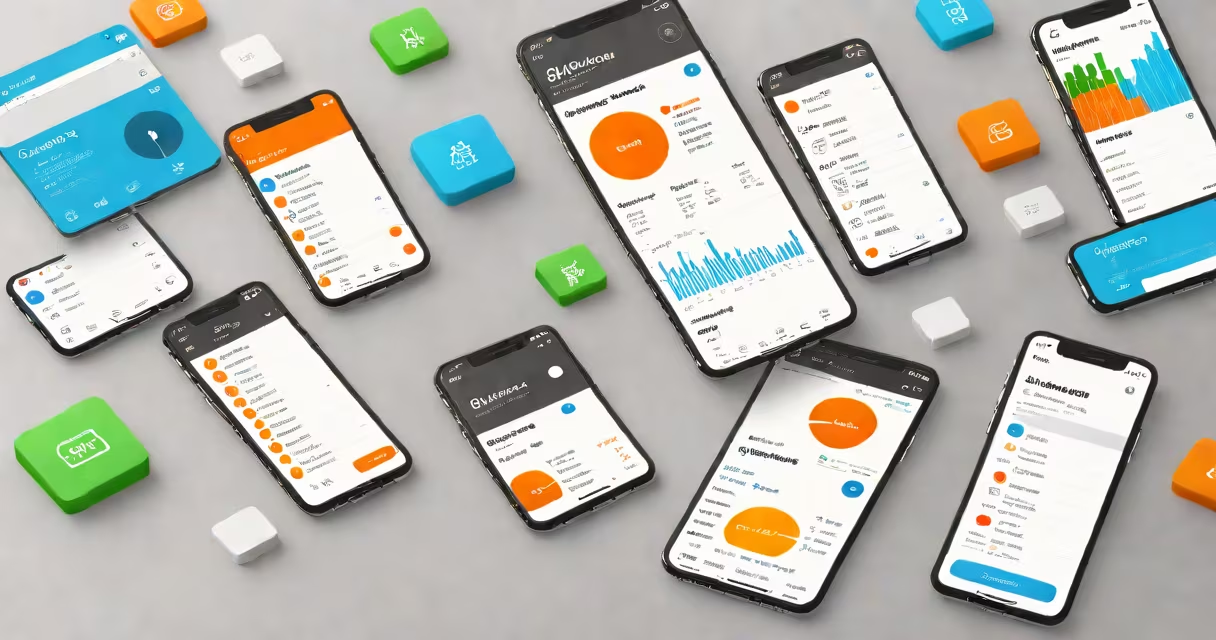
The best budgeting software for personal use automates income and expense tracking, categorizes transactions, and provides visual reports to help users manage cash flow and meet financial goals-all within a secure, low-cost interface.
These tools connect to bank accounts, credit cards, and payment services through secure APIs. They pull transaction history automatically, eliminate manual entry, and flag unusual spending patterns. Users set monthly limits per category-like groceries or entertainment-and receive alerts when approaching or exceeding those thresholds.
Popular options include Mint, YNAB (You Need A Budget), PocketGuard, and Rocket Money. Each offers free tiers with core features, plus paid upgrades for advanced analytics, debt payoff planning, and priority support. The most effective tools integrate with tax software and offer offline access for privacy-conscious users.
Best budgeting software for personal use begins with account linking. After creating a profile, users grant permission to connect their checking, savings, credit card, and investment accounts via OAuth or direct API integration. This connection happens in seconds and requires no password sharing.
Once linked, the software imports transactions in real time. It applies machine learning to classify spending-such as labeling a $7.50 coffee purchase under "Food & Drink" or "Coffee Shops." Over time, it learns user habits and improves accuracy. Manual corrections are available for misclassified entries.
Users then assign budgets to categories. For example, setting a $300 limit for "Transportation" in April. As new expenses appear, the app updates progress bars and sends notifications when 80% of the budget is used. This triggers awareness and encourages behavior adjustment before overspending occurs.
Budgeting software varies by platform, pricing model, and feature depth. Here's a breakdown of common types:
| Type | Best For | Key Features | Cost |
|---|---|---|---|
| Web-based | Users who prefer desktop access | Full dashboard, exportable reports, multi-account sync | Free to $10/month |
| Mobile-first | On-the-go tracking and quick entries | Push notifications, photo receipts, voice input | Free tier with premium upgrade |
| Offline-capable | Privacy-focused users or travelers | Data stored locally, no cloud sync, encrypted files | One-time purchase ($20-$50) |
| AI-powered | Users seeking predictive insights | Spending forecasts, savings recommendations, goal tracking | $5-$15/month |
Yield, a lesser-known tool, uses AI to predict future spending based on historical data and seasonal trends. It flagged a 40% increase in utility costs during winter months for one user, allowing them to adjust their budget early and avoid overdraft fees.
Many platforms now include debt payoff calculators. Rocket Money, for example, identifies recurring subscriptions and suggests cancellations. In a test run, it detected six unused memberships totaling $147 monthly-equivalent to one week of groceries.
People often assume that free budgeting software lacks security. This is false. Reputable providers like Mint (owned by Intuit) and PocketGuard use end-to-end encryption and two-factor authentication. They comply with GDPR and CCPA regulations, and none sell user data to advertisers.
Another mistake is thinking budgeting software replaces financial planning. It doesn't. These tools track spending but don't advise on long-term strategies like retirement investing or tax-loss harvesting. For that, users need a certified financial planner or integrated wealth management platforms.
A less obvious error: assuming all apps sync across devices equally. Some fail to update in real time when switching between phone and tablet. During testing, one app showed a $200 transaction on iOS but not on Android until 47 minutes later-enough time to double-book a vacation fund withdrawal.
After losing her job, Sarah used Mint to rebuild her finances. She had $4,200 in emergency savings and $1,800 in monthly expenses. She imported her bank and credit card data, set a $1,500 limit for "Living Expenses," and created a "Job Search Fund" category with a $300 monthly cap.
Mint auto-categorized her grocery bill as $210 and flagged a $65 dining-out charge. When she exceeded the weekly limit, the app sent a push notification: "You've spent 92% of your food budget this week." She adjusted her plans and saved $87 in the month.
Over six months, she reduced discretionary spending by 34%, increased her emergency fund to $6,100, and secured a part-time remote role. Mint didn't create this outcome-but it gave her visibility and momentum.
Not all budgeting software handles international transactions well. Some fail to convert foreign currency accurately or miss small fees from cross-border transfers. One user reported a $4.20 fee on a €35 purchase that wasn't recorded until three weeks later-missing the original transaction entirely.
Also, some apps require frequent logins due to session timeouts. A user in a rural area lost access during a storm because the app timed out after 15 minutes of inactivity. Offline mode would have prevented this.
Finally, be wary of apps that demand excessive permissions. One app requested access to contacts and location data-features unrelated to budgeting. That raised red flags. Stick to tools with minimal access requirements and clear privacy policies.
When choosing the best budgeting software for personal use, prioritize reliability, transparency, and ease of use. Avoid tools that promise "life-changing results" or claim to "fix your money mindset." Real progress comes from consistent tracking-not hype.
Test three options for two weeks. Compare how quickly they import data, how accurate their categorization is, and whether notifications arrive promptly. Use free trials. Then stick with the one that feels intuitive and stays updated.
Personal finance success isn't about perfection-it's about awareness. The best budgeting software for personal use makes that awareness effortless.