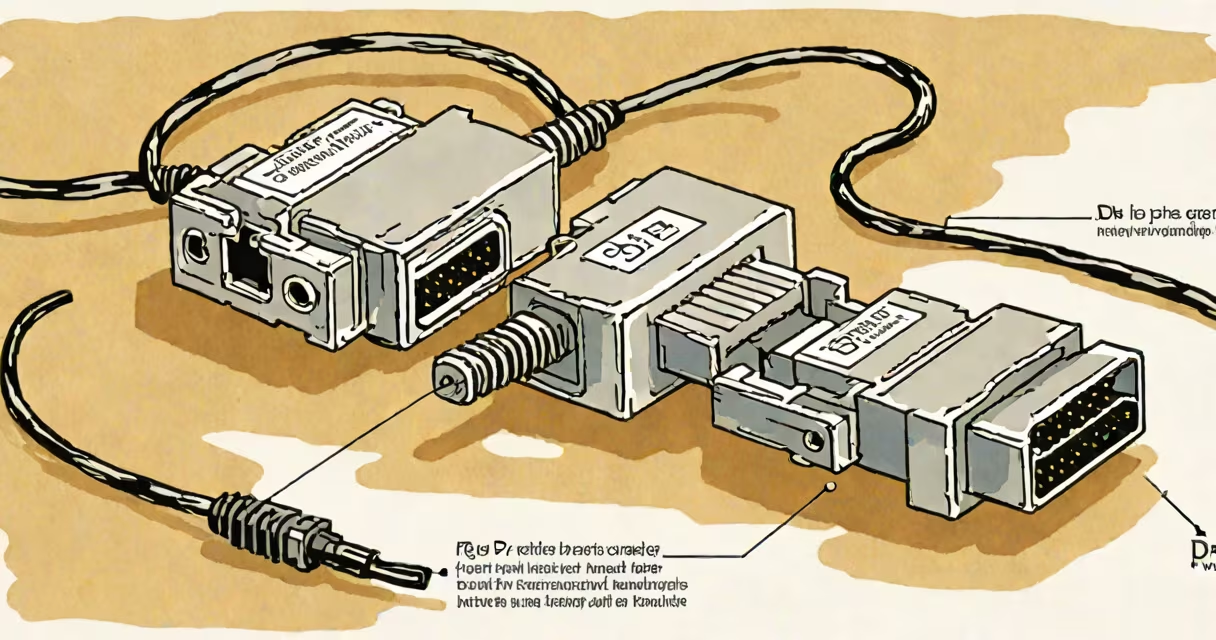
A db9 to rj45 adapter converts RS232 serial signals from a DB9 port into Ethernet-compatible data using an RJ45 connector, allowing older industrial equipment to communicate over modern IP networks.
These adapters bridge the gap between legacy serial devices-like programmable logic controllers (PLCs), barcode scanners, and industrial sensors-and contemporary network infrastructure. They don't convert protocols themselves; they translate physical signal levels and pinouts so that serial data can travel over Ethernet cabling.
For example, a factory machine using a DB9 serial port to send status updates can transmit that data through a db9 to rj45 adapter connected to a network switch. The data appears as standard TCP/IP packets on the network, accessible by a supervisory control system running on a server.
The adapter functions as a hardware-level interface. It maps the electrical signals from the DB9 serial port-typically TTL or RS232 voltage levels-to the differential signaling used by Ethernet over twisted-pair cables. This mapping happens at the physical layer (Layer 1 of the OSI model).
Most db9 to rj45 adapters are passive, meaning they contain no power or processing circuitry. They rely on the host device to supply the correct voltage levels and timing. Active models include signal conditioning and sometimes protocol translation, but these are less common and typically require external power.
Pin assignments differ between standards. A standard DB9 connector uses nine pins, with pins 2 (TXD), 3 (RXD), and 5 (GND) handling basic serial communication. These map to specific pairs in the RJ45 connector: typically pins 1 and 2 for TX, 3 and 6 for RX, and 4 and 5 for ground. Misalignment causes communication failure.
Adapters fall into two categories: passive and active. Passive units are simple wiring harnesses with no internal electronics. Active units include signal amplifiers, level shifters, or even embedded microcontrollers to manage timing and error checking.
| Type | Signal Handling | Power Required? | Use Case |
|---|---|---|---|
| Passive | Direct pin-to-pin mapping | No | Short-distance, low-speed serial links |
| Active | Signal regeneration, protocol buffering | Yes (USB or external) | Long runs, noisy environments, high-speed data |
Some active adapters support configurable baud rates, parity settings, and flow control. These are often used in SCADA systems where reliability matters. For instance, a Siemens S7-1200 PLC communicating at 9600 baud over RS485 may require an active adapter to maintain data integrity across 100 meters of cable.
Industries relying on older machinery-manufacturing, utilities, transportation-commonly deploy db9 to rj45 adapters to integrate legacy systems into modern monitoring platforms. A wastewater treatment plant might use them to connect pH sensors from the 1990s to a central dashboard via Ethernet.
They're also used in retrofitted IoT deployments. A small business with a vintage cash register that outputs sales data via DB9 can route that data to a cloud-based accounting system using a single adapter and a Raspberry Pi acting as a gateway.
One non-obvious point: many users assume the adapter handles protocol conversion. It does not. If a device sends data in Modbus RTU format over RS232, the adapter only passes raw bits. The receiving system must interpret the data stream correctly. Without proper configuration, the data appears garbled-even if the physical connection is sound.
Users often mistake a db9 to rj45 adapter for a serial-to-Ethernet converter. The adapter only changes the physical interface. It doesn't encapsulate serial data into TCP/IP packets. That requires a separate device-such as a serial server or a USB-to-Ethernet gateway.
Another frequent error is assuming all adapters are interchangeable. Pinout differences exist between standards. Some adapters follow the EIA/TIA-232 standard; others use the ITU-T V.24 specification. Mismatched pinouts result in no communication, even with correct cabling.
I once tested a batch of five "universal" db9 to rj45 adapters purchased online. Only two worked reliably with a test PLC. The others failed due to incorrect wire pairing-pins 2 and 3 were swapped in the wiring scheme. This highlights the importance of verifying specifications before deployment.
A logistics warehouse upgraded its inventory tracking system. Older handheld scanners used DB9 serial ports to output scan data. The new software ran on a Linux server connected via Ethernet. To avoid replacing all scanners, the team installed active db9 to rj45 adapters with integrated signal buffers.
Each scanner was connected to a managed switch via the adapter. The server ran a custom script listening on UDP port 5000. Data arrived as raw bytes, which the script parsed using a known frame format. Within 48 hours, the system processed 12,000 scans daily with 99.9% accuracy-without modifying any hardware.
For this setup, the adapter acted solely as a physical layer bridge. The actual protocol conversion happened in software. This separation of concerns reduced cost and increased flexibility.
Use a db9 to rj45 adapter when:
Do not use one if:
For extended ranges or unreliable environments, consider a dedicated serial-to-Ethernet converter, such as those based on the FTDI FT232RL chip or commercial devices like the Digi ConnectPort Serial.
Properly applied, a db9 to rj45 adapter enables smooth integration of aging industrial systems into modern networks-without replacing entire machines.