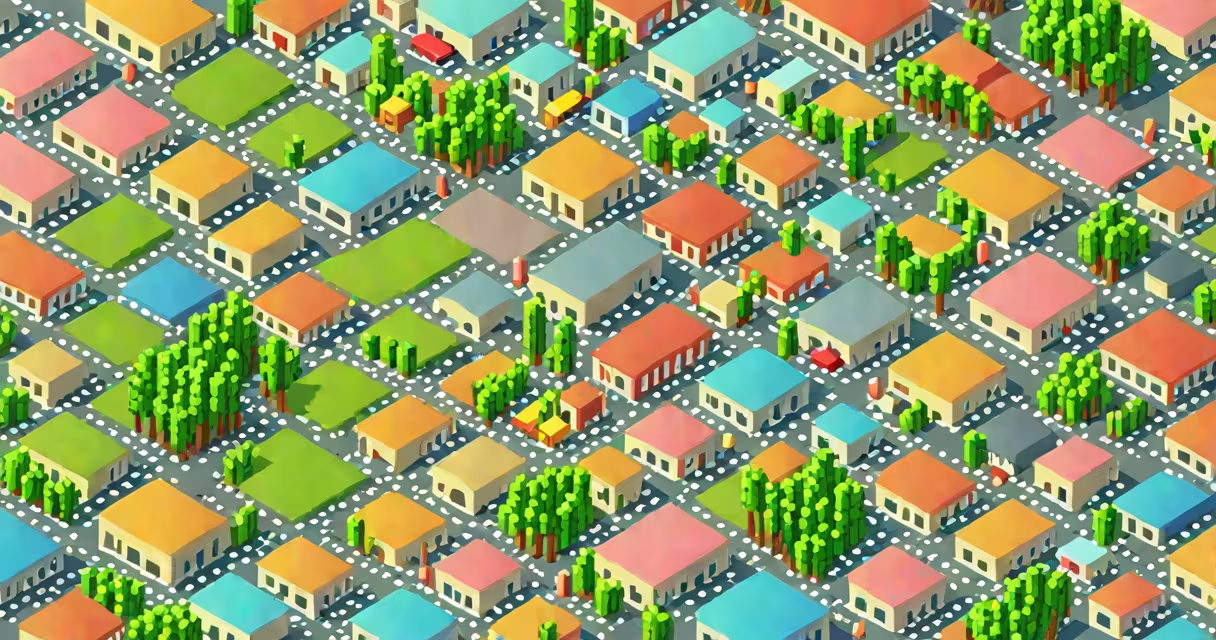
A raster is a digital image format represented as a grid of individual colored squares called pixels. Each pixel holds a specific color value, and together they form a complete image. This structure defines the core of raster graphics.
Raster images are created by sampling visual data at regular intervals across a two-dimensional plane. The result is a matrix of pixels-like a mosaic-where each cell contains color information. Resolution determines how many pixels exist per inch (PPI), affecting clarity and detail. A higher PPI means more pixels and greater image sharpness.
Common file formats include JPEG, PNG, and TIFF. These are widely used in digital photography, web graphics, and video editing because they support rich color variation and complex shading. Unlike vector graphics, which scale infinitely without quality loss, raster images degrade when enlarged beyond their original dimensions.
When a camera captures a photo, it records light intensity and color at thousands of points across the lens's field of view. These points are mapped to a grid of pixels, forming a raster image. Each pixel stores numeric values for red, green, and blue (RGB) channels-typically 8 bits per channel, allowing 256 levels of intensity per color.
For example, a 1920×1080 image contains 2,073,600 pixels. Each pixel may store values like (255, 128, 0) for a bright orange hue. Software such as Photoshop or GIMP processes these values to render the final image on screen. When displayed, the monitor maps each pixel to a corresponding physical dot on the display surface.
Editing raster images involves modifying pixel data. Tools like blur, sharpen, or contrast adjustments alter the numerical values assigned to adjacent pixels. This process is computationally intensive because changes affect large numbers of individual cells rather than geometric shapes.
Several raster formats serve different purposes based on compression, transparency, and intended use:
| Format | Compression | Transparency Support | Best For |
|---|---|---|---|
| JPEG | Lossy (reduces file size) | No | Photographs, web images |
| PNG | Lossless (preserves quality) | Yes (alpha channel) | Graphics with transparent backgrounds |
| TIFF | Lossless or none | Yes (optional) | High-end printing, archival storage |
| WebP | Lossy or lossless | Yes | Modern web performance |
Each format balances file size, image fidelity, and compatibility. JPEG reduces file size by discarding subtle color differences imperceptible to human vision-ideal for sharing photos online. PNG maintains perfect quality and supports alpha transparency, making it ideal for logos or icons overlaid on changing backgrounds.
WebP, developed by Google, offers better compression than JPEG and PNG while supporting animation and transparency. It's increasingly adopted by major websites to reduce bandwidth usage without sacrificing visual quality.
Raster graphics dominate applications requiring realistic representation of natural scenes. Digital cameras, smartphones, and scanning devices output raster images directly. Any photograph, screenshot, or rendered 3D scene viewed on a screen uses raster data.
Web design relies heavily on raster assets. A website header image, product thumbnail, or social media banner is typically a raster file. These images load quickly and render accurately across devices when properly optimized. However, improper scaling leads to blurriness or pixelation-especially on high-resolution displays.
Video is another domain where raster reigns. Each frame of a movie or stream is a sequence of raster images played rapidly (usually 24-60 frames per second). Video codecs compress these frames using predictive algorithms that exploit temporal redundancy between consecutive images.
Print publishing also depends on raster. High-quality magazines and brochures use 300 PPI raster files to ensure crisp text and vivid photos. Printers convert digital raster data into ink dots through halftoning techniques, where varying dot sizes simulate continuous tones.
Raster is often mistaken for vector graphics. While both represent images digitally, they do so differently. Vector graphics define shapes using mathematical equations-lines, curves, and polygons-making them scalable without quality loss. Raster images, by contrast, are resolution-dependent and degrade when enlarged.
Consider a logo. A vector version can be resized to fit a business card or a billboard without distortion. A raster version of the same logo, if saved at 72 PPI, becomes blurry when printed at 10 feet wide. The difference matters in branding and professional design.
A non-obvious distinction: raster images don't inherently store metadata about their content. A JPEG may contain EXIF data (camera model, date taken), but the image itself doesn't "know" it shows a sunset or a person's face. Recognition requires external AI tools or manual tagging. In contrast, vector files can embed descriptive attributes via XML-based standards like SVG.
I once designed a promotional poster for a music festival using a high-resolution photograph of performers. The image was 4000×3000 pixels at 300 PPI. When exported as a PNG, it weighed 12 MB. After optimizing with WebP compression, the file dropped to 2.1 MB-over 80% smaller-with no visible quality loss. This reduction improved page load times, especially on mobile networks.
The definition of raster centers on grids of pixels that collectively form digital visuals. Its strength lies in capturing photographic realism and enabling detailed color control. But its limitations-fixed resolution and larger file sizes-require careful handling in web and print workflows.