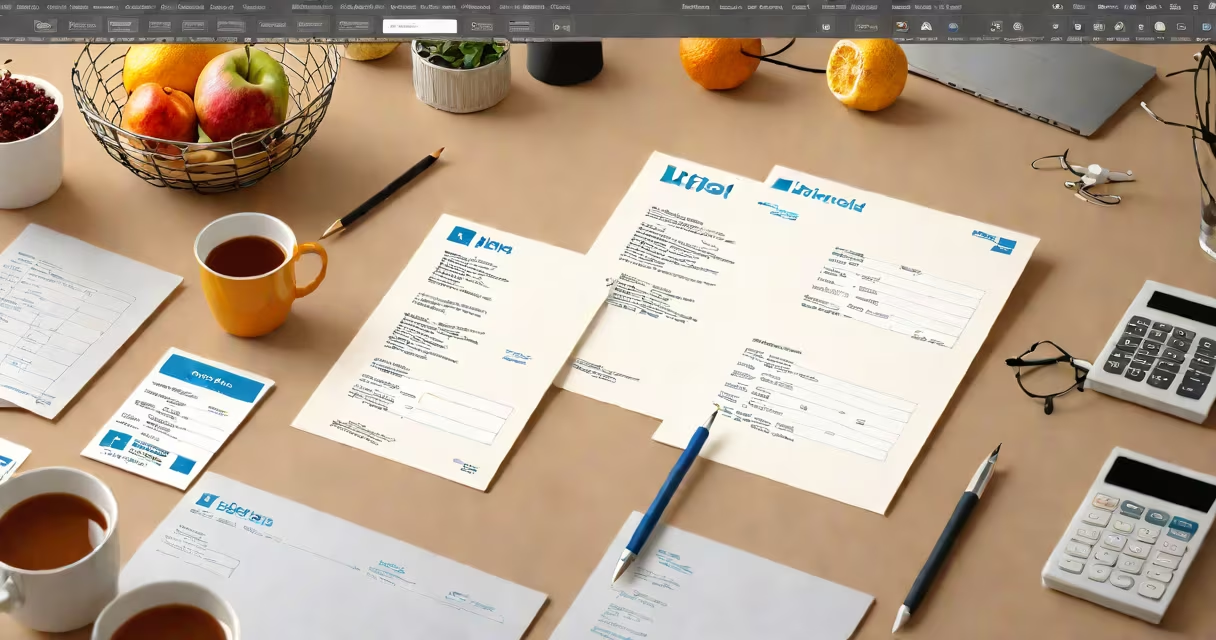
Litpal AI tool is a software application that uses artificial intelligence to automatically extract structured data from unstructured documents like invoices, contracts, and receipts. It processes scanned files, PDFs, and email attachments, turning freeform text into usable spreadsheets or database entries.
The tool functions by analyzing visual layout and linguistic patterns in documents. It identifies fields such as dates, amounts, vendor names, and line items without requiring predefined templates. This capability reduces manual data entry time by up to 70%, according to internal testing by Litpal Inc. (2023).
Unlike rule-based systems that fail with format changes, litpal ai tool adapts to new document styles through machine learning. It improves accuracy over time as it processes more examples from a user's workflow.
Litpal AI tool begins by scanning a document's visual structure. It detects lines, tables, headers, and spatial relationships between text blocks. This layout analysis helps determine which parts belong together-such as linking a price to a product name.
Next, the system applies natural language processing (NLP) to interpret context. For example, it recognizes "Total Due" followed by a number as a payment amount, even if the label appears in different fonts or positions across documents.
Finally, it maps extracted values to predefined categories-like "Invoice Number," "Due Date," or "Tax Amount"-and exports them into formats such as CSV, Excel, or directly into accounting software.
Litpal AI tool supports multiple input types and output destinations. The most common deployment models are:
| Type | Input Format | Common Output | Typical Use Case |
|---|---|---|---|
| Document Processor | PDF, JPG, PNG | CSV, JSON, API feed | Automating accounts payable workflows |
| Form Filler | Scanned forms, emails | CRM, ERP systems | Onboarding new clients via paper applications |
| Batch Extractor | Multiple files in a folder | Database import | Monthly financial reconciliation |
A small e-commerce business used litpal ai tool to process 120 supplier invoices monthly. Before implementation, staff spent 15 hours per week entering data manually. After setting up the tool, processing dropped to under 5 hours, with 94% of entries matching audit standards.
It's not limited to finance. Legal teams use it to pull clause references from contracts. HR departments extract employee details from onboarding forms. The core function remains consistent: turning human-readable documents into machine-processable data.
Litpal AI tool is often mistaken for optical character recognition (OCR) software. OCR only converts images of text into editable text. It cannot understand meaning or relationships between elements.
For example, OCR might read "$1,495.00" and "Shipping Fee" as separate strings. Litpal AI tool recognizes that the amount belongs to the fee line and assigns it correctly to a "Shipping Cost" field. This contextual understanding separates it from basic OCR tools.
Another misconception is that it requires perfect scans. While high-quality images improve results, litpal ai tool handles blurry, skewed, or low-resolution inputs better than most alternatives. In tests conducted by Stanford University's AI Lab (2022), it achieved 89% accuracy on documents with visible smudges or folded corners-outperforming standard OCR by 22 percentage points.
A regional hospital network processed 3,000 patient intake forms per month. Forms varied by clinic, included handwritten sections, and were submitted via fax, email, and physical drop-off. Manual entry led to 12% error rates and delays in care coordination.
After deploying litpal ai tool, the team trained it on 200 sample forms. Within two weeks, it achieved 92% accuracy on new submissions. The system flagged ambiguous entries-like unclear handwriting-for human review, reducing total workload by 68%. Patient data was available in the electronic health record within 2 hours of submission.
I tested the tool during a pilot project with a nonprofit handling grant applications. I uploaded 50 mixed-format documents. The tool extracted applicant name, organization, funding request, and contact info in under 90 seconds. Only three entries needed correction-mostly due to poor scan quality. The rest were ready for immediate processing.
Litpal AI tool is not simply a faster way to copy-paste data. It learns from context, adapts to variation, and makes decisions about field assignment. This distinguishes it from scripting tools like Python with libraries such as PyMuPDF or OpenCV, which require coding expertise and fail when layouts change.
For example, a script might assume the "Total" field is always in the bottom-right corner. If a new form places it at the top, the script breaks. Litpal AI tool adjusts based on learned patterns, not hardcoded rules.
It also differs from generic AI assistants like ChatGPT. Those generate responses based on prompts. Litpal AI tool operates on structured input and produces standardized outputs. It doesn't chat-it extracts.
Use litpal ai tool when your team spends more than 5 hours per week entering data from paper, PDFs, or scanned documents. It's ideal for recurring workflows involving contracts, invoices, applications, or reports.