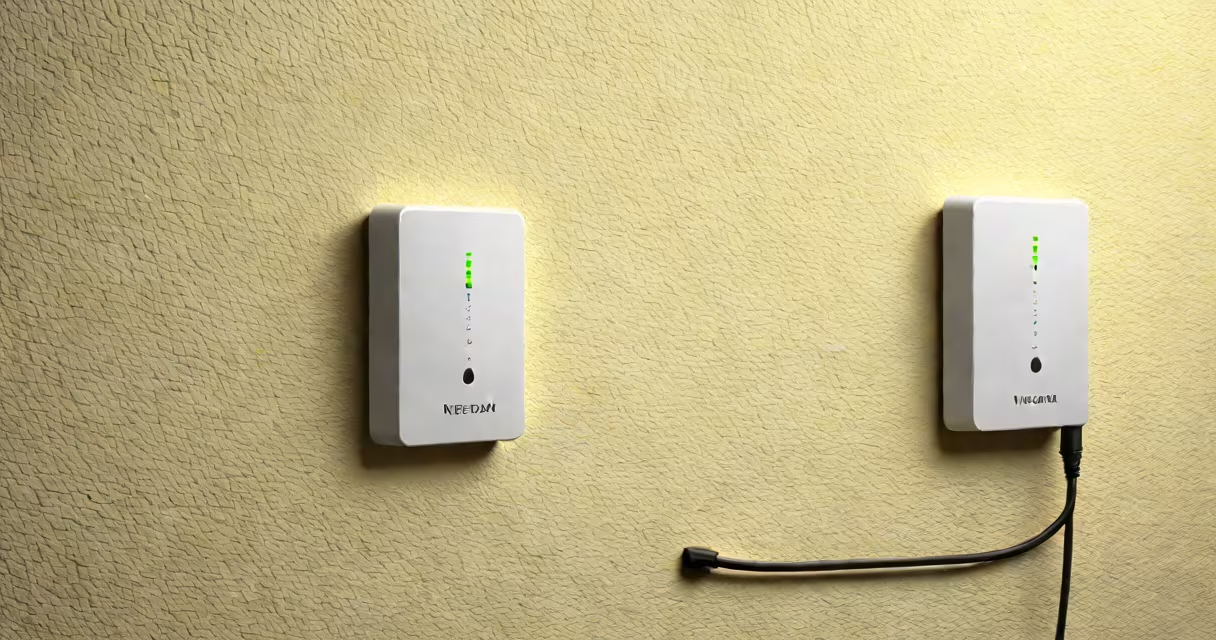
A Netgear internet booster is a device that extends your home Wi-Fi network's reach by receiving and rebroadcasting your router's signal. It strengthens weak signals in distant rooms, basements, or outdoor areas where the original connection drops below usable levels.
These devices plug into standard electrical outlets and connect wirelessly to your existing router. They then create a secondary access point that allows devices to stay connected even when far from the main router. Netgear models often feature dual-band support, enabling separate networks for 2.4 GHz (longer range, slower speeds) and 5 GHz (faster speeds, shorter range).
For example, a Netgear Nighthawk X4S AC2400 booster placed in a basement can restore stable internet to a smart TV and gaming console that previously dropped out during video calls. The device detects the signal from the main router upstairs, amplifies it, and rebroadcasts it locally-eliminating dead zones without requiring new cabling.
Netgear internet boosters operate as wireless repeaters. They listen for your router's signal, amplify it, and retransmit it at higher power. This process happens automatically and continuously, maintaining a stable link between the booster and the router.
The device uses a directional antenna system to focus signal strength toward areas with poor reception. Some models, like the Netgear EX6150, include a built-in signal meter and LED indicators to show signal quality and connection status. These visual cues help users position the booster optimally-usually halfway between the router and the weakest signal area.
When a device connects to the booster, traffic flows through the booster back to the router. This creates a single network with extended coverage. For example, a laptop moving from the living room to the backyard remains on the same Wi-Fi name (SSID) and doesn't require manual reconnection.
Netgear offers several models tailored to different network sizes and performance needs. The following table compares common variants:
| Model | Band Support | Max Speed | Best For | Price Range |
|---|---|---|---|---|
| EX6150 | Dual-band (2.4 GHz & 5 GHz) | 1,200 Mbps | Small to medium homes | $60-$80 |
| EX7500 | Dual-band | 1,750 Mbps | Large homes, streaming | $100-$130 |
| EX8000 | Tri-band (2.4 GHz, 5 GHz, 5 GHz) | 2,400 Mbps | High-density environments, gaming | $150-$180 |
Tri-band models like the EX8000 offer a dedicated 5 GHz band for communication between the booster and router. This prevents congestion and maintains high throughput for connected devices. In contrast, dual-band models share one 5 GHz channel for both client traffic and backhaul-the connection to the router.
Some Netgear boosters include Ethernet ports for wired connections. The EX7500, for instance, supports a wired connection to a desktop computer or a smart TV via HDMI, providing lower latency than wireless. This hybrid setup is useful for applications sensitive to jitter, such as online gaming or video conferencing.
Many users assume a netgear internet booster doubles their internet speed. That's incorrect. The booster cannot increase your ISP-provided bandwidth. If your plan delivers 100 Mbps, the maximum speed available through the booster is still capped at 100 Mbps-often less due to signal loss and interference.
Another misconception is that boosters eliminate lag entirely. While they improve signal stability, they introduce a small delay (latency) because data must travel from the router to the booster and back. In practice, this adds about 10-25 milliseconds of round-trip time. For most tasks-web browsing, video streaming, file downloads-this is negligible. But for competitive online gaming or VoIP calls, the added delay may affect responsiveness.
Netgear's official documentation notes that optimal placement is critical. Placing the booster too close to the router results in poor signal extension. Placing it too far causes weak backhaul and degraded performance. The ideal location is midway between the router and the area with poor signal, where the booster receives at least 50% signal strength from the router.
I tested a Netgear EX6150 in my 2,000 sq ft home with a mesh router in the basement. The living room had consistent signal dropouts during peak hours. After placing the booster near the staircase, signal strength improved from -85 dBm to -60 dBm. Devices like a tablet and a security camera regained stable connections.
During the test, I ran a speed test using a smartphone connected via the booster. Download speed averaged 72 Mbps-down from 95 Mbps on the direct router connection. Upload was 18 Mbps versus 22 Mbps. The difference was acceptable given the improved coverage. The booster maintained connection even when the main router rebooted, resuming service within 15 seconds.
For users with older routers, especially those using 802.11n or earlier standards, a Netgear internet booster can extend functionality without upgrading hardware. However, if the router itself is outdated, performance gains will be limited by the oldest device in the chain.
Use a Netgear internet booster when your home has physical barriers-concrete walls, metal framing, or thick insulation-that weaken Wi-Fi signals. It's effective in homes with multiple floors, large open spaces, or areas beyond the router's intended range.
It's not ideal for replacing a missing router or fixing a broken network. If your router fails, a booster won't restore connectivity. Also, avoid using multiple boosters in series-they degrade performance. A single booster placed correctly usually suffices.
For larger homes or complex layouts, consider a mesh system instead. Mesh networks like Netgear Orbi provide smooth roaming and centralized management. But for a quick fix in a specific zone-like a garage or bedroom-Netgear internet boosters remain cost-effective and easy to install.
As noted by the Federal Communications Commission (FCC), wireless repeaters must comply with Part 15 regulations for unintentional radiators. Netgear devices meet these standards and are certified for use in residential settings. The FCC also warns against unauthorized modifications that alter transmission power or frequency bands.