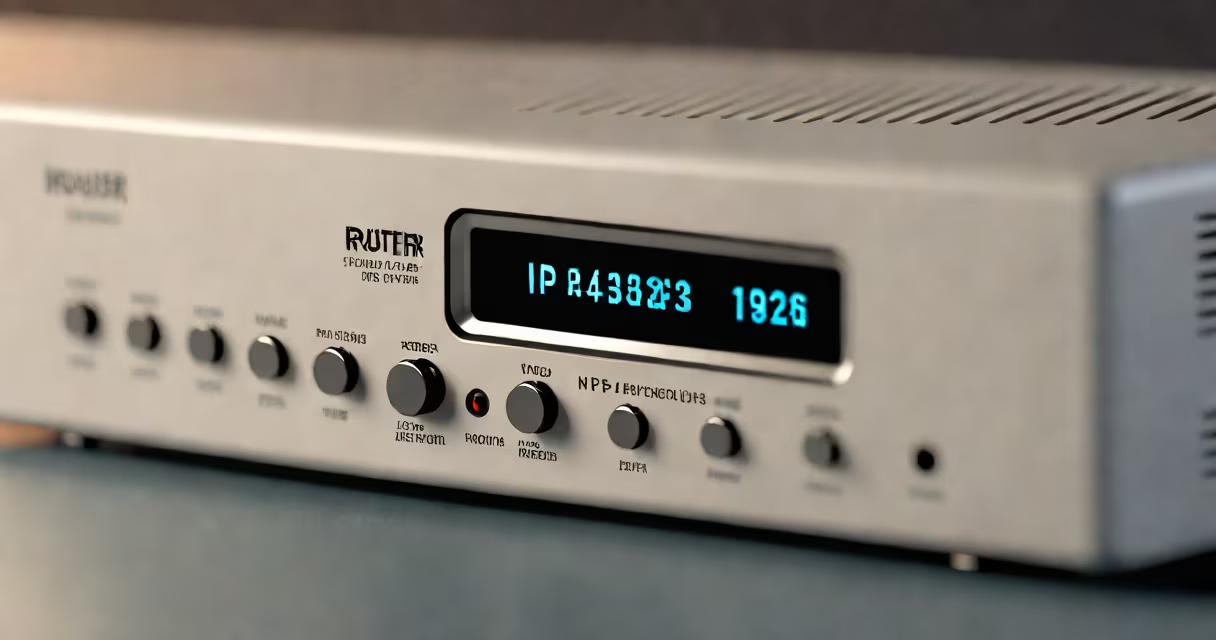
The IP address for your router is the default gateway assigned to the device managing your local network traffic. It is usually set to 192.168.1.1 or 192.168.0.1 during factory setup and serves as the central access point for configuring Wi-Fi, security settings, and connected devices.
Every device on a home network receives an IP address from the router via DHCP. The router itself acts as the bridge between your local network and the internet. Its IP address is essential for accessing the admin interface, where users can adjust settings such as bandwidth allocation, parental controls, and firmware updates.
For most standard routers from brands like Netgear, TP-Link, and Asus, the default IP address is 192.168.1.1. Some models, particularly older or enterprise-grade units, may use 192.168.0.1. These addresses are reserved under RFC 1918 for private networks and are not routable on the public internet.
Your router assigns unique IP addresses to each device on your network using DHCP. When a phone connects to Wi-Fi, it gets an address like 192.168.1.5. The router, acting as the gateway, uses its own IP-typically 192.168.1.1-to route traffic between devices and the internet.
To access the router's configuration page, open a web browser and enter the IP address directly. The browser then sends a request to the router's internal web server, which presents the login screen. Without knowing this address, you cannot change Wi-Fi passwords, set up port forwarding, or troubleshoot connectivity issues.
When you run a command like ipconfig on Windows or ifconfig on macOS/Linux, the "Default Gateway" field shows the router's IP. This is the actual address your computer uses to send packets beyond the local network.
Most consumer routers use one of a few standard IP ranges. The following table lists common defaults by manufacturer:
| Brand | Default IP Address | Common Subnet |
|---|---|---|
| Netgear | 192.168.1.1 | 192.168.1.0/24 |
| TP-Link | 192.168.0.1 | 192.168.0.0/24 |
| Asus | 192.168.1.1 | 192.168.1.0/24 |
| D-Link | 192.168.0.1 | 192.168.0.0/24 |
| Linksys | 192.168.1.1 | 192.168.1.0/24 |
Some ISPs provide modems with integrated routing functions. For example, Spectrum's gateway devices often use 192.168.0.1. Always check the label on the router's underside or consult the manual for brand-specific defaults.
A less obvious fact: many routers allow you to change the IP address manually. If you set it to 192.168.2.1, all devices previously using 192.168.1.1 will lose connection until updated. This is useful in multi-router setups or when avoiding conflicts with other networks.
You need the router's IP address to perform tasks like updating firmware, setting up guest networks, enabling changing DNS, or troubleshooting slow speeds. Without access, you cannot adjust QoS rules, block specific websites, or assign static IPs to printers or smart TVs.
For example, if your smart thermostat stops responding, checking the router's admin panel reveals whether it's been assigned a new IP due to DHCP exhaustion. You can then reserve a static IP for the device to prevent future disruptions.
Network administrators use this address to monitor bandwidth usage, detect unauthorized devices, and enforce MAC filtering. Home users rely on it to set up port forwarding for gaming servers or video conferencing tools.
Many people mistake their public IP address-the one visible to websites and services-for the router's internal IP. Your public IP is assigned by your ISP and changes periodically unless you have a static plan. It's not used to configure the router.
Another error: assuming all routers use 192.168.1.1. While common, this is not universal. A TP-Link Archer C7 defaults to 192.168.0.1. Entering the wrong address results in a "connection refused" message, leading users to believe the router is offline.
Also, some devices report "router IP" incorrectly. A smartphone's network settings may show the gateway as 192.168.1.1, but if the router was reconfigured, that address no longer applies. Always verify through direct access or system commands.
If you don't know the address, use your device's network tools. On Windows, open Command Prompt and run ipconfig. Look for "Default Gateway" under your active network adapter. On macOS or Linux, use route -n | grep default.
I once encountered a customer who couldn't log in because they were entering the public IP instead of the internal one. After switching to 192.168.1.1, access was restored within seconds. This highlights the critical difference between public and private IP addresses.
For advanced users, tools like nmap can scan the local subnet. Running nmap -sn 192.168.1.0/24 reveals all active devices, including the router. This method confirms the IP even if documentation is unavailable.
Knowing the IP address for your router is fundamental to managing your home network. It enables control over security, performance, and device access. Always verify the correct address based on your router model and avoid relying solely on assumptions.