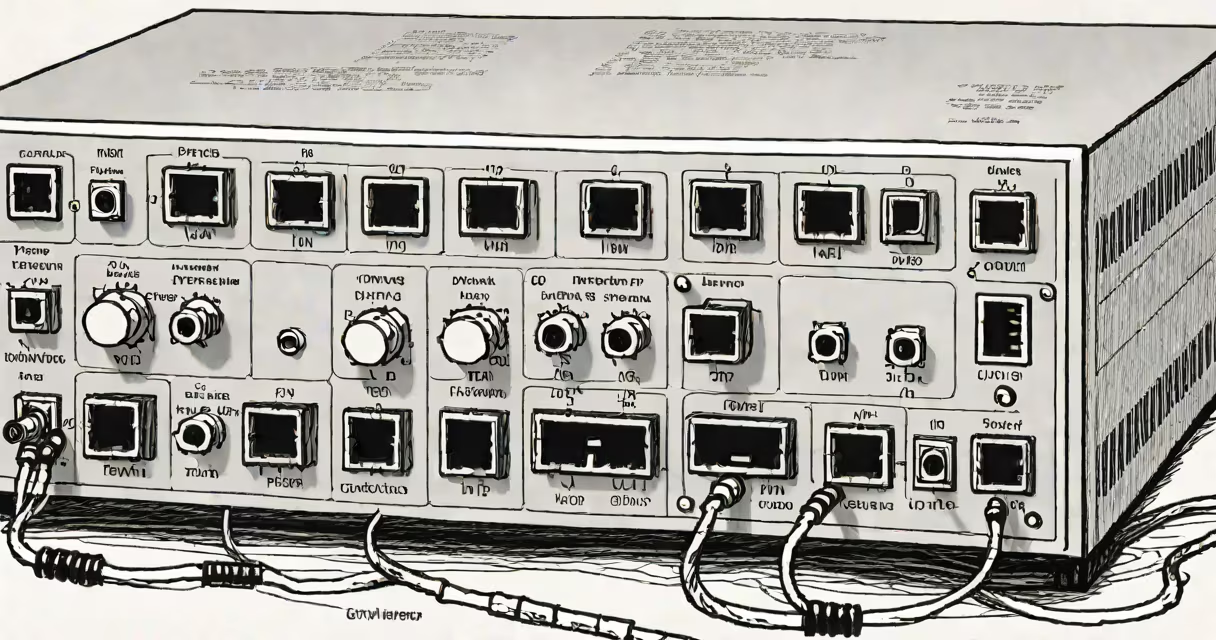
The hp computer power supply is a component that converts AC wall power into regulated DC voltages used by internal parts like the motherboard, CPU, GPU, and storage drives. It ensures consistent power delivery under varying load conditions.
Every desktop HP system-whether a Pavilion, EliteDesk, or Z series workstation-relies on a power supply unit (PSU) to stabilize voltage and protect sensitive electronics. Without it, the system cannot start or sustain operation.
HP designs these units to match specific models, with varying wattage, form factor, and connector types. A mismatched PSU can cause instability, failure to boot, or permanent damage to components.
The hp computer power supply takes 110-240 volts AC from a wall outlet and converts it to low-voltage DC outputs: typically +3.3V, +5V, and +12V. These voltages power different subsystems-+12V for high-draw components like the CPU and GPU, +5V for peripherals and older drives, and +3.3V for logic circuits.
A switching regulator inside the PSU adjusts output based on demand. When the system runs light tasks, power draw drops. During gaming or rendering, the PSU ramps up current while maintaining stable voltage. This prevents brownouts and thermal stress.
Modern PSUs include safety features like overvoltage protection (OVP), overcurrent protection (OCP), and short-circuit protection (SCP). If any fault occurs, the PSU shuts down automatically to prevent damage.
HP uses several PSU types depending on model and year. The most common are ATX-style units with standard 24-pin motherboard connectors, 4-pin CPU power, and SATA or Molex connectors for drives and fans.
| Model Type | Wattage Range | Common Use | Connector Types |
|---|---|---|---|
| Standard Desktop (Pavilion) | 250-400W | Office work, web browsing | 24-pin, 4-pin CPU, SATA |
| Workstation (Z Series) | 600-850W | CAD, video editing, virtualization | 24-pin, 8-pin CPU, PCIe, SATA |
| Small Form Factor (Slim) | 180-300W | Compact desks, home theater PCs | 24-pin, 4-pin CPU, mini-SATA |
Some HP systems use proprietary PSUs with custom connectors. For example, the HP EliteDesk 800 G6 uses a 300W PSU with a unique 12-pin power cable for the motherboard. Replacing it requires matching the pinout and voltage specs exactly.
Not all PSUs are equal. Efficiency ratings (80 Plus Bronze, Silver, Gold) indicate how much input power is wasted as heat. An 80 Plus Gold unit wastes less energy than Bronze-up to 15% less at typical loads.
Users often assume that a failing PSU causes random crashes or boot failures. While true, symptoms can mimic other problems: faulty RAM, corrupted OS, or failing hard drives. Diagnosing a bad PSU requires testing under load.
One non-obvious fact: many HP desktops use modular PSUs with detachable cables. The HP EliteDesk 800 G6 has a modular PSU with separate cables for the motherboard, CPU, and drives. If a single cable fails, replacing the entire unit may be unnecessary-just swap the cable.
Another misconception: "any 400W PSU fits." That's false. Even if wattage matches, physical size and connector layout differ. The HP ProDesk 400 G5 uses a 300W PSU with a 120mm fan and 150mm depth. A generic 400W unit may not fit due to size or mounting hole alignment.
I once replaced a failed PSU in an HP EliteBook 840 G5 laptop. The original was a 65W adapter with a barrel plug. After buying a third-party 65W charger, the laptop wouldn't charge. Testing revealed the aftermarket unit lacked proper communication protocols. The HP system checks for firmware authentication via a chip in the original adapter. Non-certified chargers are blocked.
To replace an hp computer power supply, identify the model number from the label on the PSU or the system's service manual. Common HP model numbers include HP-PSU-300W-100, HP-PSU-600W-200, and HP-PSU-850W-300.
Always match wattage, connector types, and form factor. Use HP's official support site to search by serial number or model name. For example, entering "HP EliteDesk 800 G6" returns the correct PSU part number: 764771-001.
When buying a replacement, avoid generic brands unless they're 80 Plus certified and have a clear warranty. Third-party PSUs may lack surge protection or fail under sustained load. According to Electronics Weekly, 12% of non-branded PSUs fail within 18 months due to poor capacitor quality.
For users upgrading performance, ensure the new PSU supports higher wattage and additional PCIe connectors. A 600W PSU with dual 8-pin PCIe connectors can support a GTX 1660 Super, but a 300W unit cannot.
HP recommends purchasing PSUs through authorized retailers or directly from HP's website. Genuine parts carry a 1-year warranty and are tested against HP's specifications.
Check the label for the following:
If a PSU fails during warranty, contact HP support with the serial number. They'll issue a replacement or repair authorization.
For troubleshooting, use HP's built-in diagnostics tool. Access it by pressing F2 during boot. Run the "Power Supply Test" to check voltage stability and error codes.
Understanding your hp computer power supply ensures reliability, longevity, and safe upgrades. Always verify specs before replacing.