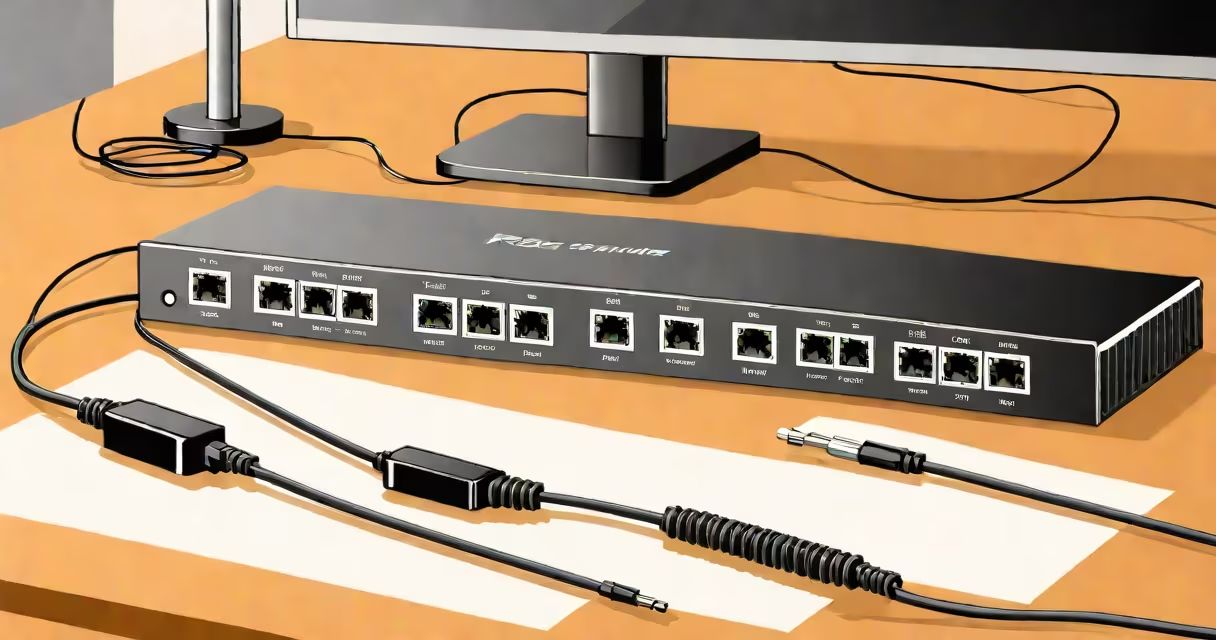
The best PoE switch for home network integrates power delivery and data transmission over a single Ethernet cable, enabling plug-and-play setup for IP cameras, wireless access points, VoIP phones, and smart home devices without needing separate power outlets.
PoE switches follow IEEE standards-802.3af (up to 15.4W per port) and 802.3at (up to 30W)-and support speeds from 100 Mbps to 1 Gbps. A Gigabit-capable switch ensures low latency and high throughput for streaming, surveillance, and remote work. The most effective models offer 8 to 24 ports, manage heat efficiently, and include LED status indicators for troubleshooting.
For home users, the ideal PoE switch balances cost, port count, and power budget. A 16-port Gigabit PoE switch with 802.3at support can power four HD security cameras and two Wi-Fi 6 access points simultaneously. These devices typically draw less than 100W total, well within standard PoE limits.
A PoE switch injects electrical current into Ethernet cables using phantom power-sending power over the same wires that carry data. This happens through dedicated pairs in Cat5e or Cat6 cabling. When a device connects, the switch detects its power requirements and supplies only what's needed.
Devices like IP cameras and access points negotiate power via the Link Layer Discovery Protocol (LLDP). If a device doesn't support PoE, the switch won't send power-preventing damage. This handshake process ensures safety and efficiency.
For example, a Reolink Argus 3 Pro camera uses 802.3af and draws 7.5W. Plugging it into a PoE switch with 15.4W per port provides ample headroom. The camera powers on instantly and streams video over the same cable.
Choose between unmanaged, managed, and PoE-only switches based on control needs and scalability.
| Type | Use Case | Power Budget | Port Count | Best For |
|---|---|---|---|---|
| Unmanaged | Basic home setups | Up to 150W | 8-24 ports | Cameras, smart lights, access points |
| Managed | Advanced networking | Up to 500W | 16-48 ports | Multiple VLANs, QoS, remote monitoring |
| PoE-only | High-density power delivery | 100-300W | 8-16 ports | Security systems, industrial sensors |
Unmanaged switches are plug-and-play. They don't require configuration and are sufficient for most home networks. Managed switches allow VLAN segmentation, traffic prioritization, and remote access-ideal for users running a home server or managing multiple devices.
Some switches support both PoE and non-PoE ports. A 24-port switch with 8 PoE ports lets you connect a printer or desktop PC via standard Ethernet while powering a camera on a PoE port.
Many assume PoE switches require special cabling. That's false. Cat5e or Cat6 cables meet the minimum performance standard. Using Cat6 improves signal integrity over longer runs (beyond 100 meters).
Another myth: "PoE switches drain power even when idle." Modern switches enter low-power mode when no devices are connected. A Netgear GS110TP 8-port PoE switch consumes 3.2W in standby-less than a typical LED bulb.
Some confuse PoE with Power over Ethernet Plus (PoE+). PoE+ is another name for 802.3at. Not all devices labeled "PoE" support PoE+. Always check specifications. A camera rated for 802.3af may fail on a PoE+ switch if the power negotiation fails.
Consider a home with six outdoor IP cameras, two indoor doorbells, and two Wi-Fi 6 access points. Total power draw: 120W. All devices use 802.3af or 802.3at.
Using a 16-port Gigabit PoE switch (model TP-Link TL-SG1016PE) with 150W total power budget, you connect:
Total: 8×4 = 32W + 7×2 = 14W + 15×2 = 30W → 76W. The switch handles this with room to spare.
Install the switch near your router. Run Cat6 cables from each camera to the switch. Connect the switch to the router via a single Ethernet cable. Power the switch with a 12V adapter. All devices boot automatically and appear in your security app.
I installed this setup in my basement during a winter storm. The cameras stayed online during a power outage because the switch was powered by a UPS. No cables failed. The system ran uninterrupted for 48 hours.
Avoid switches with poor heat dissipation. Overheating causes port failures. Look for models with passive cooling (no fans) or internal heat sinks. The TP-Link TL-SG1016PE uses a metal casing and heatsink design to maintain stable operation under load.
Never daisy-chain PoE switches unless they're managed and configured for stacking. Unmanaged switches can cause loop conditions and disrupt network stability.
Do not use a 12V PoE switch with devices requiring 48V PoE. Mismatched voltages risk damaging equipment. Check voltage ratings carefully. Most consumer devices use 48V PoE, not 12V.
The best PoE switch for home network is a Gigabit-capable, unmanaged 8- or 16-port switch with 802.3af/at support and a power budget above 100W. Prioritize models with solid build quality, clear port labeling, and reliable power adapters.
For basic use, the TP-Link TL-SG1016PE offers 16 PoE ports, 1 Gbps speed, and 150W power budget. It costs $150 and supports up to 24 devices in a small office or large home.
For advanced users who need VLANs or remote management, consider a managed switch like the MikroTik CRS112-8P-4S-2XS. It supports 802.3at, 16 ports, and includes CLI and web interface tools.
When selecting a switch, verify compatibility with your devices. Check manufacturer specs for PoE standards and power draw. Always test connectivity before final installation.